
HD Pro Duplicator - Advanced Setup - Keep Last Partition

The Keep Last Partition setting is used to configure how Resize Copy functions when the Source drive has multiple partitions. Tap the ENT button to change this option.
|
Disabled |
When you run a Resize Copy operation, the last partition on the Target drive will be expanded to use up any unallocated space. Note: This is the Default setting. |
|
Enabled |
When you run a Resize Copy operation, the last partition on the Target drive will be the locked as the same size as the last partition on the Source drive. |
To alter the Keep Last Partition setting:
- Power on the duplicator.
- From the Main Copy Menu press the ESC button to enter the Menu Select mode.
- Press the Up or Down buttons until you see Advanced Setup.
- When Advanced Setup is displaying for you, press the ENT button to enter this menu.
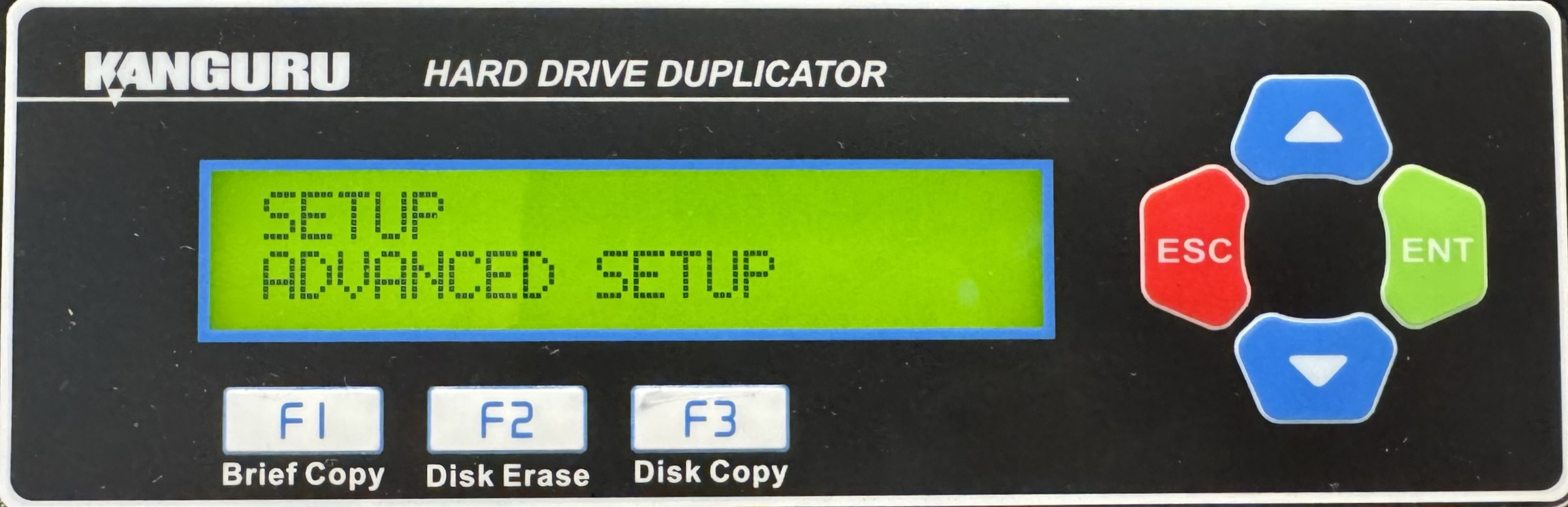
- Press the Up or Down buttons until you see Keep Last Partition.
- When Keep Last Partition is displaying for you, press the ENT button to alter the setting.
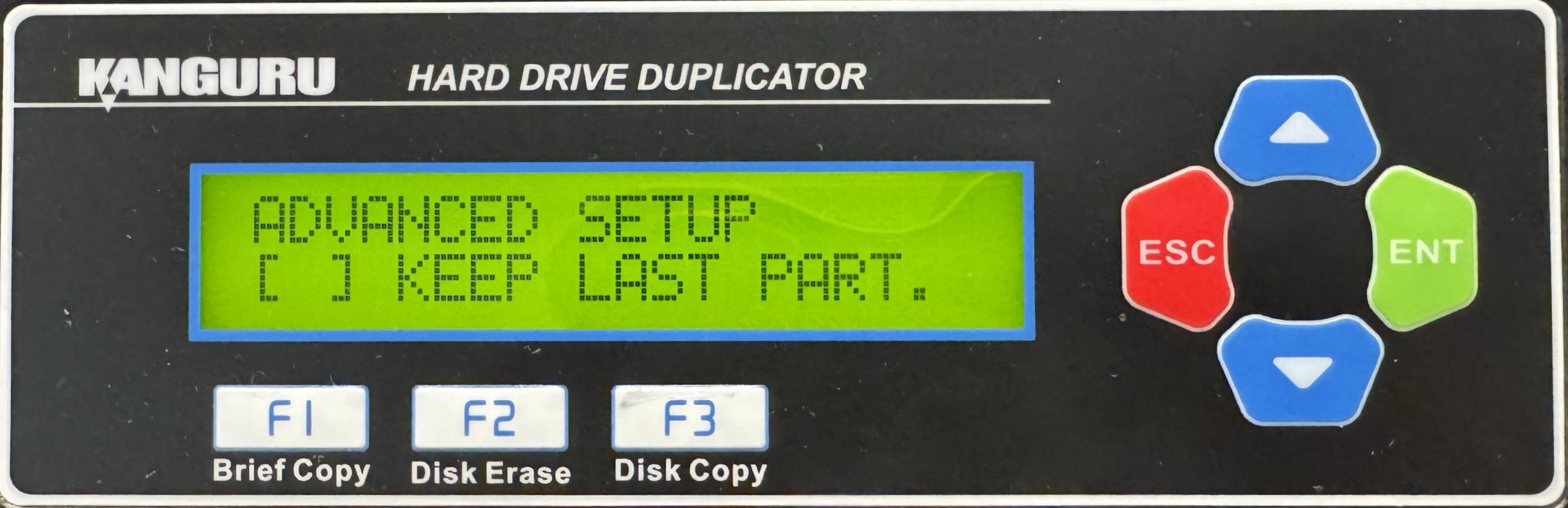
- Once you have altered the setting, you can press the ESC button to return to the Menu Select mode.


