
HD Pro Duplicator - Main Copy Menu - Erase - Quick Erase

The Quick Erase operation will delete the partition table from any connected Target drives. Without the partition table, the drive will appear as a blank, unformatted drive to a computer operating system. This is the quickest erase method and typically only takes a few seconds to complete.
Caution: The Quick Erase operation only deletes the drive’s partition table. The actual data saved to the disk will still exist and with commonly available tools it is possible to recover the data from a drive that has been erased using Quick Erase.
To perform a Quick Erase:
- Power on the duplicator.
- Connect drives to the Target ports on the duplicator.
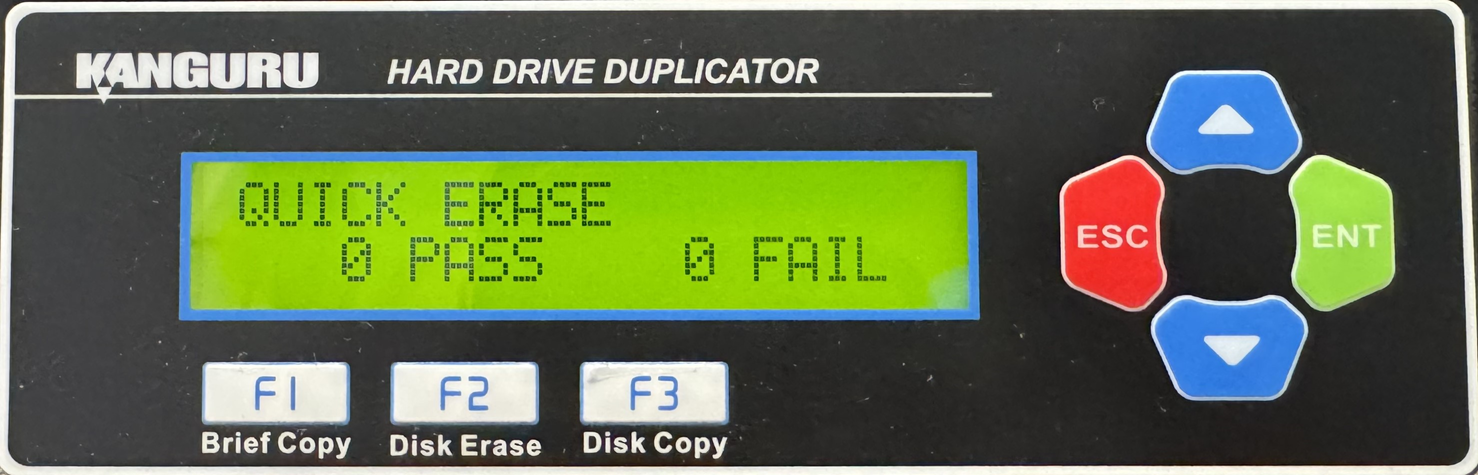
- From the Main Copy Menu press the Up or Down buttons until you see Quick Erase.
- When Quick Erase is displaying for you, press the ENT button to start this process.
Note: The Source port is not able to be erased unless you enable Erase Source Port located under Main Setup.


