
HD Pro Duplicator - Main Setup - Scan Size

The Scan Size setting is used to define how the duplicator builds a data map of the Source drive image into flash memory. The device scan performance is based on the Scan Size setting. The larger the Scan Size setting, the faster the device scan performance, however there will be more unused data when the data map is built. A smaller Scan Size will build a more precise data map, but will take more time to build.
The Scan Size can be set to 128KB, 256KB, 512KB, 1MB or 2MB.
The default setting is 128KB.
To alter the Scan Size setting:
- Power on the duplicator.
- From the Main Copy Menu press the ESC button to enter the Menu Select mode.
- Press the Up or Down buttons until you see Main Setup.
- When Main Setup is displaying for you, press the ENT button to enter this menu.
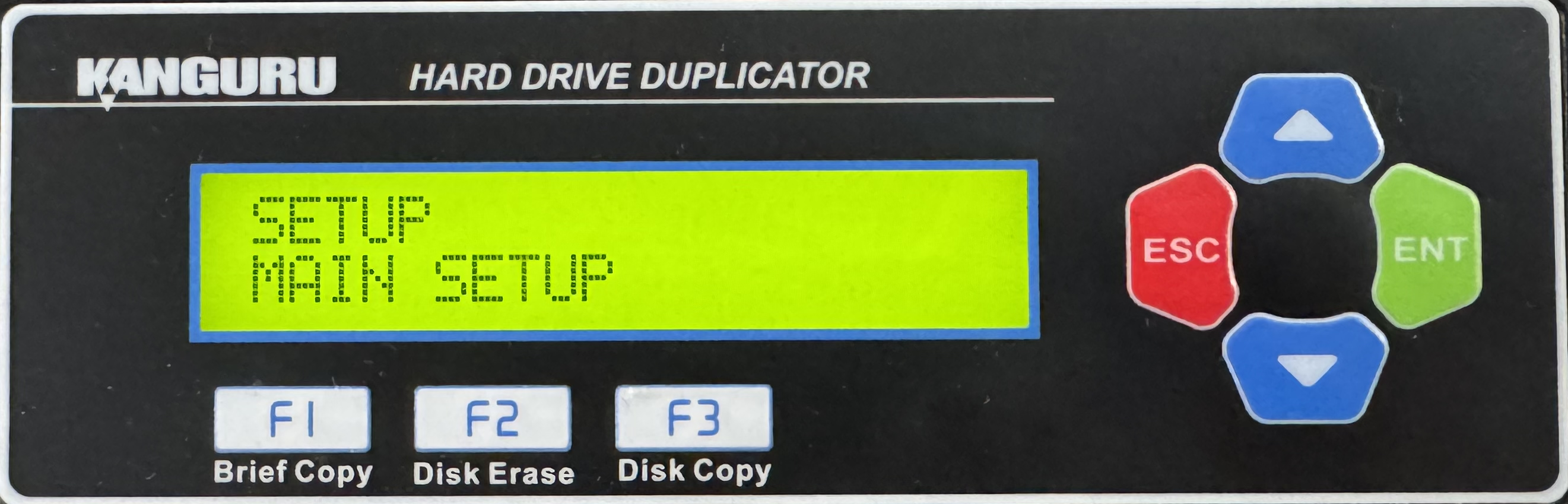
- Press the Up or Down buttons until you see Scan Size.
- When Scan Size is displaying for you, press the ENT button to alter the setting.
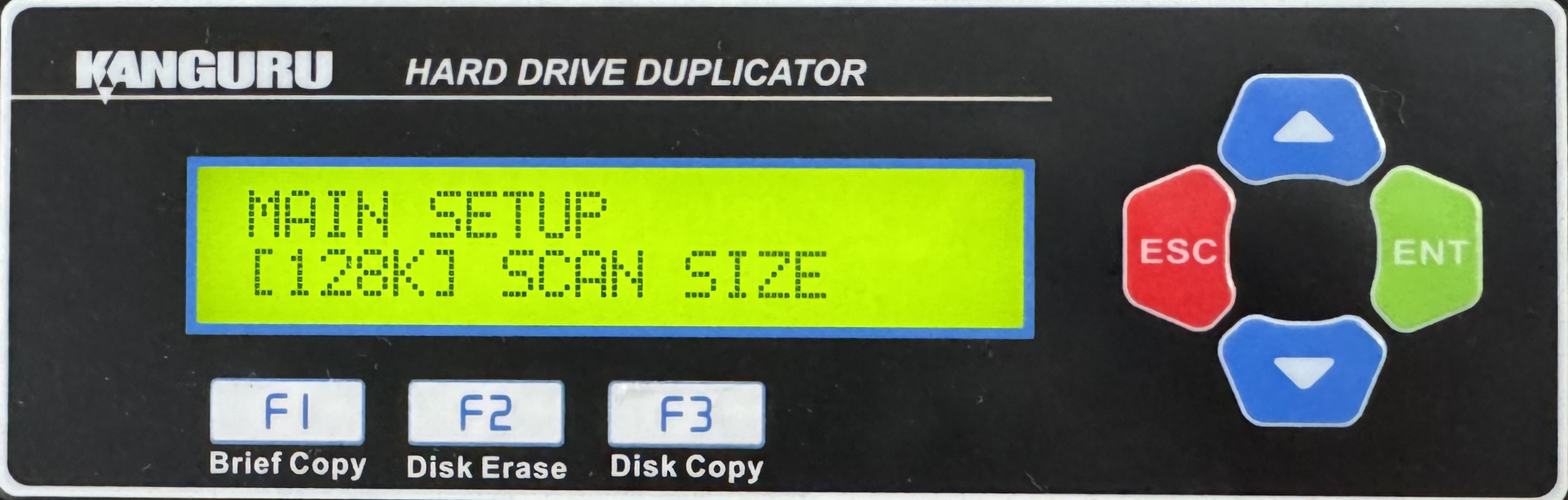
- Use the Up or Down buttons to alter the setting.
- Press the ENT button to save the setting.
- Press the ESC button to return to the Menu Select mode.


