
HD Pro Duplicator - About - System Information

The System Information option allows you to view information regarding your duplicator’s firmware version and build.
To view your firmware version on your duplicator:
- Power on the duplicator.
- From the Main Copy Menu press the ESC button to enter the Menu Select mode.
- Press the Up or Down buttons until you see About Menu.
- When About Menu is displaying for you, press the ENT button to enter this menu.
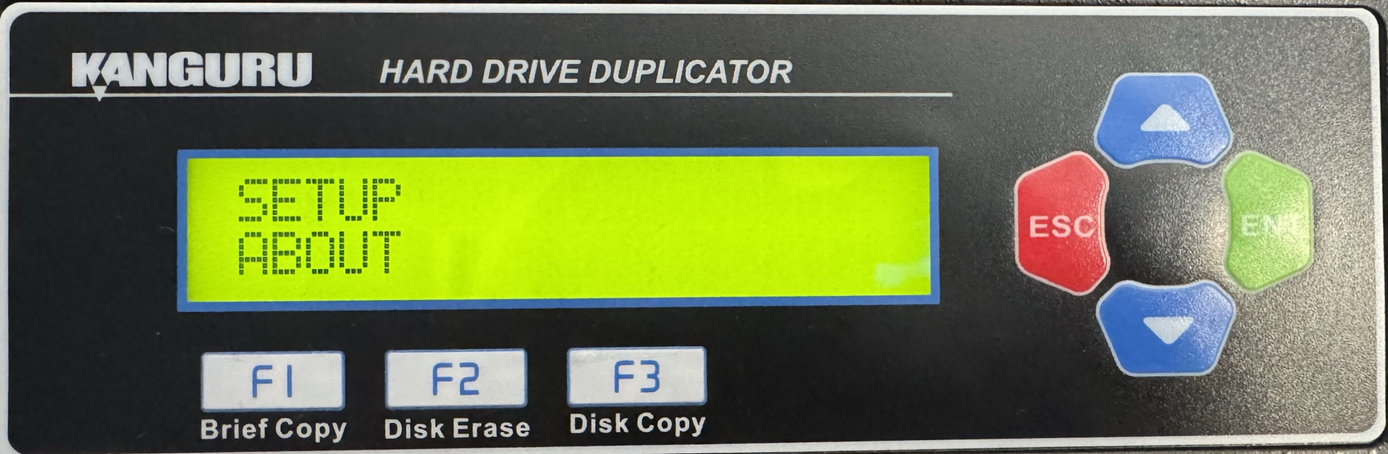
- Press the Up or Down buttons until you see System Information.
- When System Information is displaying for you, press the ENT button to enter this option.
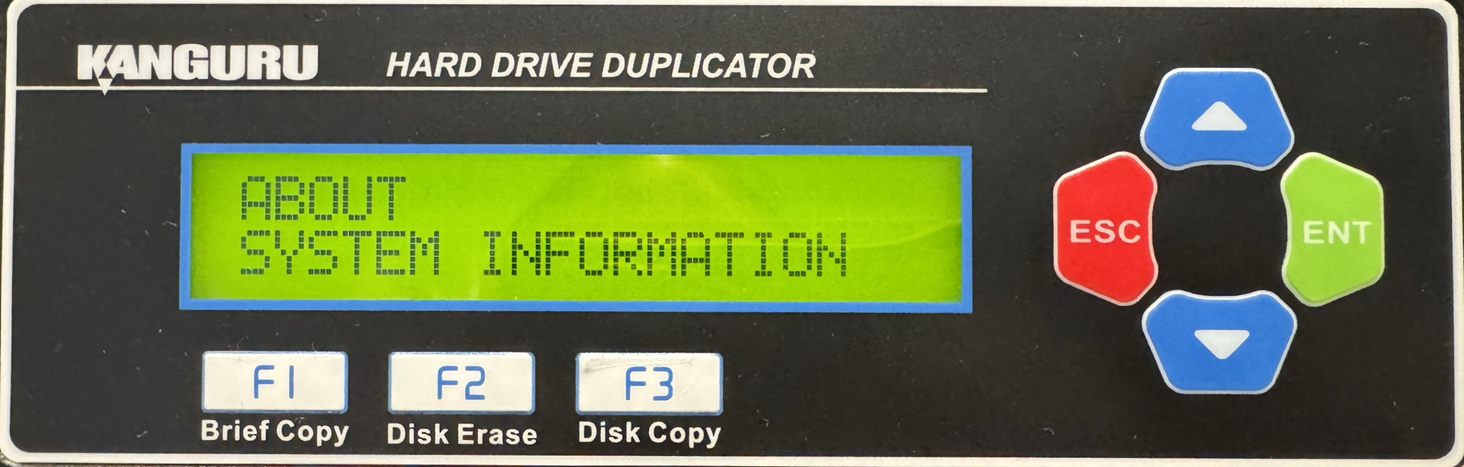
- You will be shown the device firmware version that is on the device. Press any button to return to the About menu.


