
HD Pro Duplicator - Advanced Setup - Set Daisy Chain Connect Time

The more duplicators you have connected through daisy chain, the longer it will take to initialize during bootup. The Set Daisy Chain Connect Time option allows you to configure the maximum amount of time that the system checks for daisy chain connected duplicators during bootup. Tap the ENT button to change this option.
NOTE: This is only available on the 15-Target and 23-Target Hard Drive SATA Pro Duplicators.
The Set Daisy Chain Connect Time can be set from 0 to 999. The default value is set to 999.
To alter the Set Daisy Chain Connect Time setting:
- Power on the duplicator.
- From the Main Copy Menu press the ESC button to enter the Menu Select mode.
- Press the Up or Down buttons until you see Advanced Setup.
- When Advanced Setup is displaying for you, press the ENT button to enter this menu.
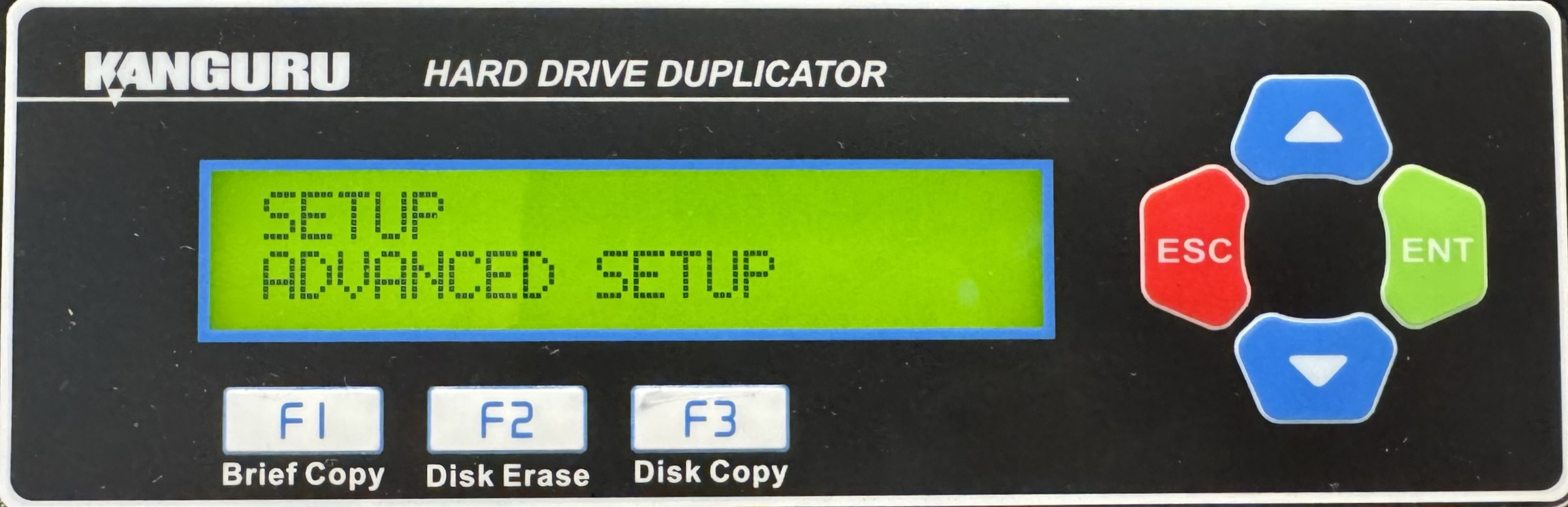
- Press the Up or Down buttons until you see Set DC Connect Time.
- When Set DC Connect Time is displaying for you, press the ENT button to alter the setting.
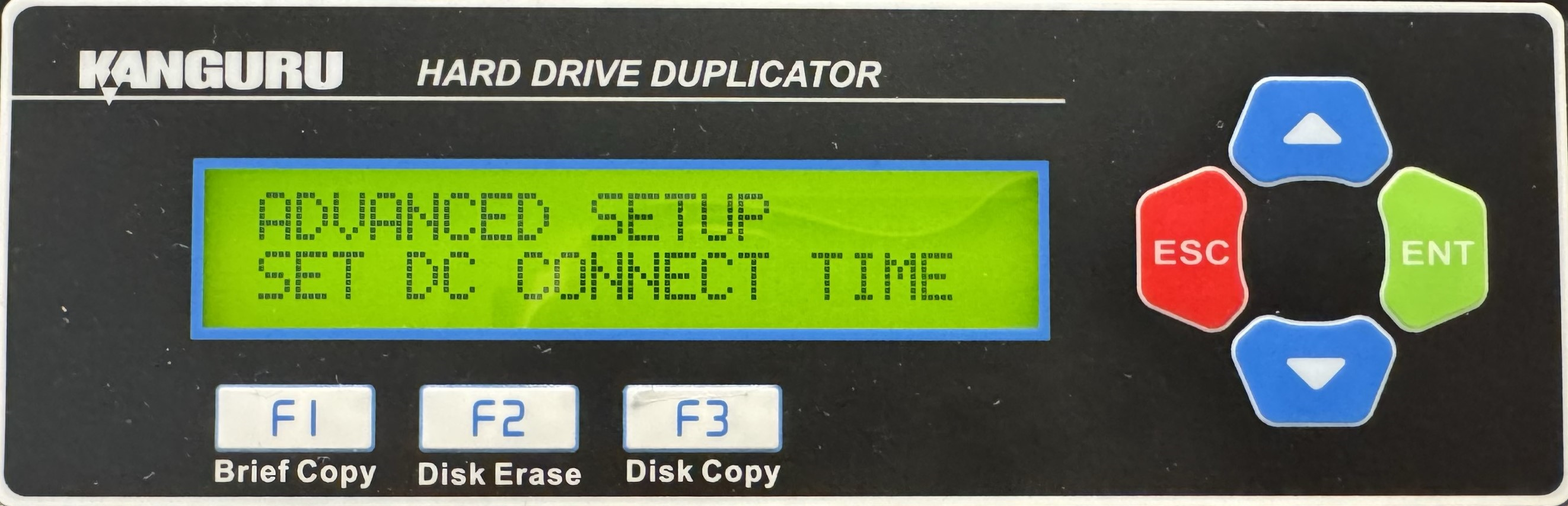
- Use the Up or Down buttons to alter the setting.
- Press the ENT button to save the setting.
- Press the ESC button to return to the Menu Select mode.


