
HD Pro Duplicator - Advanced Setup - Set Kick Time

If Auto Kick Slow has been enabled, the Set Kick Time option will define the how long a drive can operate below the speed defined by Set Kick Speed before it is ejected from the operation. Tap the ENT button to change this option.
NOTE: This is only available on the 15-Target and 23-Target Hard Drive SATA Pro Duplicators.
The time can be set from 1 to 120 seconds. The default setting is 30 seconds.
To alter the Set Kick Time setting:
- Power on the duplicator.
- From the Main Copy Menu press the ESC button to enter the Menu Select mode.
- Press the Up or Down buttons until you see Advanced Setup.
- When Advanced Setup is displaying for you, press the ENT button to enter this menu.
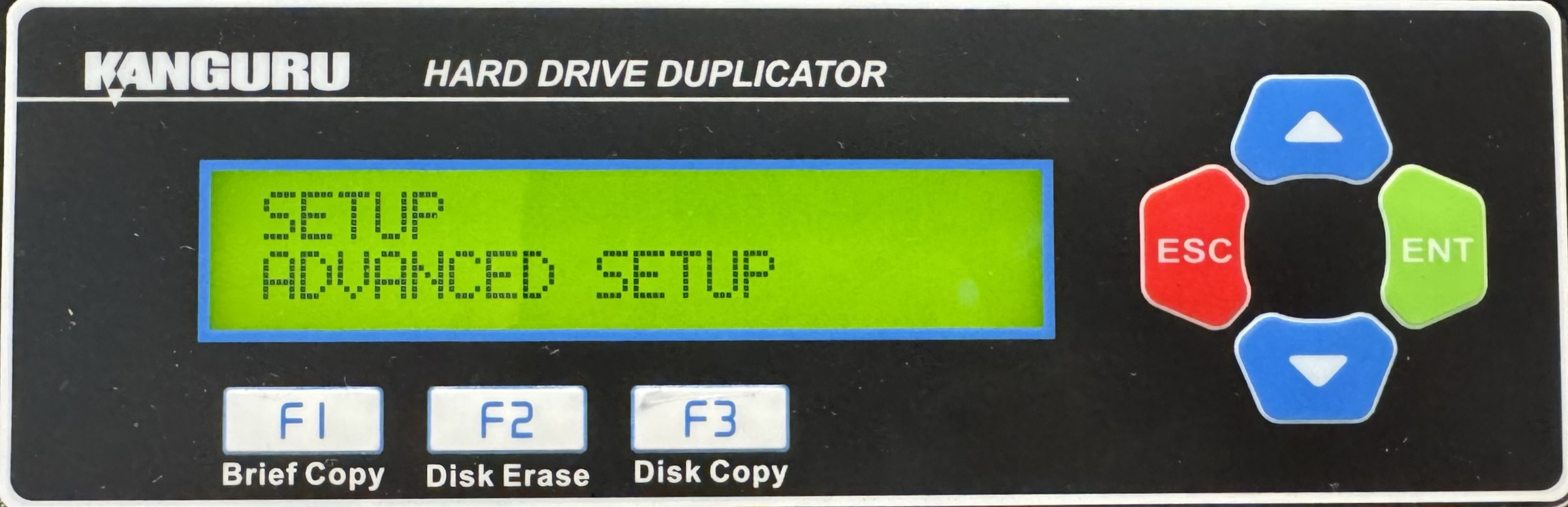
- Press the Up or Down buttons until you see Set Kick Time.
- When Set Kick Time is displaying for you, press the ENT button to alter the setting.
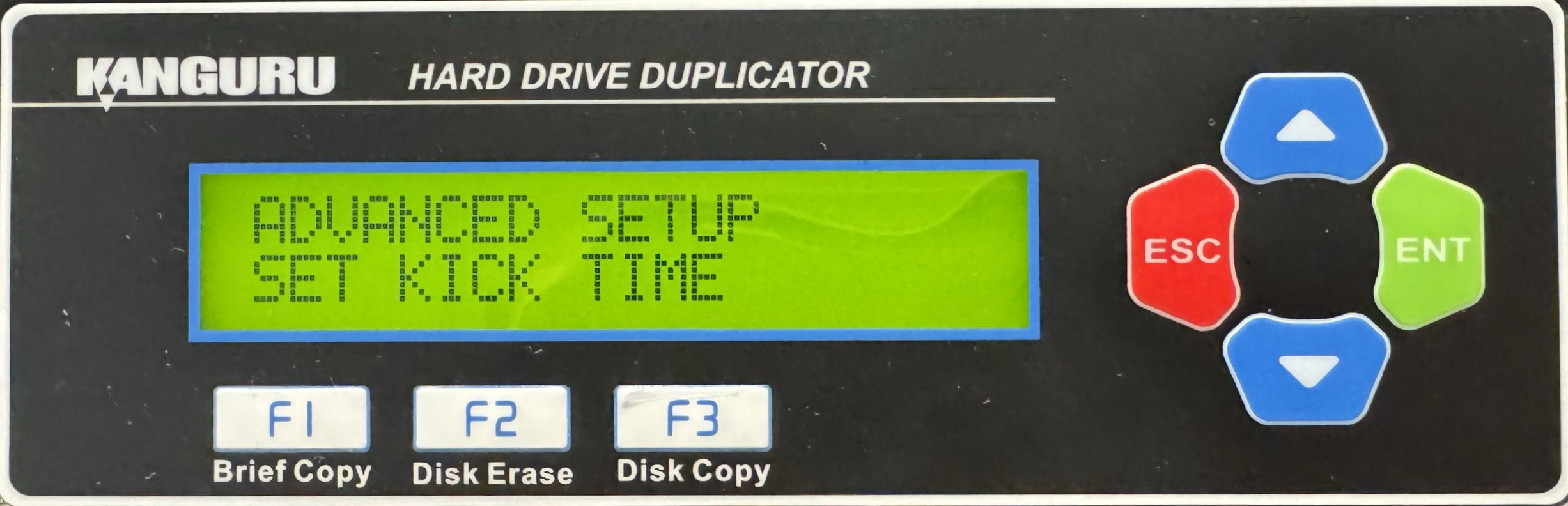
- Use the Up or Down buttons to alter the setting.
- Press the ENT button to save the setting.
- Press the ESC button to return to the Menu Select mode.


