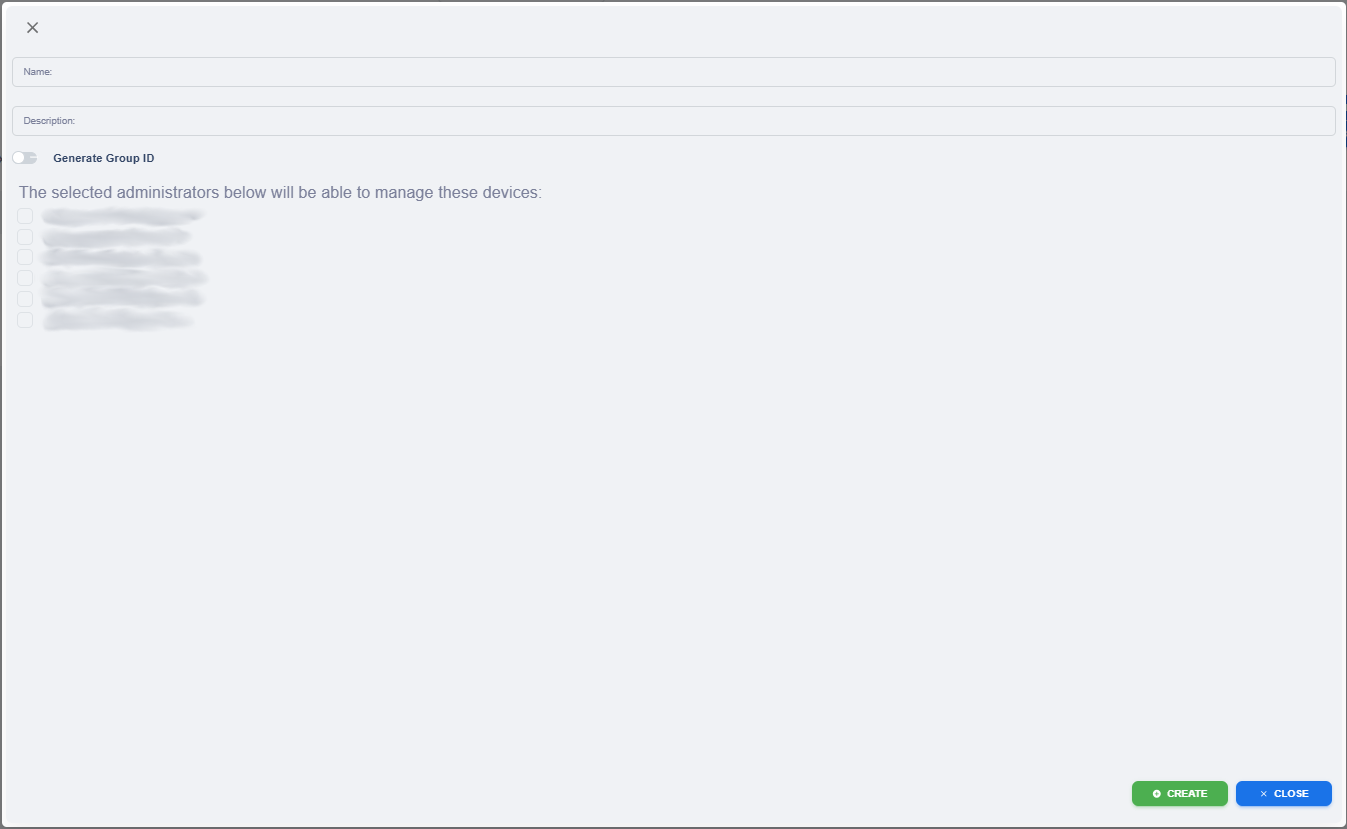
KRMC Hosted - Create New Group

When you are on the Groups page you should notice at the top left side of the screen a circle with a plus icon (on the Admins or Auditor pages it will be person icon with a plus sign).
Create Group
The Create New Group menu allows you to easily create a group without navigating away from the current page.
| Name | The Group’s name, e.g., “Sales Department” |
| Description | A short description of the group. e.g., “Northeast Territory” |
| Generate Group ID |
The Group ID allows you to assign Defender drives directly to a group. |
| The selected administrator below will be able to manage these devices | Allows you to add administrators to the group. Administrators assigned to this group will be able to manage all devices associated with the group. |