
HD Pro Duplicator - About - Format Update Disk

The Format Update Disk option allows you to format a connected SATA drive in a supported FAT32 file system. This drive can then be used to load firmware updates to the duplicator.
To format a SATA Disk:
- Power on the duplicator.
- From the Main Copy Menu press the ESC button to enter the Menu Select mode.
- Press the Up or Down buttons until you see About Menu.
- When About Menu is displaying for you, press the ENT button to enter this menu.
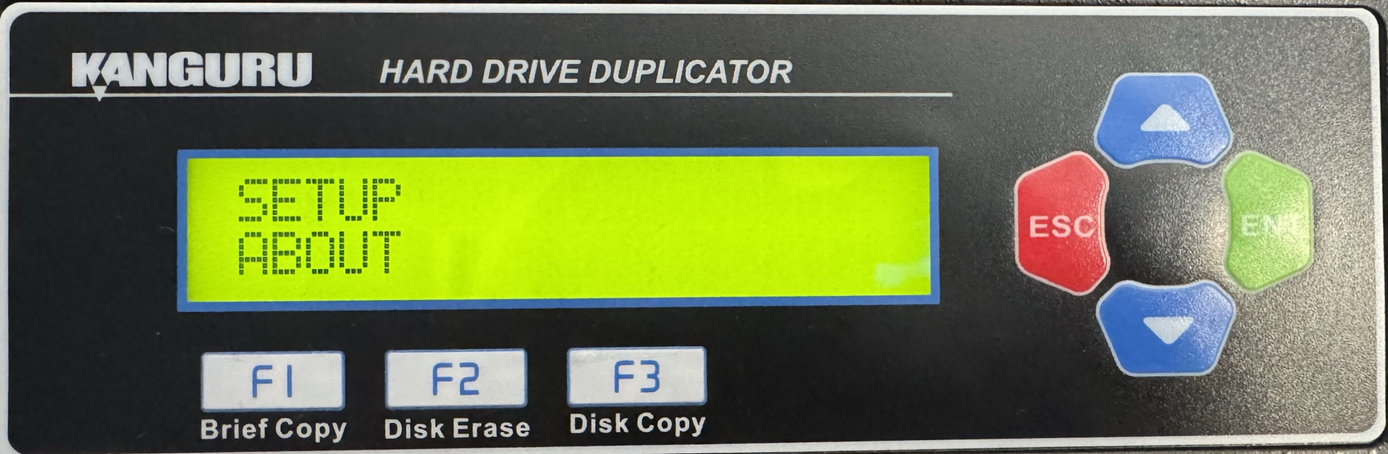
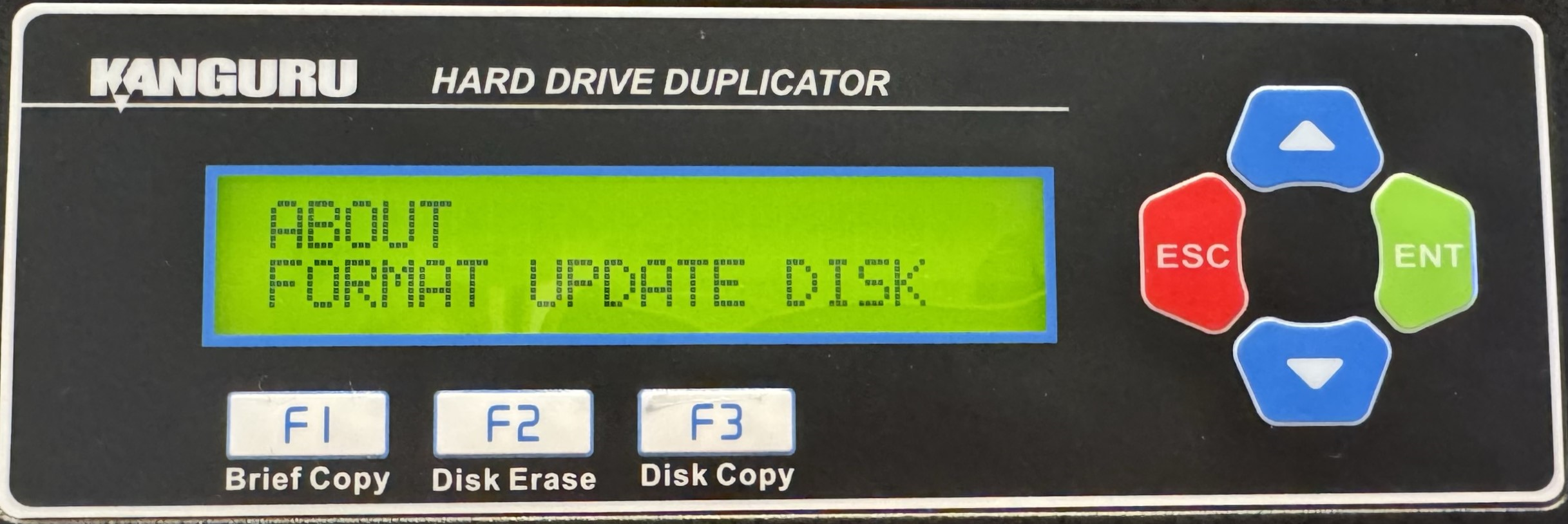
- Press the Up or Down buttons until you see Format Update Disk.
- Connect your SATA Drive to the source port of your duplicator.
- When Format Update Disk is displaying for you, press the ENT button to enter this option.
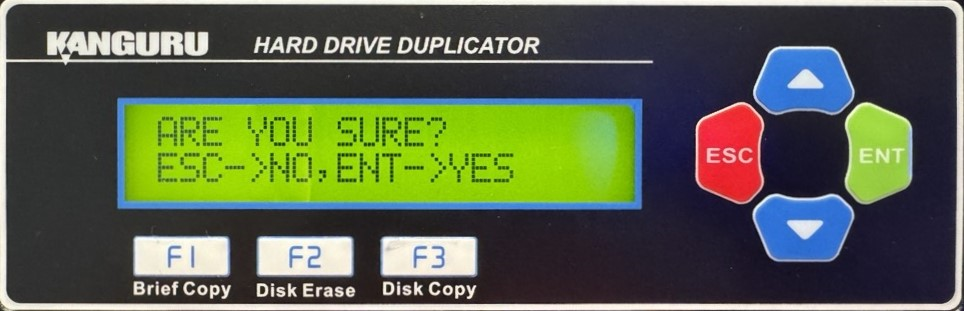
- You will be displayed a confirmation message on the screen. Press ESC if you would like to stop the process or press ENT to continue with the process.
- When the process has been completed, you will be displayed a confirmation message on the screen. Press any button to return to the About menu.


