
HD Pro Duplicator - Advanced Setup - Log Over Head

Some Linux file systems use a log-structure file system that allows for metadata to be written in between blocks of data. Normally this metadata isn’t critical and does not need to be copied. However, if you would like this information to be copied, you must define the gap size. Tap the ENT button to change this option.
You can define the gap size as 2MB, 4MB, 8MB, 16MB or 64MB. By default, Log Over Head is set to NO, which means the metadata will not be copied.
To alter the Log Over Head setting:
- Power on the duplicator.
- From the Main Copy Menu press the ESC button to enter the Menu Select mode.
- Press the Up or Down buttons until you see Advanced Setup.
- When Advanced Setup is displaying for you, press the ENT button to enter this menu.
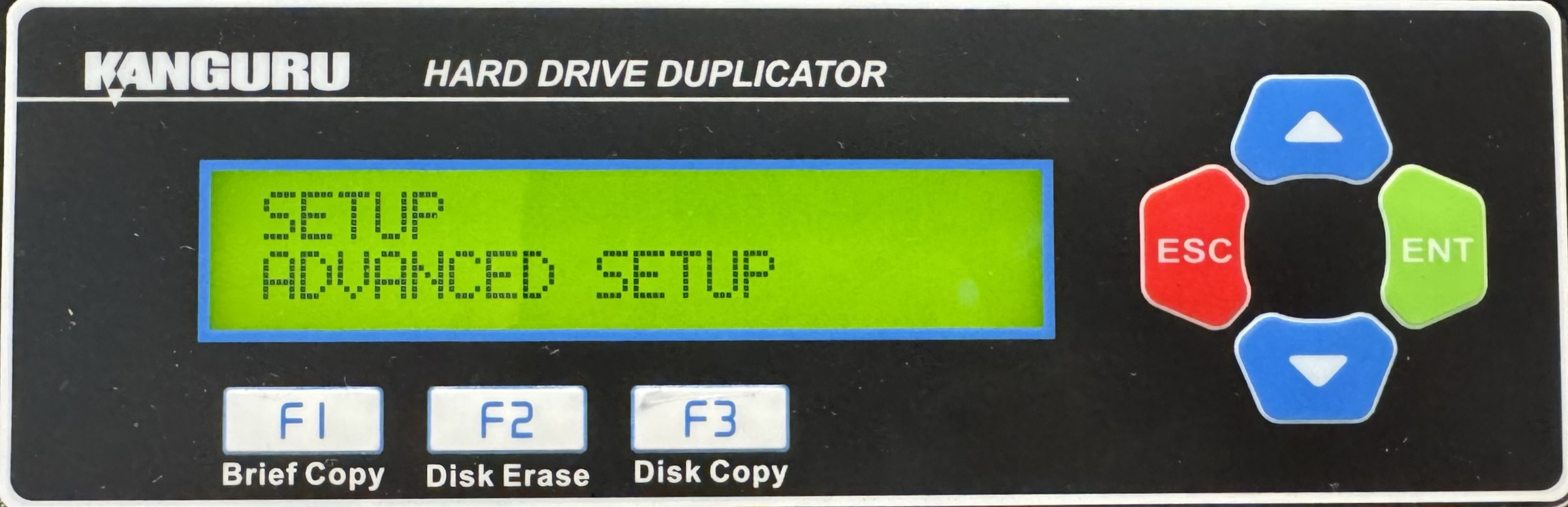
- Press the Up or Down buttons until you see Log Over Head.
- When Log Over Head is displaying for you, press the ENT button to alter the setting.
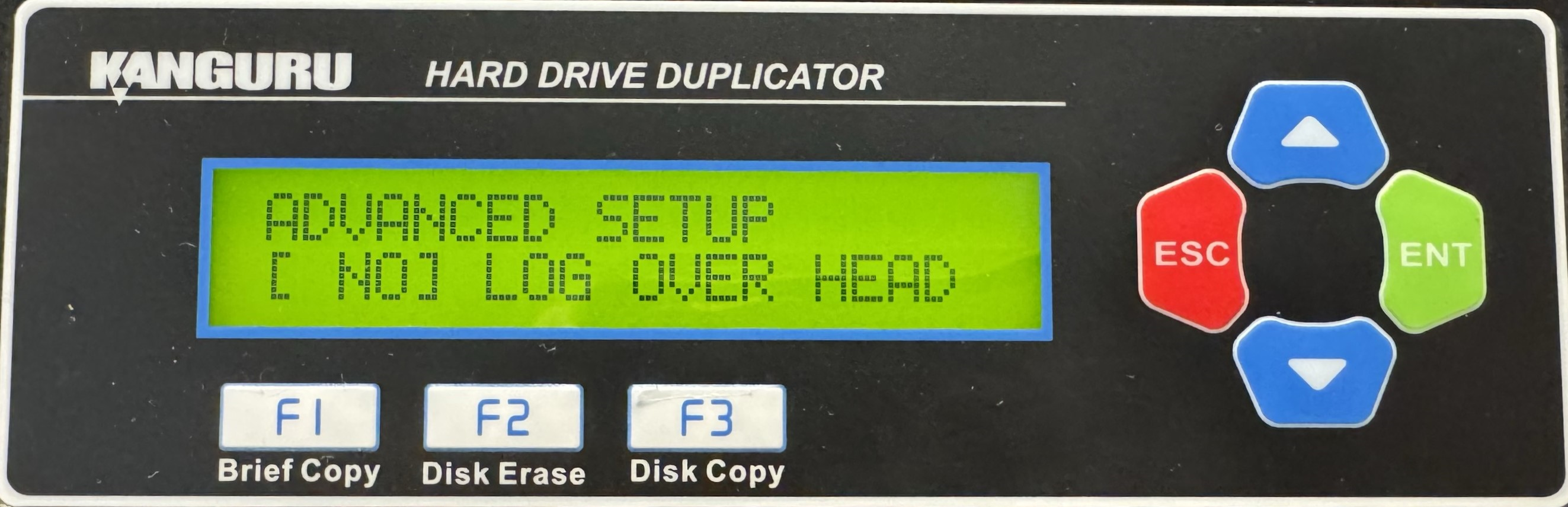
- Use the Up or Down buttons to alter the setting.
- Press the ENT button to save the setting.
- Press the ESC button to return to the Menu Select mode.


