
HD Pro Duplicator - Advanced Setup - MBR & HP Check

The MBR & HP Check is specifically used when copying drives from certain HP computers which need to have this function enabled for it to be successful. Tap the ENT button to change this option.
|
Disabled |
The duplicator will not check the MBR table before starting the copy process and may have trouble duplicating some HP systems. Note: This is the Default setting. |
|
Enabled |
The duplicator will check the MBR table prior to copying to ensure that it is healthy and intact and should not have much trouble duplicating some HP systems. |
To alter the MBR & HP Check setting:
- Power on the duplicator.
- From the Main Copy Menu press the ESC button to enter the Menu Select mode.
- Press the Up or Down buttons until you see Advanced Setup.
- When Advanced Setup is displaying for you, press the ENT button to enter this menu.
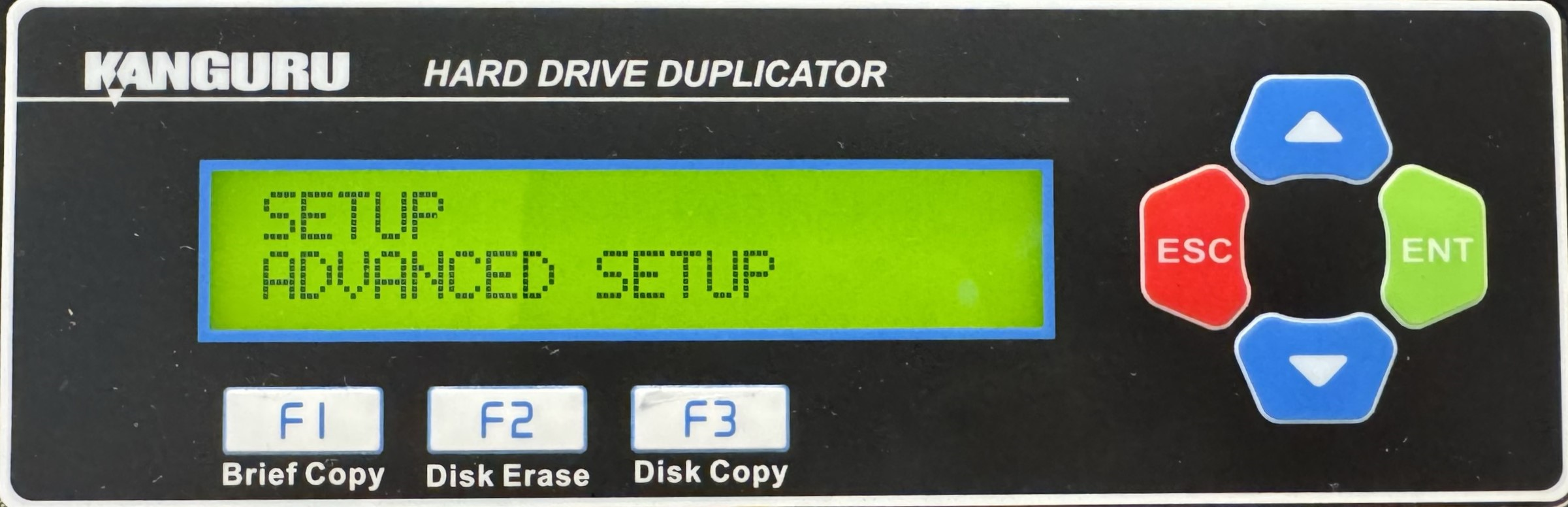
- Press the Up or Down buttons until you see MBR & HP Check.
- When MBR & HP Check is displaying for you, press the ENT button to alter the setting.
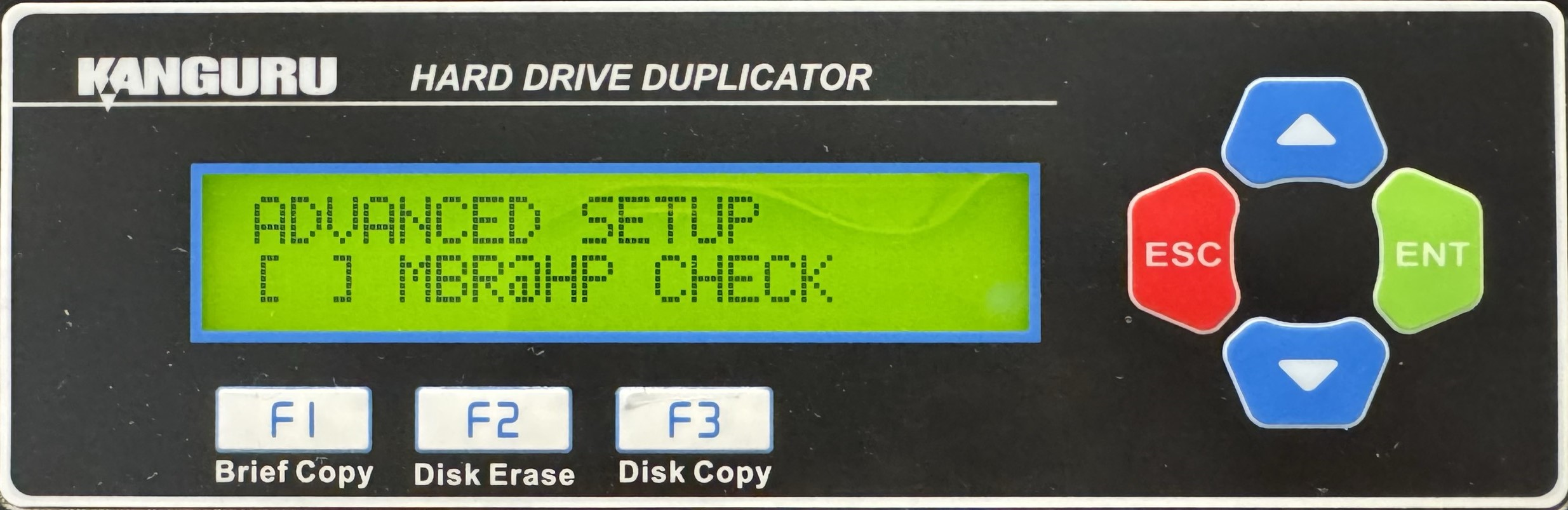
- Once you have altered the setting, you can press the ESC button to return to the Menu Select mode.


