
HD Pro Duplicator - Advanced Setup - Partition Full Copy

The Partition Full Copy option allows you to run a hybrid Brief or Disk Copy. This type of copy is useful when duplicating a disk that contains hidden data or hidden partitions that would not be recognized by Brief Copy. Tap the ENT button to change this option.
|
Disabled |
The duplicator will simply make a Brief Copy. Note: This is the Default setting. |
|
Enabled |
The duplicator will make a Disk Copy of an assigned partition after Brief Copy is completed. |
To alter the Partition Full Copy setting:
- Power on the duplicator.
- From the Main Copy Menu press the ESC button to enter the Menu Select mode.
- Press the Up or Down buttons until you see Advanced Setup.
- When Advanced Setup is displaying for you, press the ENT button to enter this menu.
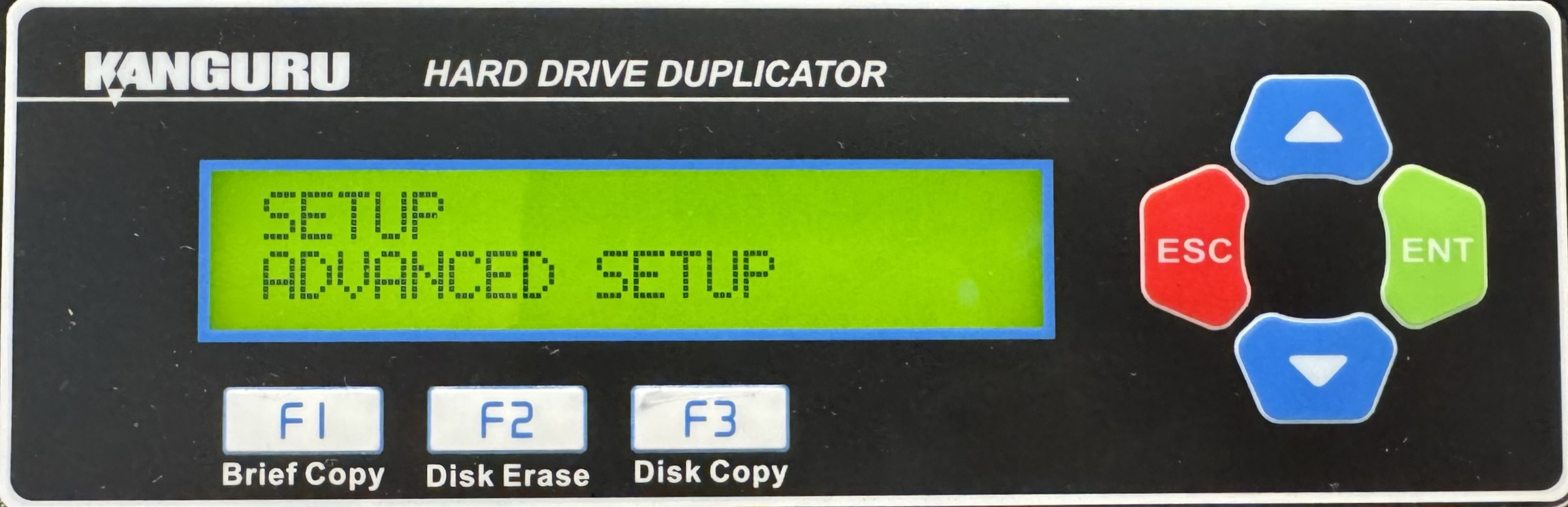
- Press the Up or Down buttons until you see Part. Full Copy.
- When Part. Full Copy is displaying for you, press the ENT button to alter the setting.
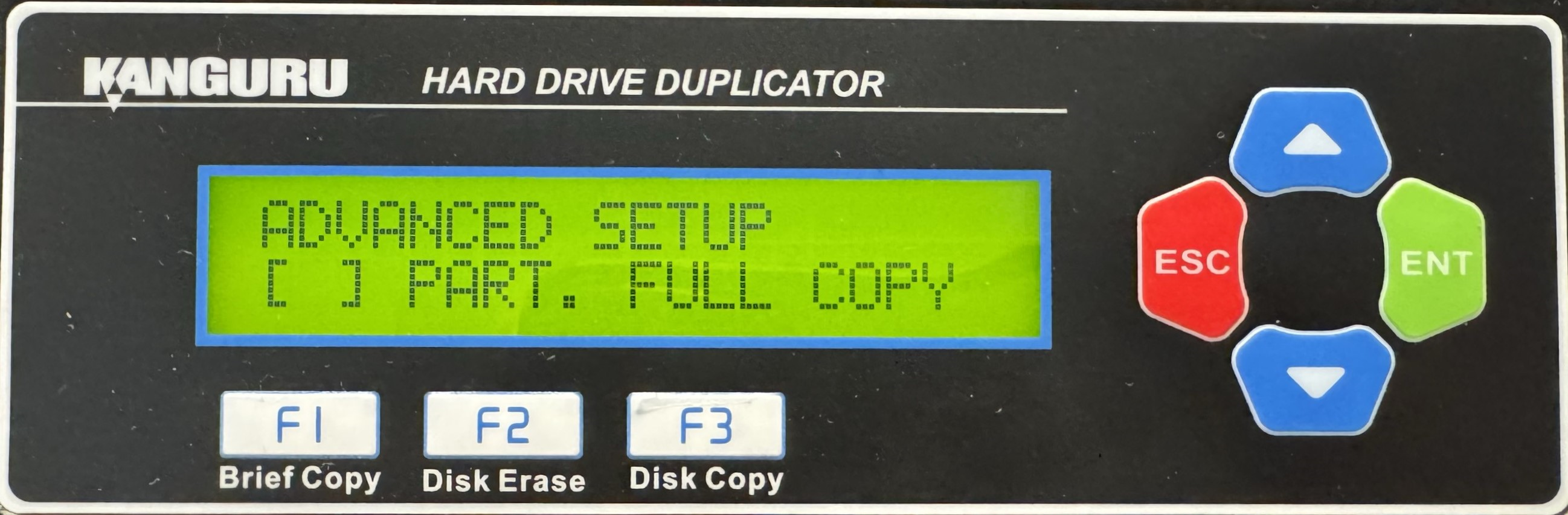
- Once you have altered the setting, you can press the ESC button to return to the Menu Select mode.


