
HD Pro Duplicator - Advanced Setup - Set Password

The Set Password option allows you to enable a 4-digit password for the Setup menus, protecting the system against unauthorized setting changes.
The default password is 0000. If you no longer want to use the password, enter the password as “0000” to disable password protection.
To set a password:
- Tap the ENT button. The digit furthest to the left will start blinking, indicating that it is currently selected. Tap the Up or Down buttons to increase/decrease the digit by one.
- Tap the ENT button to select the next digit to the right. Tap the Up or Down buttons to increase and decrease the digit by one.
- Repeat step 2 until you have entered your password, then press and hold the ENT button to set your password.
Once your password is set, the user will be prompted to enter the password whenever they try to enter the Setup Selection menu.
Enter the password as “0000” to disable password protection.
To Set a Password:
- Power on the duplicator.
- From the Main Copy Menu press the ESC button to enter the Menu Select mode.
- Press the Up or Down buttons until you see Advanced Setup.
- When Advanced Setup is displaying for you, press the ENT button to enter this menu.
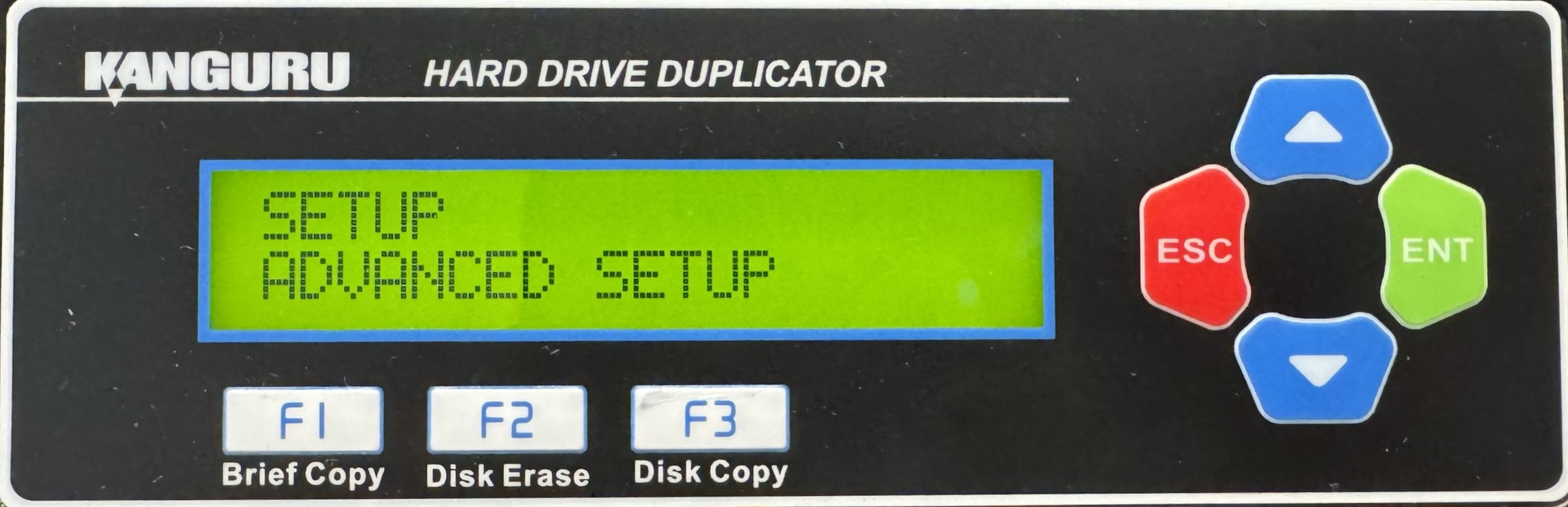
- Press the Up or Down buttons until you see Set Password.
- When Set Password is displaying for you, press the ENT button to alter the setting.
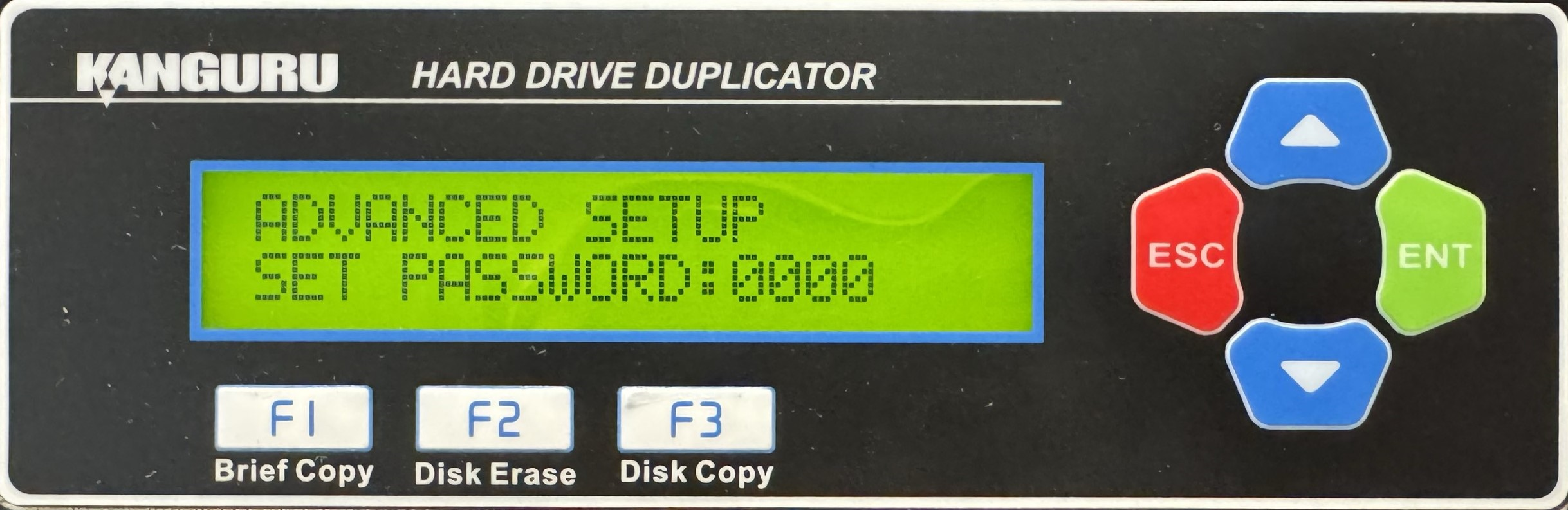
- The digit furthest to the left will start blinking, indicating that it is currently selected. Tap the Up or Down buttons to increase or decrease the digit by one.
- Tap the ENT button to select the next digit to the right. Tap the Up or Down buttons to increase or decrease the digit by one.
- Repeat step 2 until you have entered the complete password, then press and hold the ENT button to set the password.
- Once you have set the password, you can press the ESC button to return to the Menu Select mode.


