
HD Pro Duplicator - Control Manager Software - Viewing Log Information - Summary View

Unlike the Control view and Quick View windows which only provide you information about the current operation, the Summary view window provides a record of all operations performed during the current session.
There are two different summary views, Record List and Log Information. You can switch between the two windows by clicking on the tabs located at the top of the window.
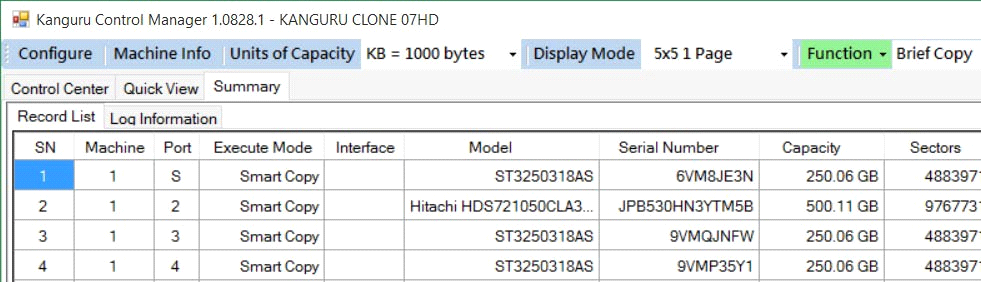
|
Record List |
The Record List window provides the same information that is displayed in the Quick View window, except that the Record List displays information about both completed operations as well as operations in progress. |
|
Log Information |
The Log Information window displays a comprehensive list of commands executed by the duplicator. The Log Information is not useful for end users, but can be very helpful to iStorage Kanguru support technicians for determining the cause of any problems that arise during the operation. |


