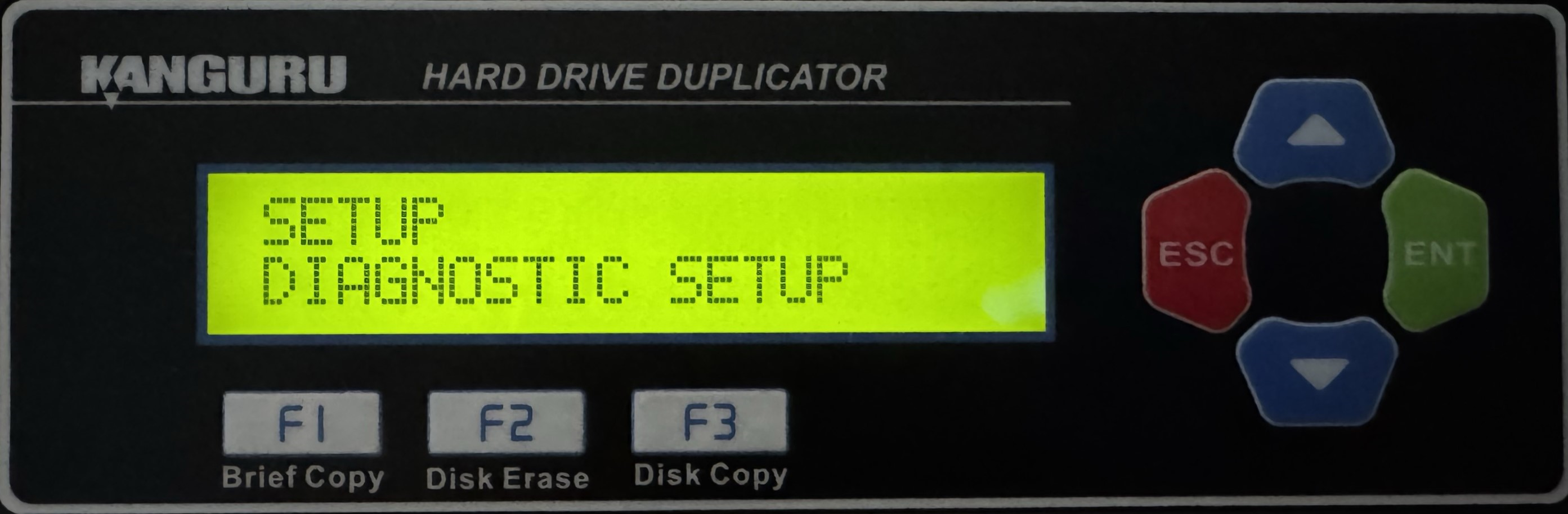
HD Pro Duplicator - Diagnostic Setup Menu

The Diagnostic Setup menu will allow you to choose which disk diagnostic tests are enabled to run when executing the Disk Diagnostic function. Press the UP and DOWN buttons to navigate through the options available under the Diagnostic Setup menu. Diagnostic tests that are enabled are marked with an asterisk [*]. Tap the ENT button to toggle a test between enabled/disabled.
|
SET DIAG SMART |
S.M.A.R.T. (Self-Monitoring, Analysis and Reporting Technology) is a monitoring system included in HDDs and SSDs that detects and reports on various indicators of drive reliability, with the intent of enabling the anticipation of hardware failures. |
|
SET WRITE TEST |
Checks the ability to write data to the target drives by sequentially writing data to all sectors. |
|
SET READ TEST |
Checks the ability to read data from the target drives by writing data to all sectors and attempting to read them sequentially. |
|
SET RANDOM READ |
Same as the Read Verify test, except sectors are written and read from in a random pattern. |
|
SET RANDOM WRT |
Same as the Write test, except sectors are written to in a random pattern. |
|
SET DIAG. PAT. |
Configure the data pattern value for Write and Random Write test |