
HD Pro Duplicator - Main Copy Menu - Erase - Disk Erase

Disk Erase deletes all data on any connected Target drives by writing zeroes to all sectors on the drive. Disk Erase will ensure that all data previously saved the disk is overwritten.
Caution: Although Disk Erase will delete all data from your drive, with the high-level forensic tools it may still be possible to recover the erased data. If you want to permanently delete data to point where it is virtually impossible to recover, use the Disk Wipe or Secure Erase operation.
To perform a Disk Erase:
- Power on the duplicator.
- Connect drives to the Target ports on the duplicator.
- From the Main Copy Menu press the Up or Down buttons until you see Disk Erase.
- When Disk Erase is displaying for you, press the ENT button to start this process.
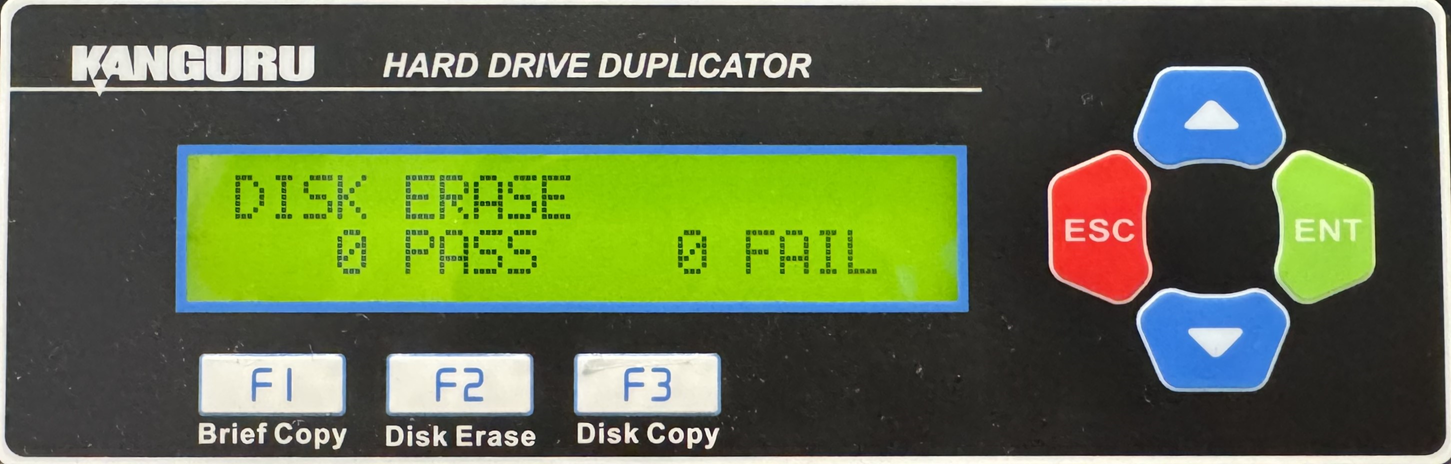
Note: The Source port is not able to be erased unless you enable Erase Source Port located under Main Setup.


