
HD Pro Duplicator - Main Setup - Brief Immediate

If you are experiencing issues when running Brief Copy, disabling the Brief Immediate function may improve the chance of a successful duplication. Tap the ENT button to change this option.
|
Disabled |
Brief Immediate is disabled. When you run a Brief Copy the duplicator will analyze the Source completely first, and then follow the analysis result to copy the data from the Source to the Target drives. Duplication through Brief Copy will take longer when Brief Immediate is disabled. Note: This is the Default setting. |
|
Enabled |
Brief Immediate is enabled. When Brief Immediate is enabled, data copying and analysis are done at the same time during Brief Copy. This is the fastest option. |
To alter the Brief Immediate setting:
- Power on the duplicator.
- From the Main Copy Menu press the ESC button to enter the Menu Select mode.
- Press the Up or Down buttons until you see Main Setup.
- When Main Setup is displaying for you, press the ENT button to enter this menu.
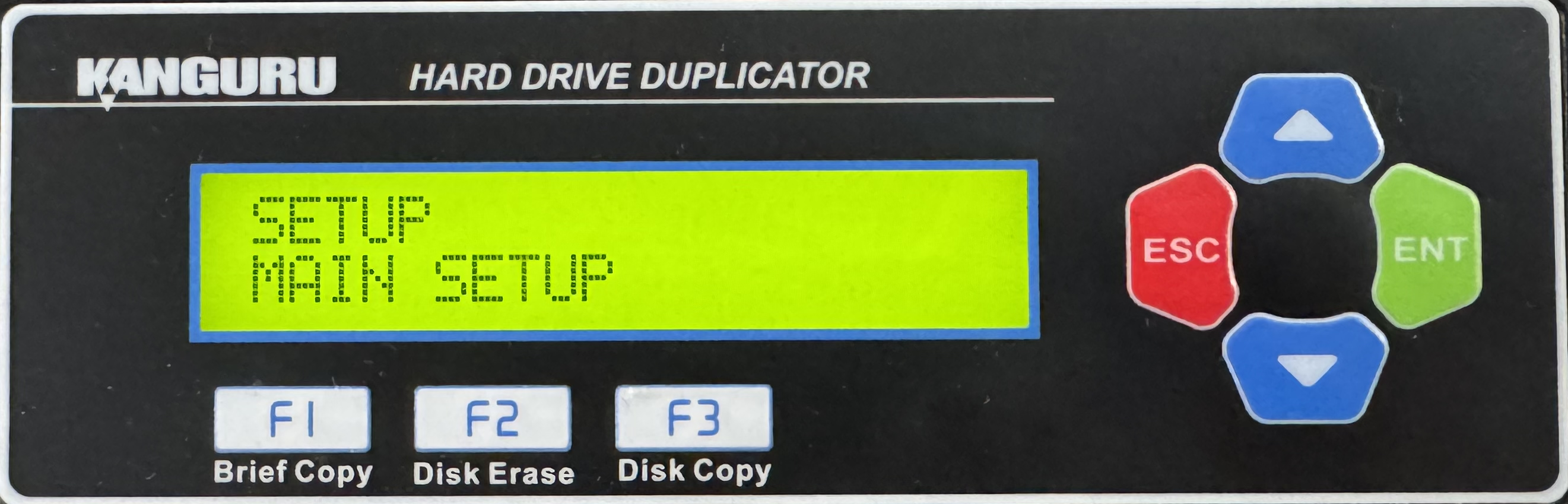
- Press the Up or Down buttons until you see Brief Immediate.
- When Brief Immediate is displaying for you, press the ENT button to alter the setting.
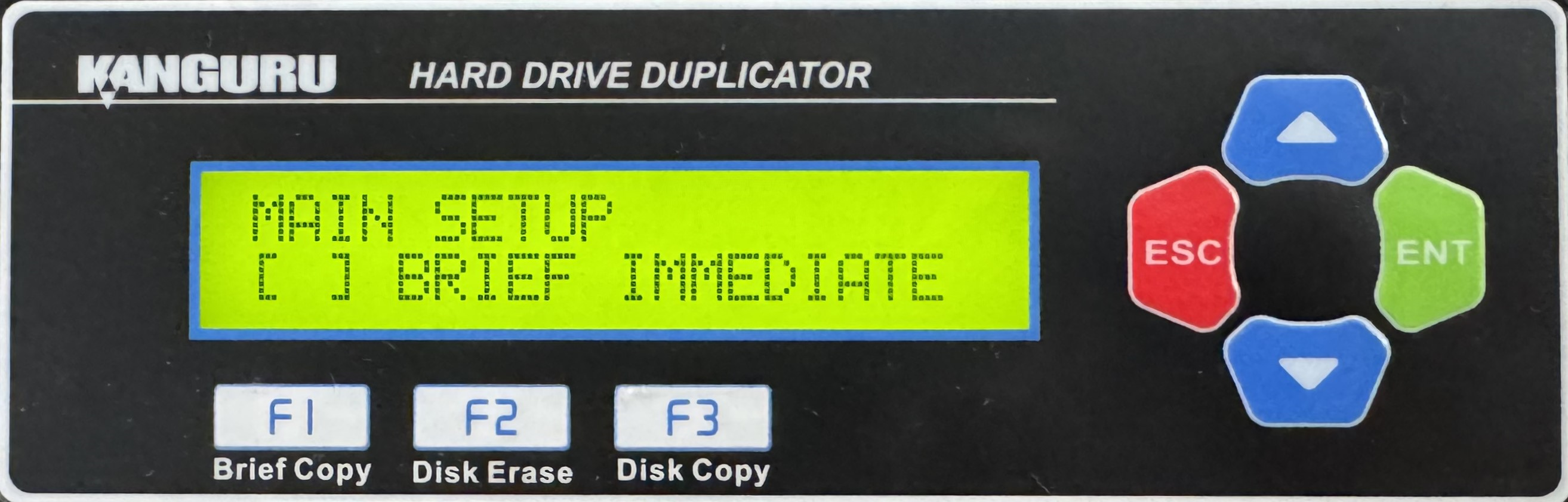
- Once you have altered the setting, you can press the ESC button to return to the Menu Select mode.


