
HD Pro Duplicator - Main Setup - Set HDD Wipe

The Set HDD Wipe option allows you to configure the number of wipe cycles that are executed when you run the Disk Wipe operation. The Disk Wipe operation can be run once or consecutively up to 100 times. 7 wipe cycles comply with the American DOD 5220-22.M standard. The default value is 0 which signifies as off.
Note: The more Wipe Cycles you set, the longer the wipe process will take.
To alter the Set HDD Wipe setting:
- Power on the duplicator.
- From the Main Copy Menu press the ESC button to enter the Menu Select mode.
- Press the Up or Down buttons until you see Main Setup.
- When Main Setup is displaying for you, press the ENT button to enter this menu.
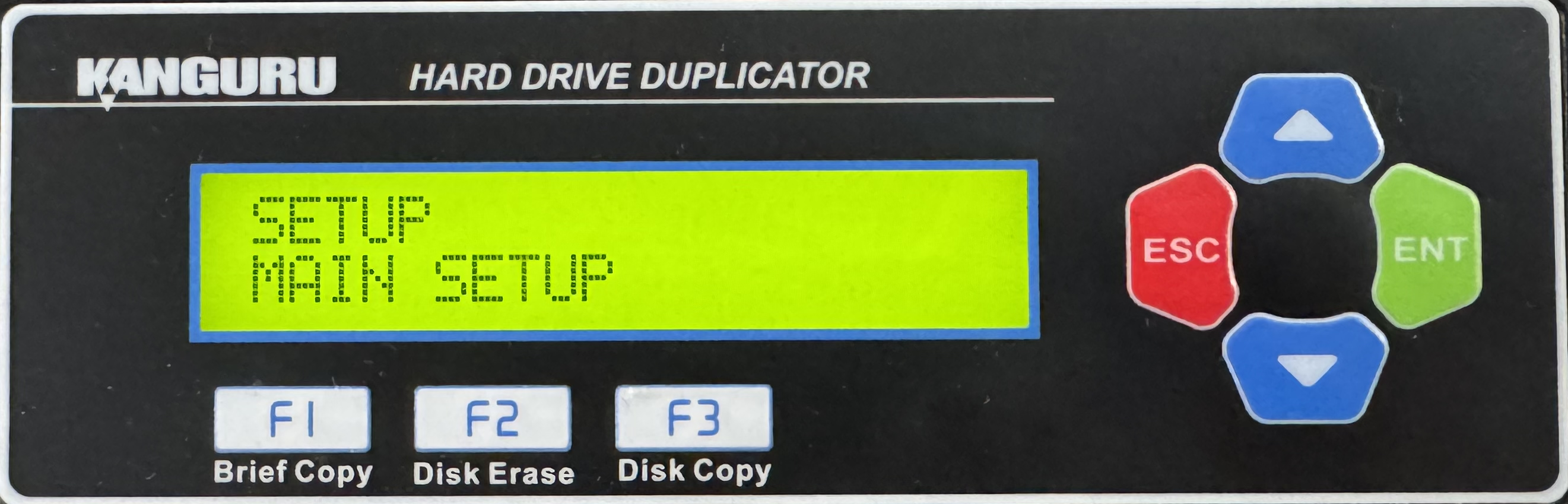
- Press the Up or Down buttons until you see Set HDD Wipe.
- When Set HDD Wipe is displaying for you, press the ENT button to alter the setting.
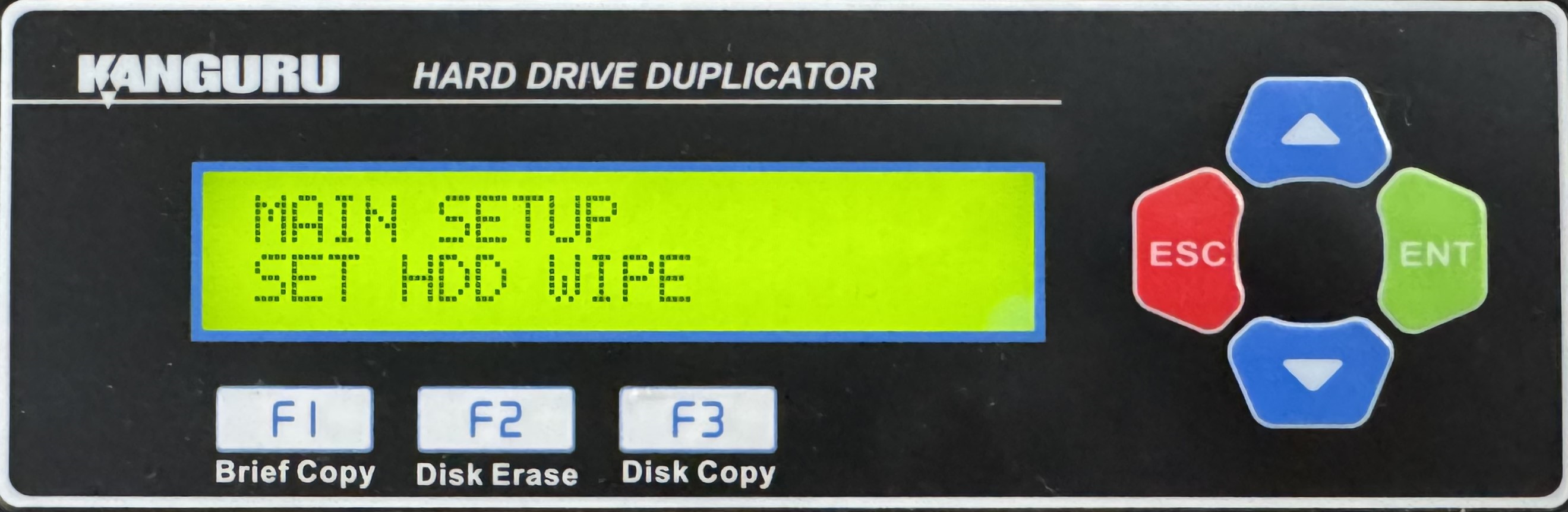
- Use the Up or Down buttons to alter the setting.
- Press the ENT button to save the setting.
- Press the ESC button to return to the Menu Select mode.


