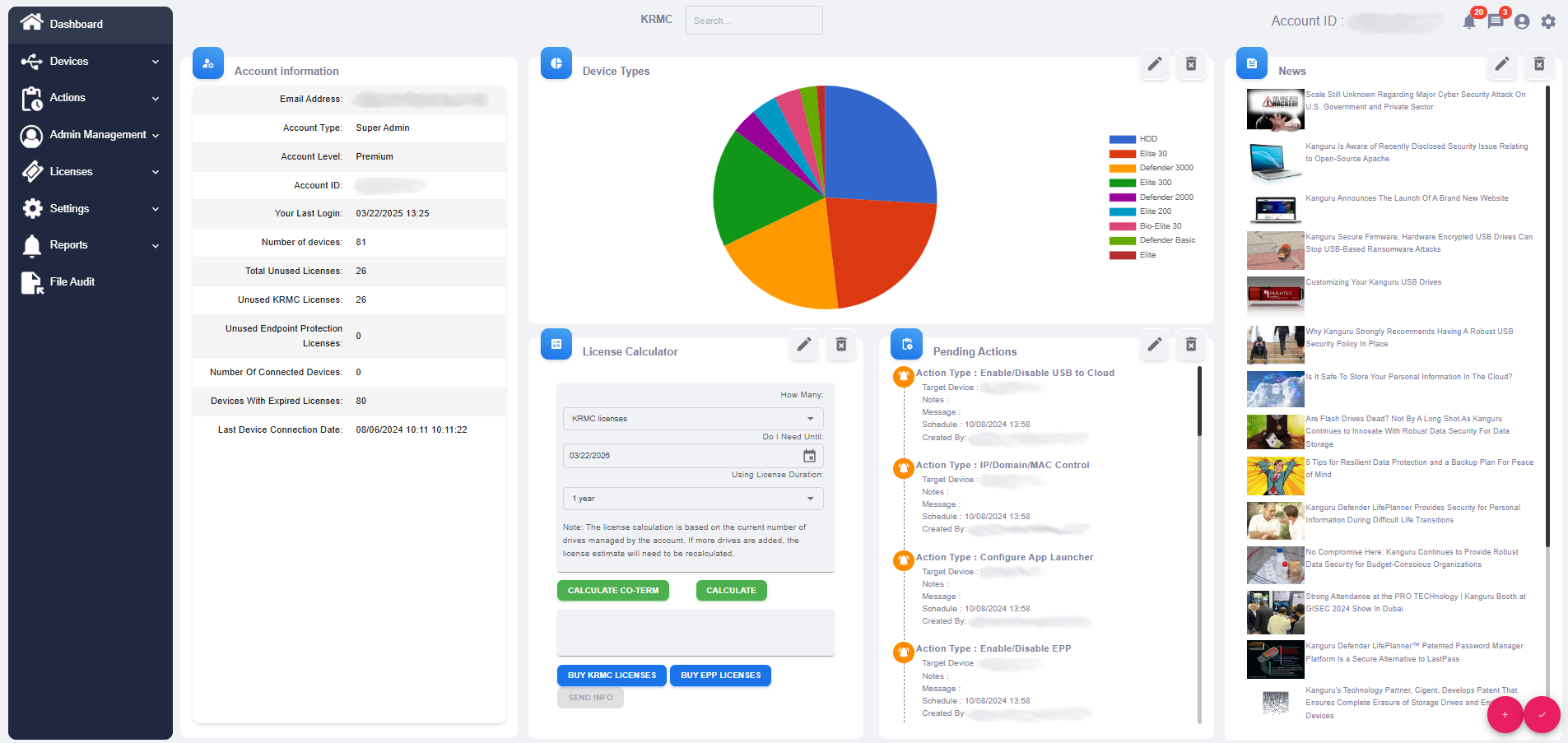
KRMC Hosted - Account Activity Icons - Account Settings - Edit Dashboard

The Dashboard is designed to be customizable to make your account overview as easy as possible. To accomplish this, you are able to change what is shown on you’re your Dashboard. After selecting Edit Dashboard you will be brought to an editable version of your Dashboard. There are a series of icons in this mode to assist you in editing this page. Note: the box Account Information is not able to be moved from the Left side of the screen.
| Edit |
This allows you to choose from a list of options on what to display in this box. |
| Delete |
Deleting a box removes the content from that box. All remaining boxes will shift over to cover the newly emptied space. |
| Add Extra Box |
This adds a new blank box for you to add information to. If you leave the box blank, it will not appear after you exit the editing mode. |
| Finish Editing |
This saves all changes made within this mode. |