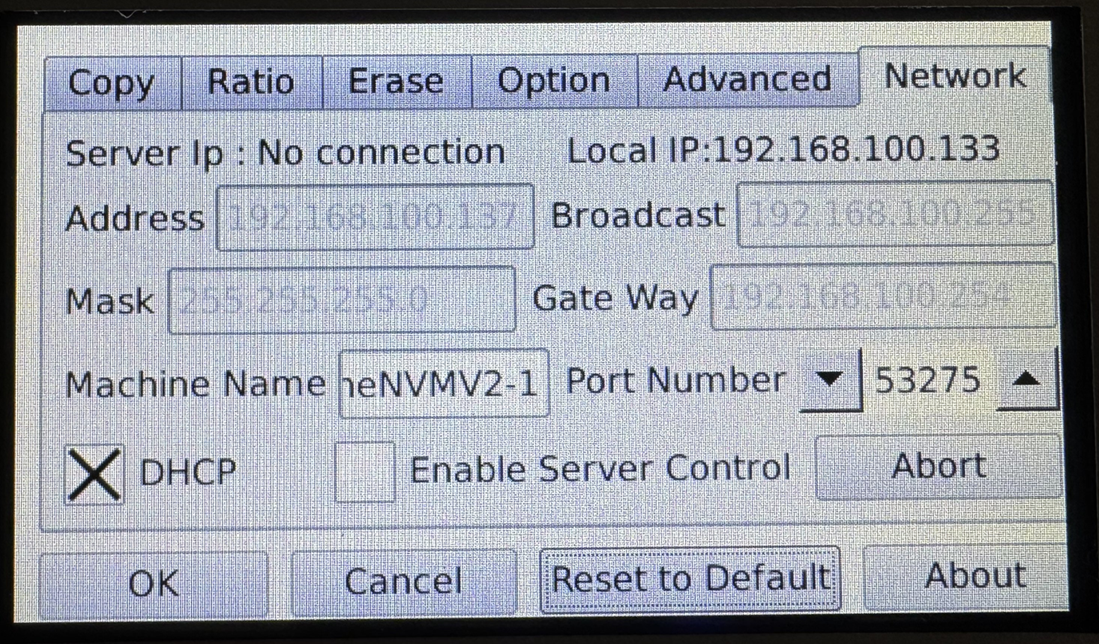
4-Target NVMe Duplicator - Setting - Network

Network settings must be configured if you are using the Maxi PC software to access the Duplicator over a LAN. The address information is only able to be viewed and updated when the device is connected to the LAN.
The default Machine ID is “MX4NVM-1” and can be changed to allow for multiple KanguruClone duplicators to appear on the same network.
If “Enable Server Control” is enabled, a host PC running the Maxi software on the same LAN as the KanguruClone will be able to connect to the duplicator.