
HD Pro Duplicator - Advanced Setup - Power Off Wait

Power Off Wait is the amount of time the system waits between completed functions and the powering off of the connected drives. Setting this too low may cause some drives to be powered off incorrectly by the duplicator after performing a function. Tap the ENT button to change this option.
The Power Off Wait can be set as 0, 5, 10, 15, 20, 30. The Power Off Wait is set to 5 by default.
To alter the Power Off Wait setting:
- Power on the duplicator.
- From the Main Copy Menu press the ESC button to enter the Menu Select mode.
- Press the Up or Down buttons until you see Advanced Setup.
- When Advanced Setup is displaying for you, press the ENT button to enter this menu.
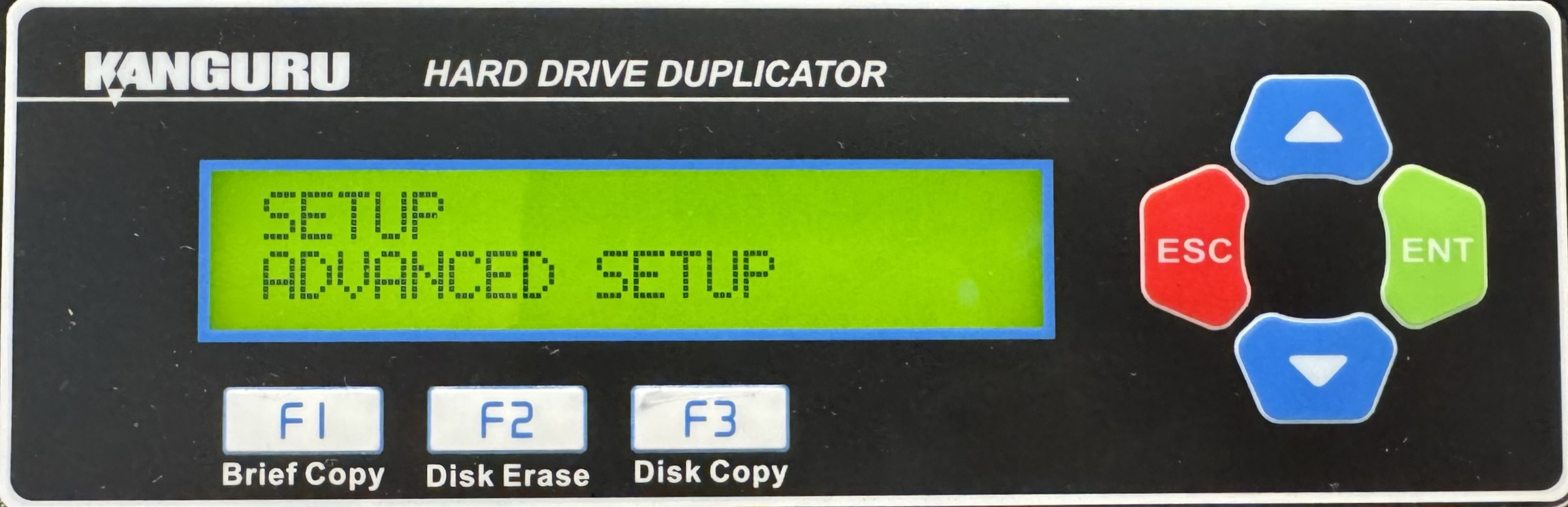
- Press the Up or Down buttons until you see Power Off Wait.
- When Power Off Wait is displaying for you, press the ENT button to alter the setting.
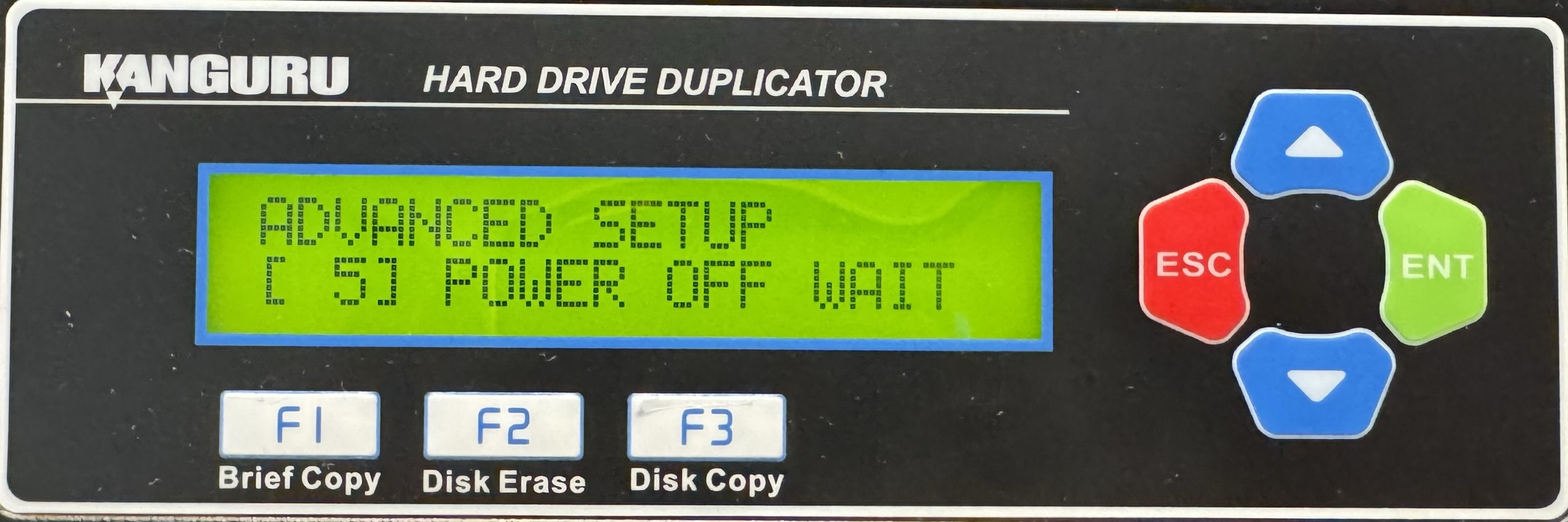
- Use the Up or Down buttons to alter the setting.
- Press the ENT button to save the setting.
- Press the ESC button to return to the Menu Select mode.


