
HD Pro Duplicator - Advanced Setup - Set Physical Retry Count

When the machine has major problem or a critical error, the Physical Retry Count is the number of times that the duplicator will reset the drives in an attempt to allow the duplication to progress. Tap the ENT button to change this option.
The number of retries can be set from 0 to 9 times. The default setting is 1.
To alter the Set Physical Retry Count setting:
- Power on the duplicator.
- From the Main Copy Menu press the ESC button to enter the Menu Select mode.
- Press the Up or Down buttons until you see Advanced Setup.
- When Advanced Setup is displaying for you, press the ENT button to enter this menu.
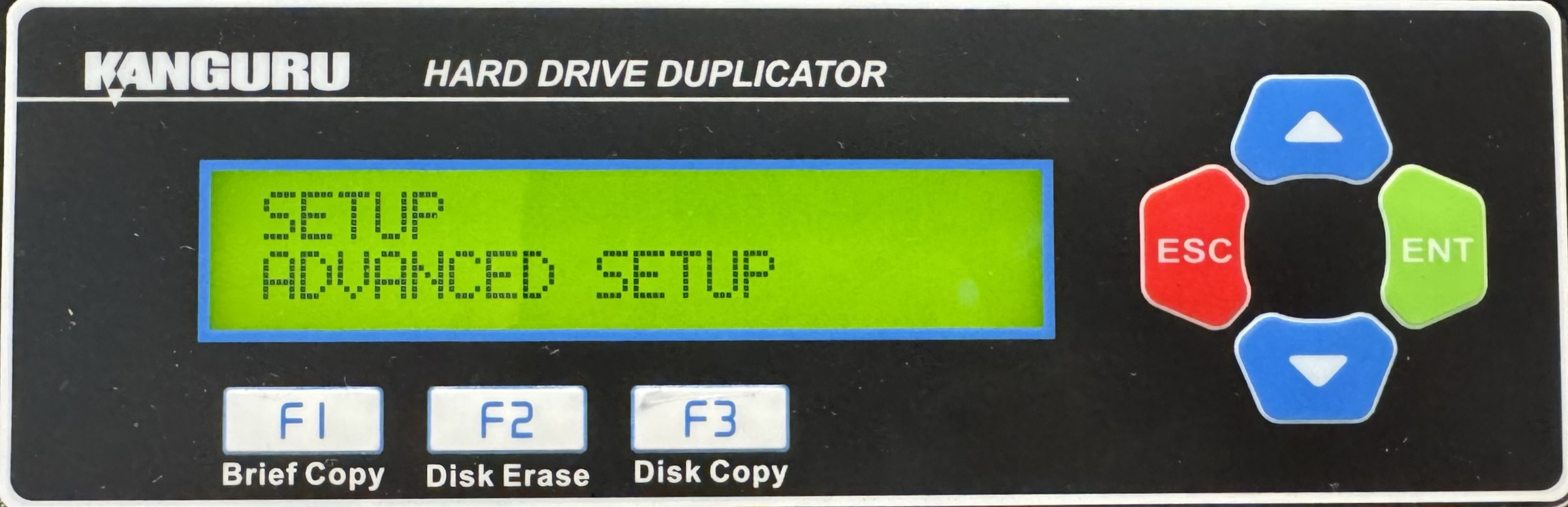
- Press the Up or Down buttons until you see Set PHY Retry Count.
- When Set PHY Retry Count is displaying for you, press the ENT button to alter the setting.
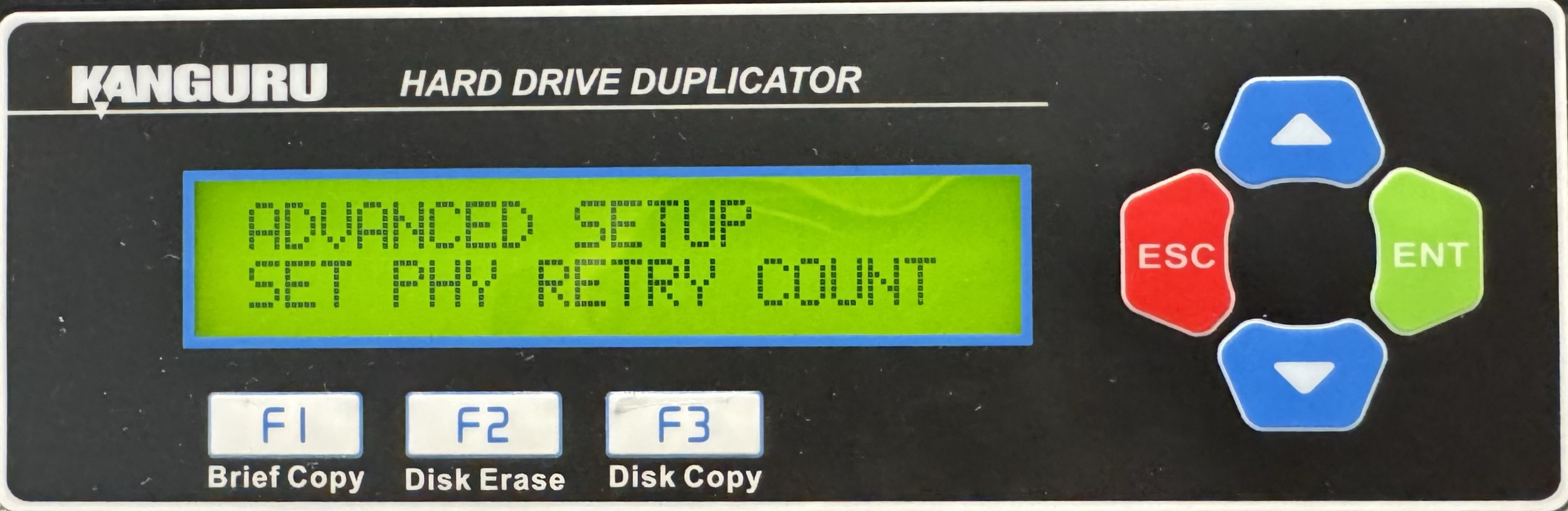
- Use the Up or Down buttons to alter the setting.
- Press the ENT button to save the setting.
- Press the ESC button to return to the Menu Select mode.


