
HD Pro Duplicator - Main Setup - Enhanced Erase and Copy

Enhance Erase+Copy allows you the ability to fully erase all Target drives prior to performing any copy process. Tap the ENT button to change this option.
|
Disabled |
Enhance Erase+Copy is disabled and there is no erase performed prior to performing a copy process. Note: This is the Default setting. |
|
Enabled |
Enhance Erase+Copy is enabled. Before transferring and copying data, the target device undergoes an Enhance Erase process. In other words, the storage device is first cleared of all data before proceeding with the data duplication. |
To alter the Enhance Erase+Copy setting:
- Power on the duplicator.
- From the Main Copy Menu press the ESC button to enter the Menu Select mode.
- Press the Up or Down buttons until you see Main Setup.
- When Main Setup is displaying for you, press the ENT button to enter this menu.
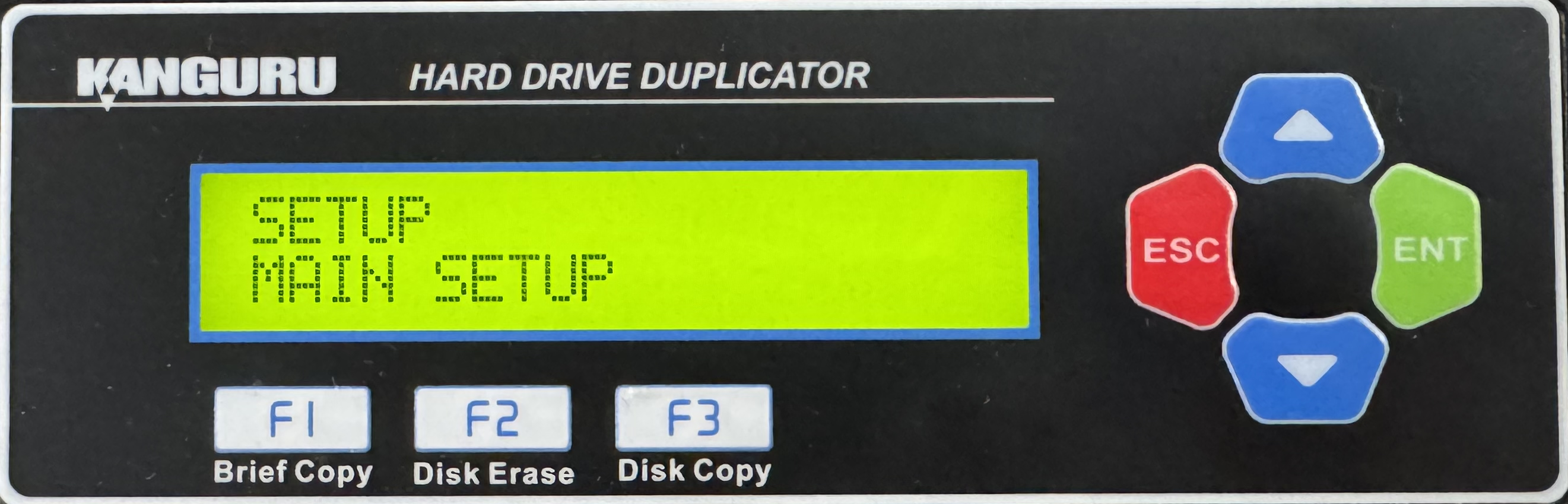
- Press the Up or Down buttons until you see ENH. Erase+Copy.
- When ENH. Erase+Copy is displaying for you, press the ENT button to alter the setting.
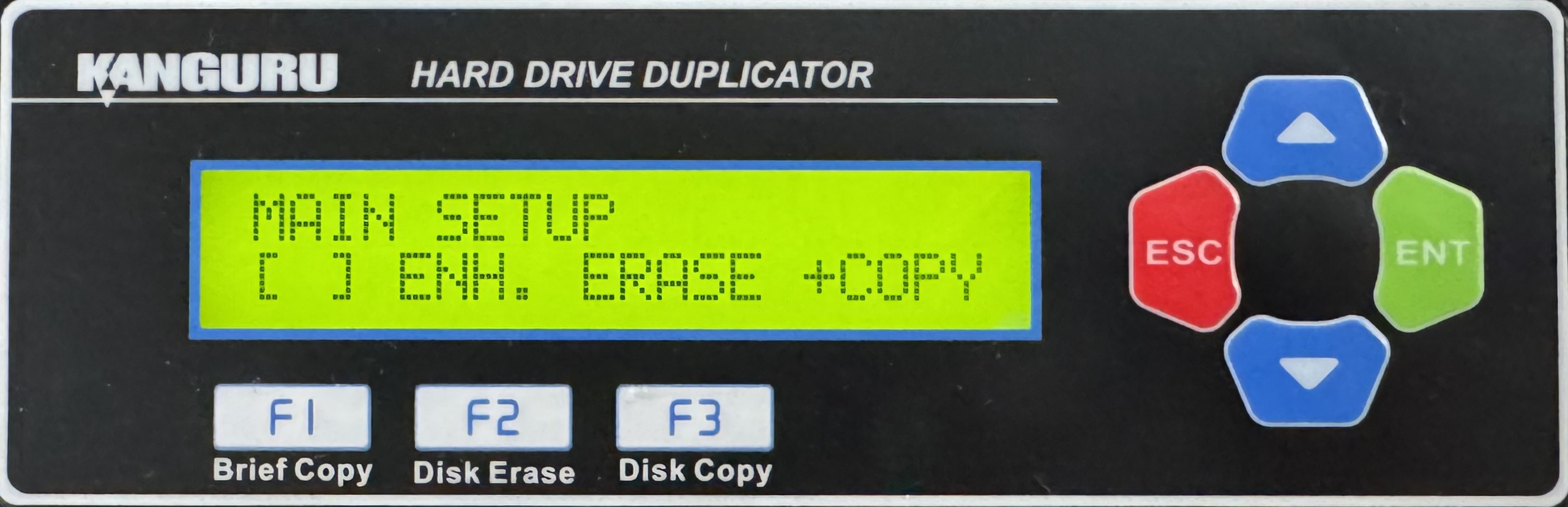
- Once you have altered the setting, you can press the ESC button to return to the Menu Select mode.


