
HD Pro Duplicator - Main Setup - Transfer Size

The Transfer Size setting allows you define the data transfer block size for each ATA write command. Generally, larger transfer block sizes are better for duplication purposes than smaller sizes. However, there are some hard drives which can only accept 2MB data transfer size per ATA command. If your drives only support small data transfer block sizes, then you will need to change this setting.
The Transfer Size settings can be set to 8KB, 16KB, 32KB, 64KB, 128KB, 256KB, 512KB, 1MB, 2MB, 4MB, 8MB and 16MB. The default setting is 4MB.
To alter the Transfer Size setting:
- Power on the duplicator.
- From the Main Copy Menu press the ESC button to enter the Menu Select mode.
- Press the Up or Down buttons until you see Main Setup.
- When Main Setup is displaying for you, press the ENT button to enter this menu.
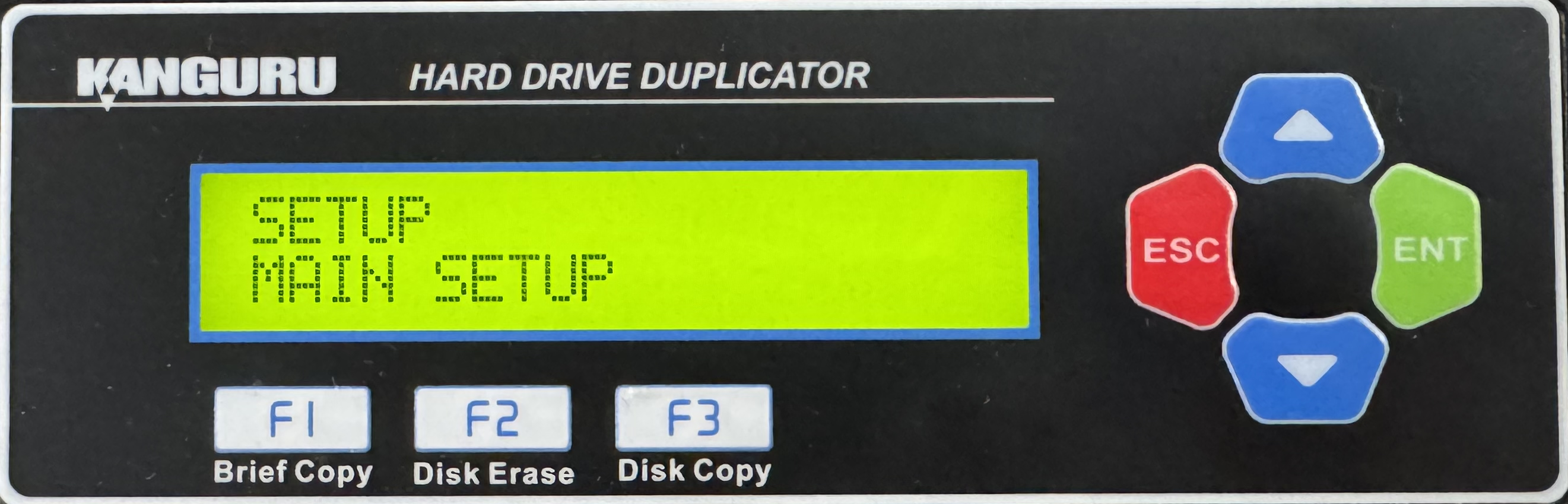
- Press the Up or Down buttons until you see Transfer Size.
- When Transfer Size is displaying for you, press the ENT button to alter the setting.
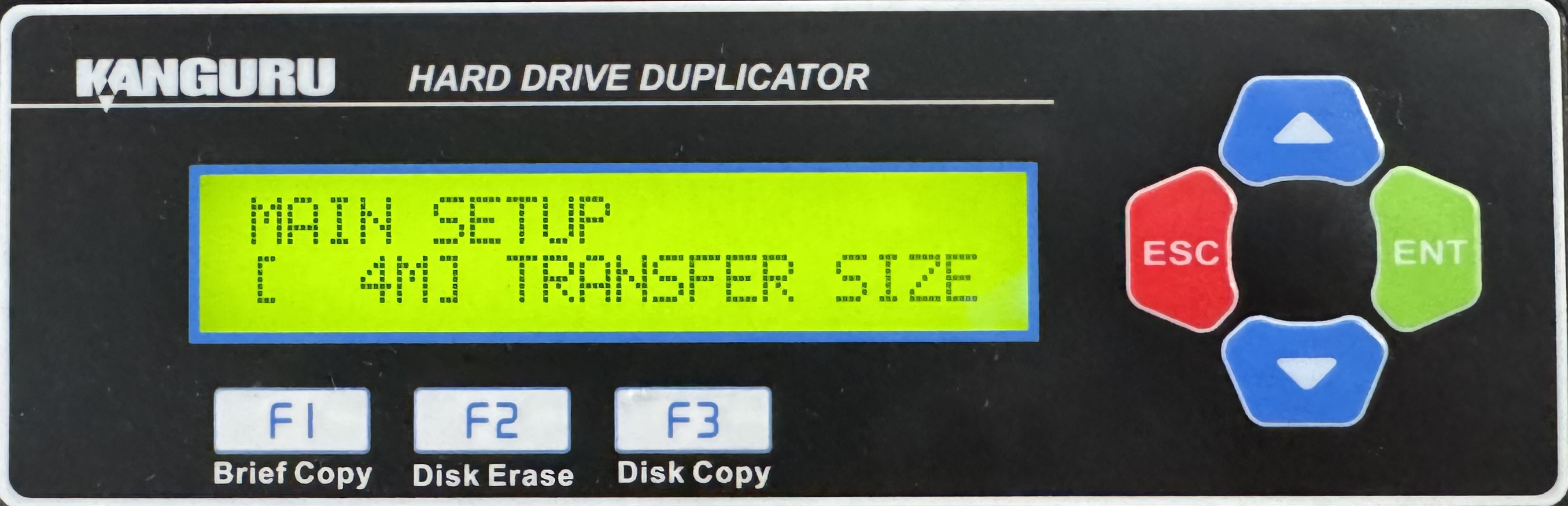
- Use the Up or Down buttons to alter the setting.
- Press the ENT button to save the setting.
- Press the ESC button to return to the Menu Select mode.


