
HD Pro Duplicator - Main Setup - Turbo Mode

Turbo Mode refers to the ability to write to multiple storage devices simultaneously, which can speed up the writing process. It is commonly known as the "Join Write" mode. However, one drawback is that since data is being written to multiple devices at the same time, if one device encounters an issue, all other devices must wait, which can sometimes result in wasted time instead. Tap the ENT button to change this option.
|
Disabled |
When disabled, the duplicator will write to all Target drives independently to each other. This will result in the some drives completing the duplication process quicker then others. Note: This is the Default setting. |
|
Enabled |
When enabled, the duplicator will write to all drives simultaneously which can speed up the process unless a Target drive encounters an error. |
To alter the Turbo Mode setting:
- Power on the duplicator.
- From the Main Copy Menu press the ESC button to enter the Menu Select mode.
- Press the Up or Down buttons until you see Main Setup.
- When Main Setup is displaying for you, press the ENT button to enter this menu.
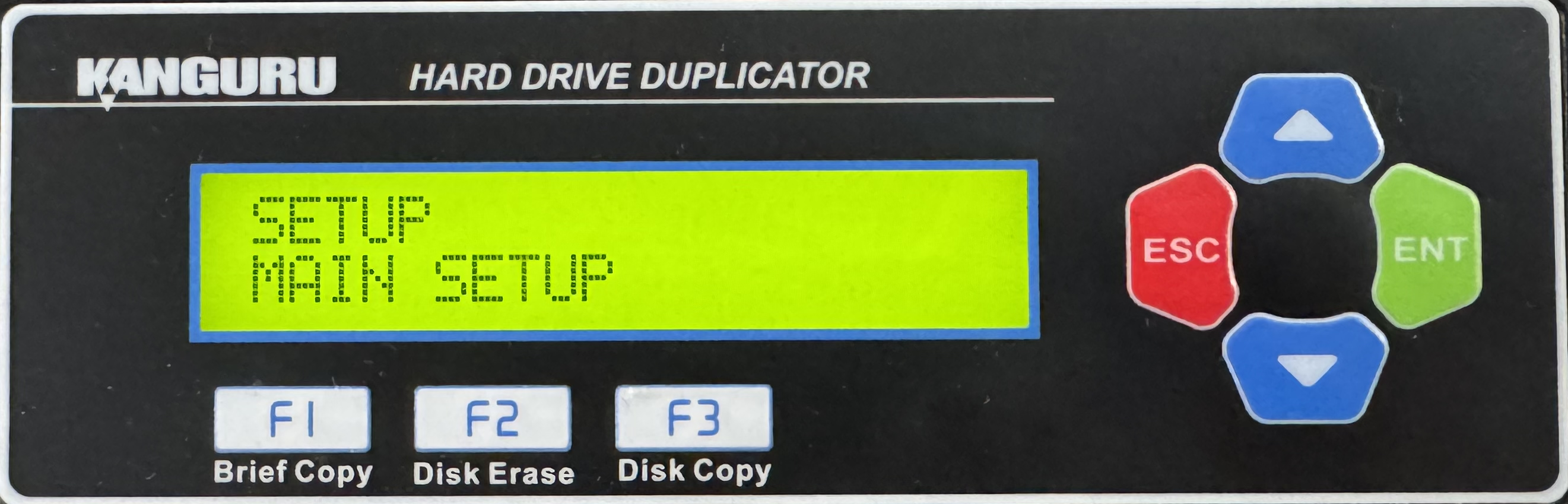
- Press the Up or Down buttons until you see Turbo Mode.
- When Turbo Mode is displaying for you, press the ENT button to alter the setting.
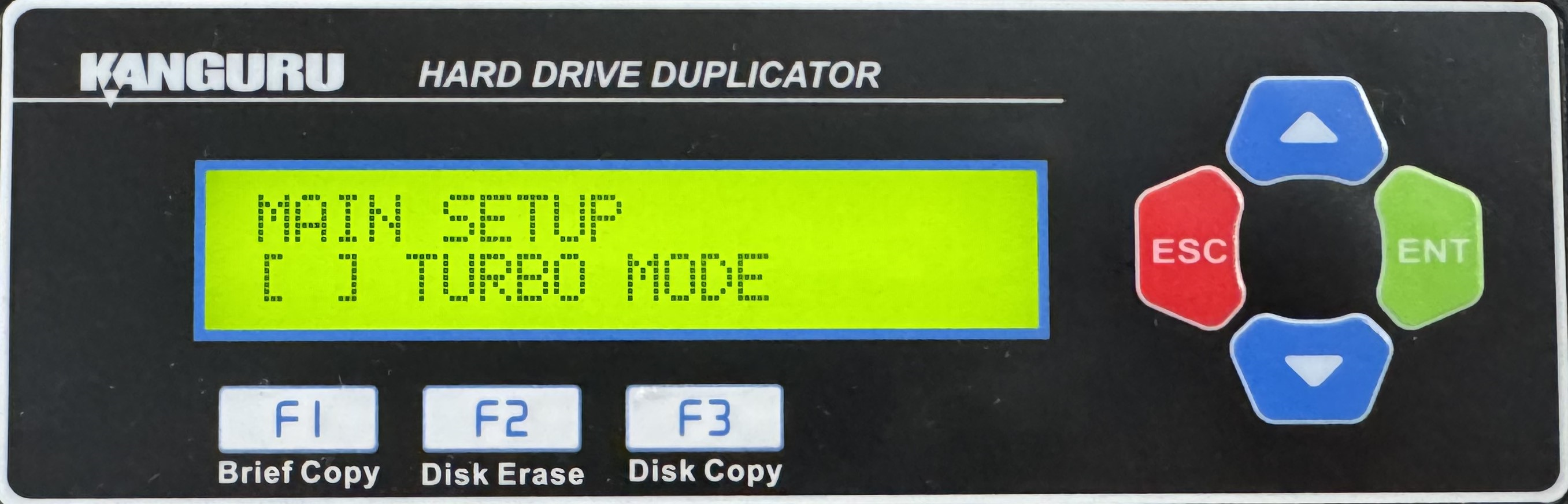
- Once you have altered the setting, you can press the ESC button to return to the Menu Select mode.


