
HD Pro Duplicator - Main Setup - Erase Source Port

The Erase Source port option allows you to configure whether the system erases the disk connected to the Source port when running any Erase process. Tap the ENT button to change this option.
|
Disabled |
Erase Source Port is disabled. A drive connected to the Source port will not be erased if you run Quick Erase, Disk Erase or Disk Wipe. Note: This is the Default setting. |
|
Enabled |
Erase Source Port is enabled. A drive connected to the Source port will be erased if you run Quick Erase, Disk Erase or Disk Wipe. |
To alter the Verify Source Check setting:
- Power on the duplicator.
- From the Main Copy Menu press the ESC button to enter the Menu Select mode.
- Press the Up or Down buttons until you see Main Setup.
- When Main Setup is displaying for you, press the ENT button to enter this menu.
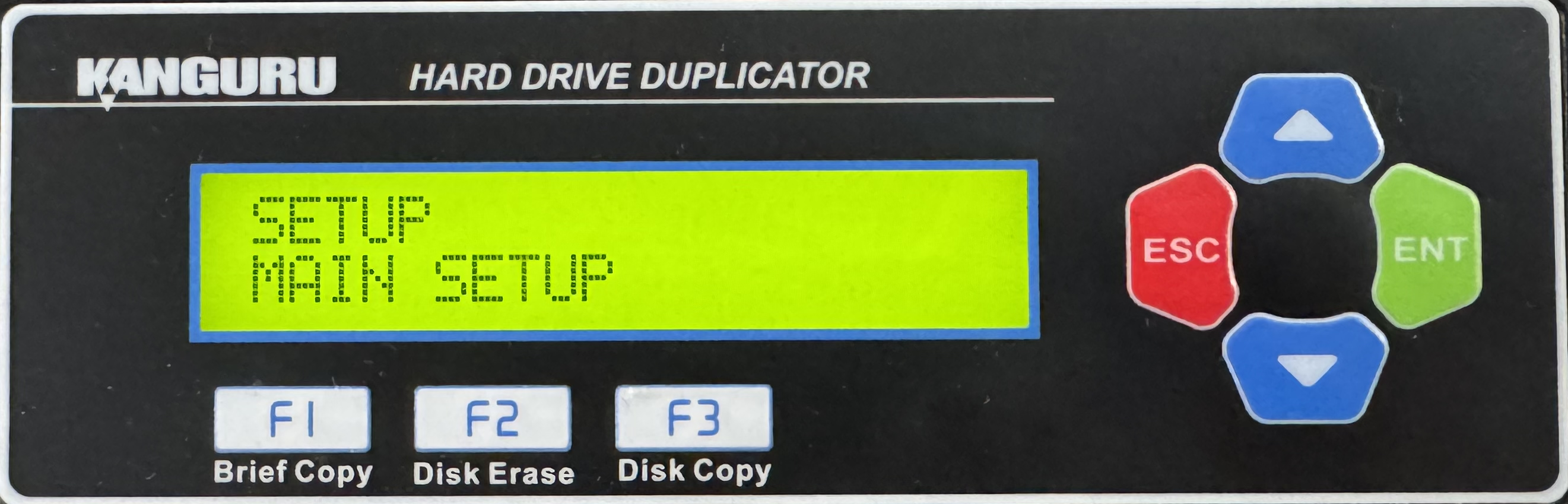
- Press the Up or Down buttons until you see Erase Source Port.
- When Erase Source Port is displaying for you, press the ENT button to alter the setting.
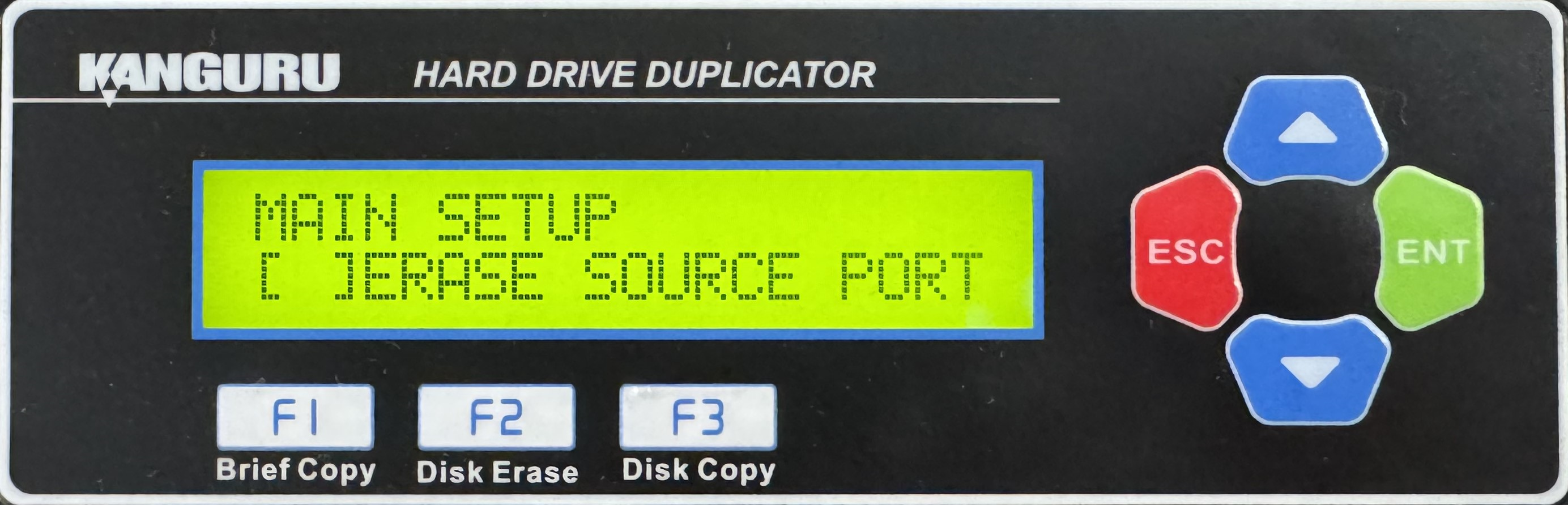
- Once you have altered the setting, you can press the ESC button to return to the Menu Select mode.


