
HD Pro Duplicator - Main Setup - Skip Read Error

The Skip Read Error option allows you to enable or disable error skipping during Disk, SMART, Brief, and Resize modes. Tap the ENT button to change this option.
|
No |
When an error is detected while reading from the Source, the duplicator process will fail out. Note: This is the Default setting. |
|
Yes |
When an error is detected while reading from the Source, the duplicator will skip the bad sector on the Source and fill the sector with zeroes on the Target. |
|
FST |
When an error is detected while reading from the Source, a greater number of blocks are skipped at once, which accelerates the bypassing of damaged block data sections. |
To alter the Skip Read Error setting:
- Power on the duplicator.
- From the Main Copy Menu press the ESC button to enter the Menu Select mode.
- Press the Up or Down buttons until you see Main Setup.
- When Main Setup is displaying for you, press the ENT button to enter this menu.
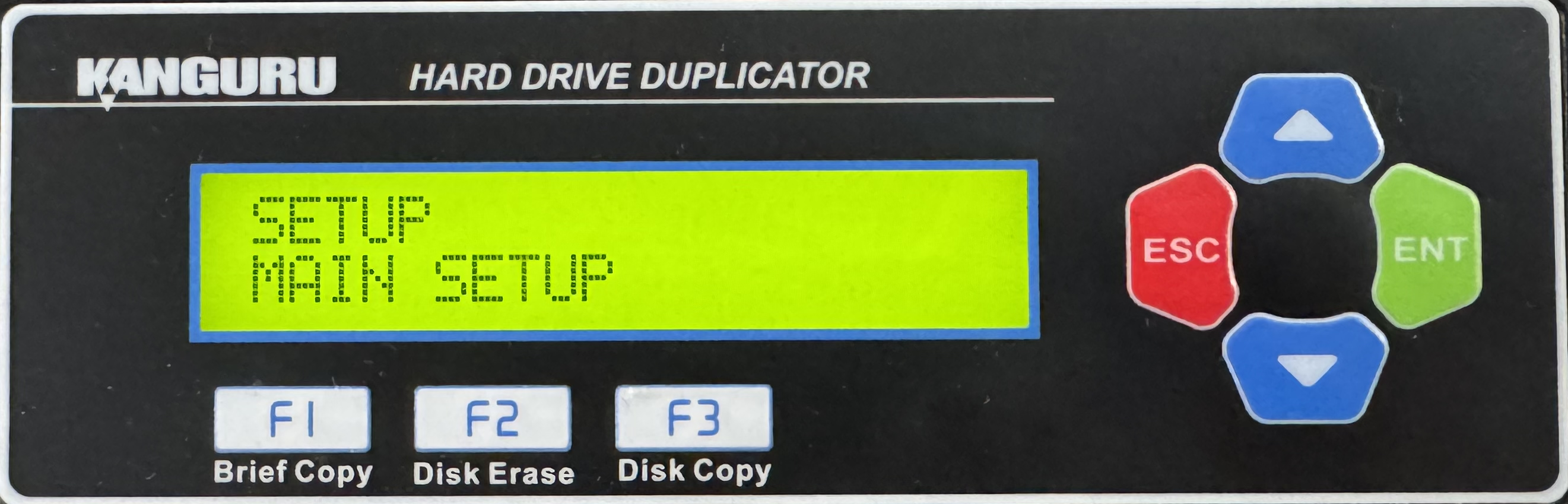
- Press the Up or Down buttons until you see Skip Read Error.
- When Skip Read Error is displaying for you, press the ENT button to alter the setting.
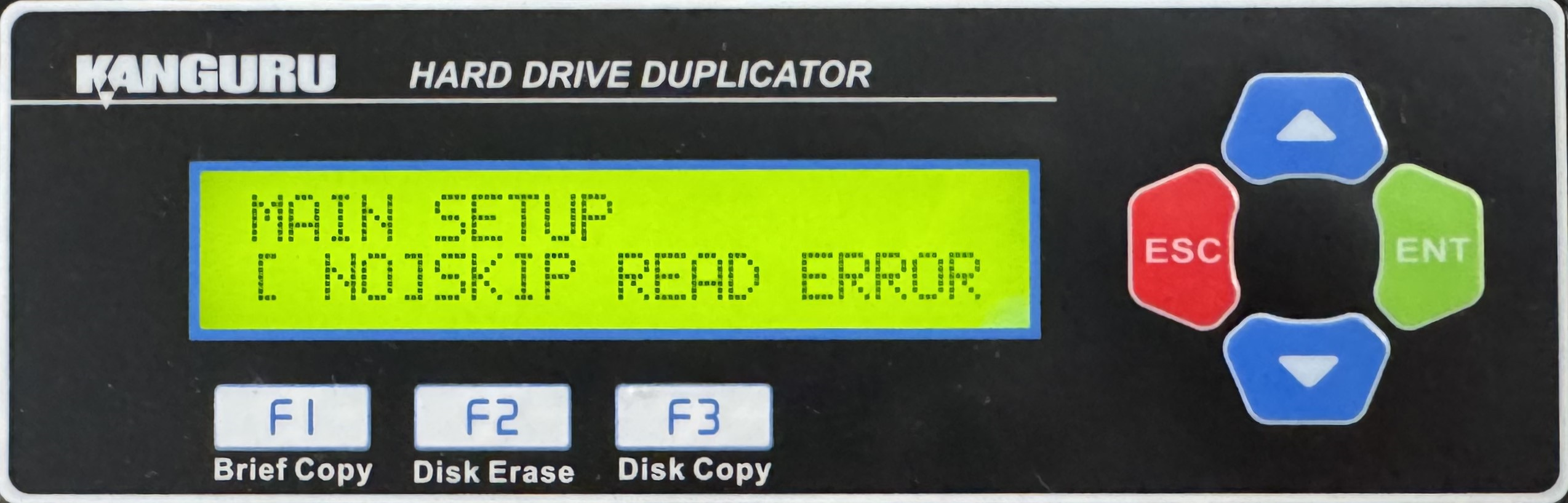
- Use the Up or Down buttons to alter the setting.
- Press the ENT button to save the setting.
- Press the ESC button to return to the Menu Select mode.


