
HD Pro Duplicator - One Touch Operation

All HDS-PRO Duplicators feature a One Touch button.
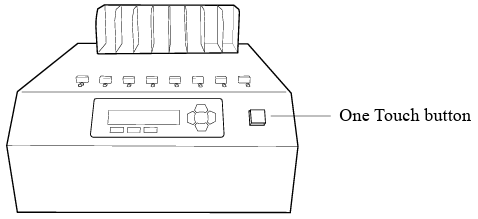
The One Touch button simplifies operations by allowing you to press one button to start and clear jobs. The button’s color changes depending on the duplicator’s status:
|
Blue |
Standby. Press the button to start the current job. |
|
Blinking Green |
Operation in progress. Pressing the button has no action. |
|
Solid Green |
Operation completed, passed. Press the button to clear the job results and return to standby. |
|
Red |
Operation completed, failed. Press the button to clear the job results and return to standby. |


