
HD Pro Duplicator - Main Copy Menu - Erase - Ratio Erase

Ratio allows you to erase a defined percentage of the target drives. You must define the beginning and ending percentages before using this operation. To define the percentages you have to enter the Advanced Setup menu, and configure the Set Ratio Erase Start and Set Ratio Erase Length options.
To perform a Ratio Erase:
- Power on the duplicator.
- Connect drives to the Target ports on the duplicator.
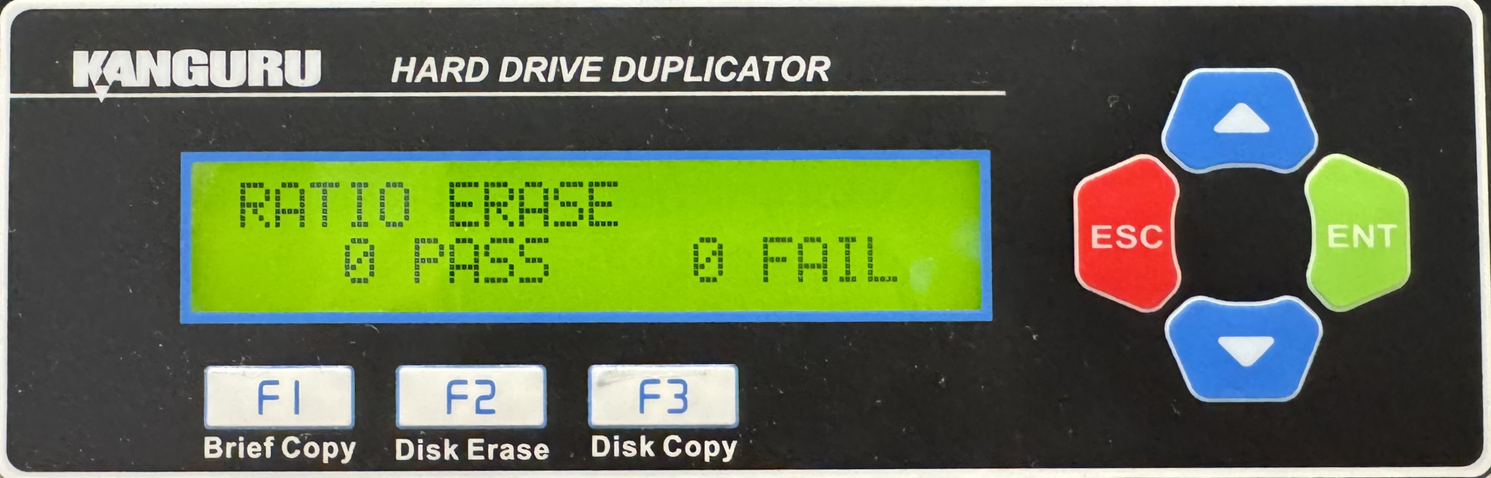
- From the Main Copy Menu press the Up or Down buttons until you see Ratio Erase.
- When Ratio Erase is displaying for you, press the ENT button to start this process.
Note: The Source port is not able to be erased unless you enable Erase Source Port located under Main Setup.


