HD Pro Duplicator - Storage Center Setup - Make Storage Center

The Make Storage Center option allows you to format a normal drive as a Storage Center drive. Storage Centers which can then be used to store multiple hard drive images for convenient access to your most commonly used Source drives.
To format a hard drive as a Storage Center:
- Power on the duplicator.
- Connect the drive you are looking to use as a Storage Center drive to the Source port on the duplicator.
- From the Main Copy Menu press the ESC button to enter the Menu Select mode.
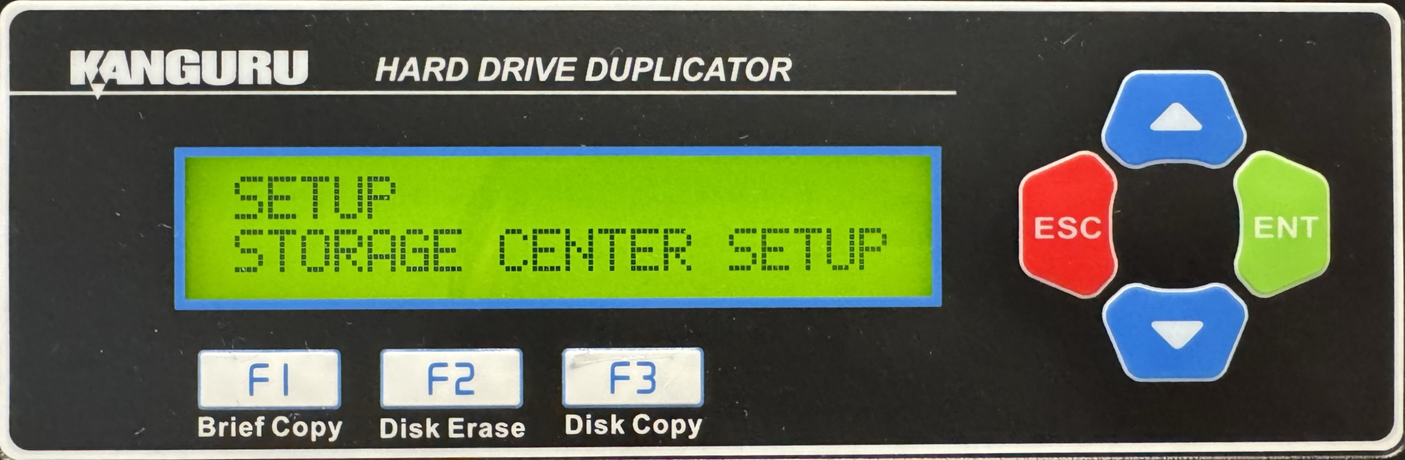
- Press the Up or Down buttons until you see Storage Center Setup.
- When Storage Center Setup is displaying for you, press the ENT button to enter this menu.
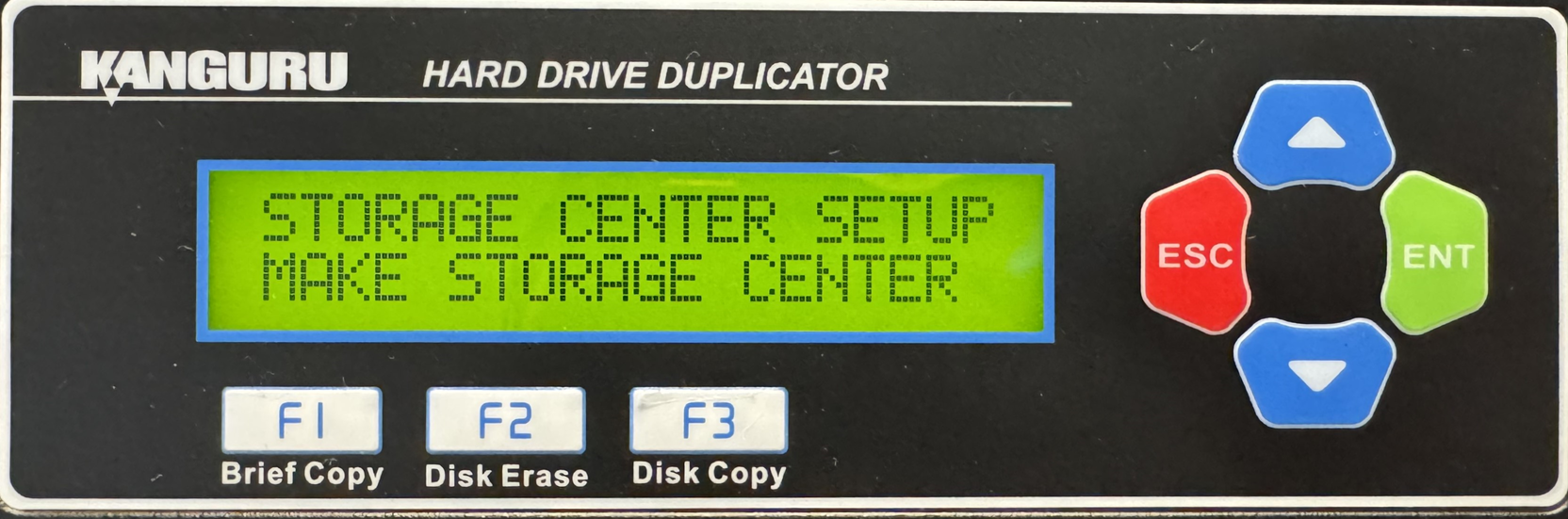
- Press the Up or Down buttons until you see Make Storage Center.
- When Make Storage Center is displaying for you, press the ENT button to alter this setting.
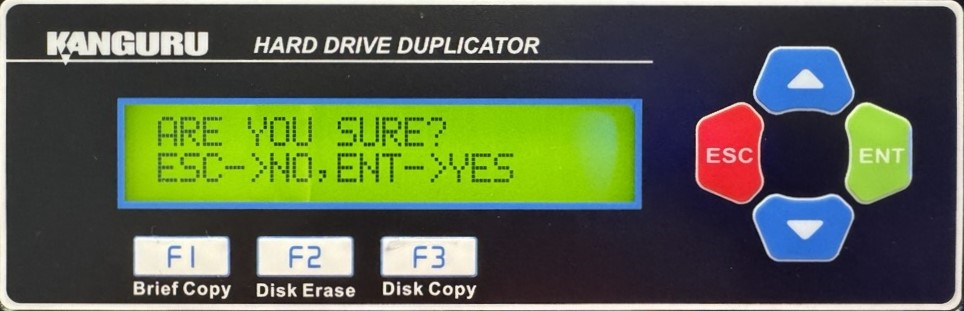
- You will be displayed a confirmation message on the screen. Press ESC if you would like to stop the process or press ENT to continue with the process.
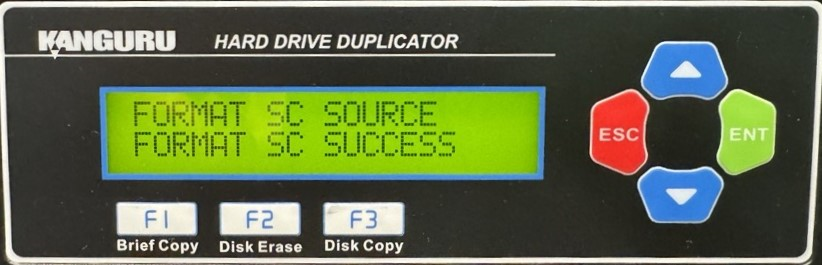
- When successful formatted you can press the ESC button to return to the Menu Select mode.