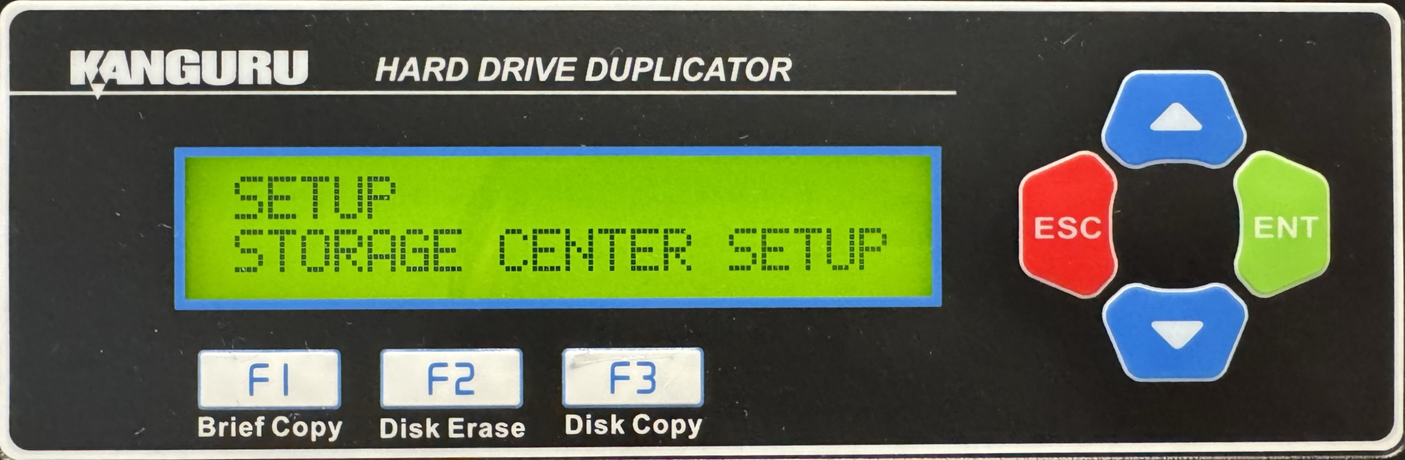
HD Pro Duplicator - Storage Center Setup

Storage Centers which can then be used to store multiple hard drive images for convenient access to your most commonly used Source drives. Within Storage Center Setup you will have access to the following:
|
The Load Full Image option allows you to control how image files are saved to a Storage Center during a Load operation. |
|
|
The Copy Storage Source option allows you to make a duplicate of your Storage Center drive. |
|
|
The Skip Select Image option allows you to set whether the duplicator asks you to select an image file when it recognizes that the drive connected to the Source is a Storage Center. |
|
|
The Select Image File option is used to select an image file when the Skip Select Image option is enabled. If Skip Select Image is enabled, the image file selected here will be used as the default Source for any copy process. |
|
|
The Delete Image File option is used to delete a specific image file that has been saved to the Storage Center. |
|
|
The Make Storage Center option allows you to format a normal drive as a Storage Center drive. Storage Centers which can then be used to store multiple hard drive images for convenient access to your most commonly used Source drives. |