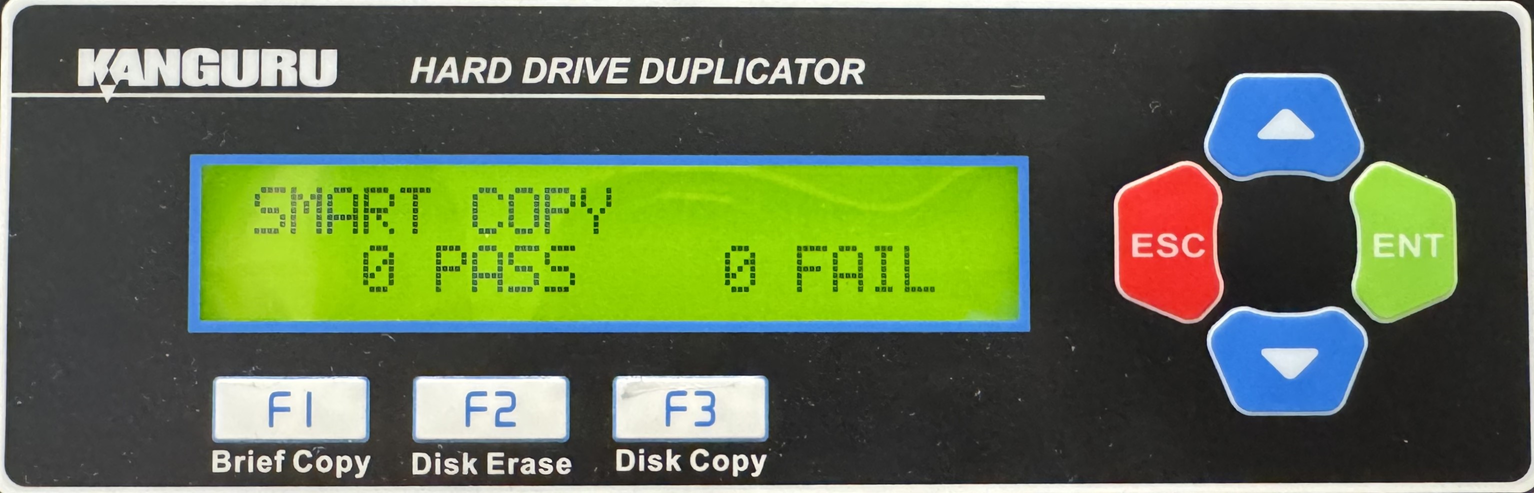
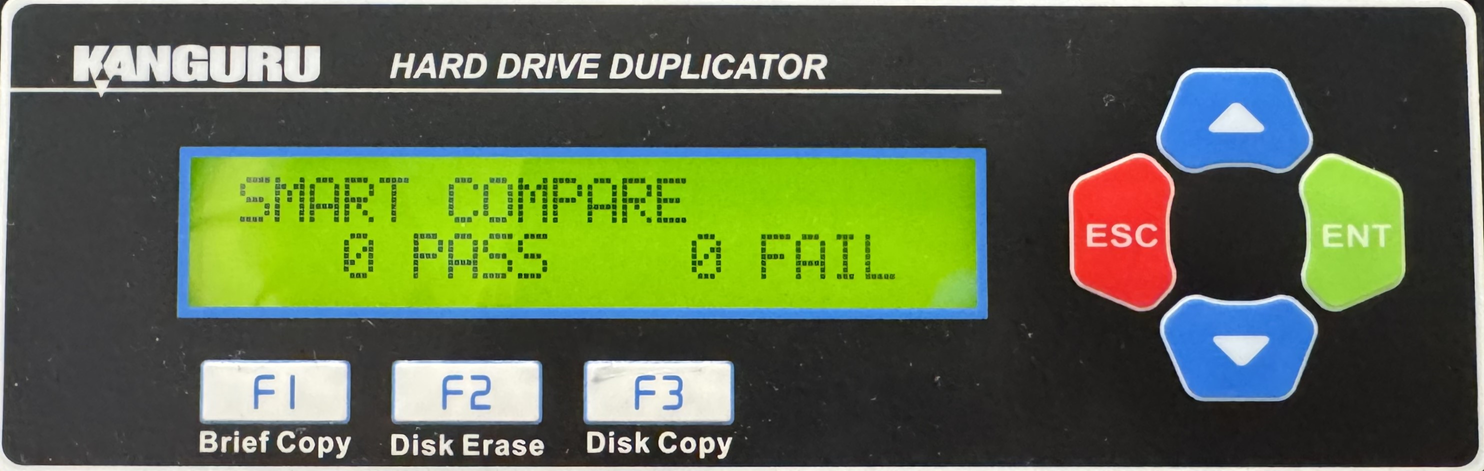
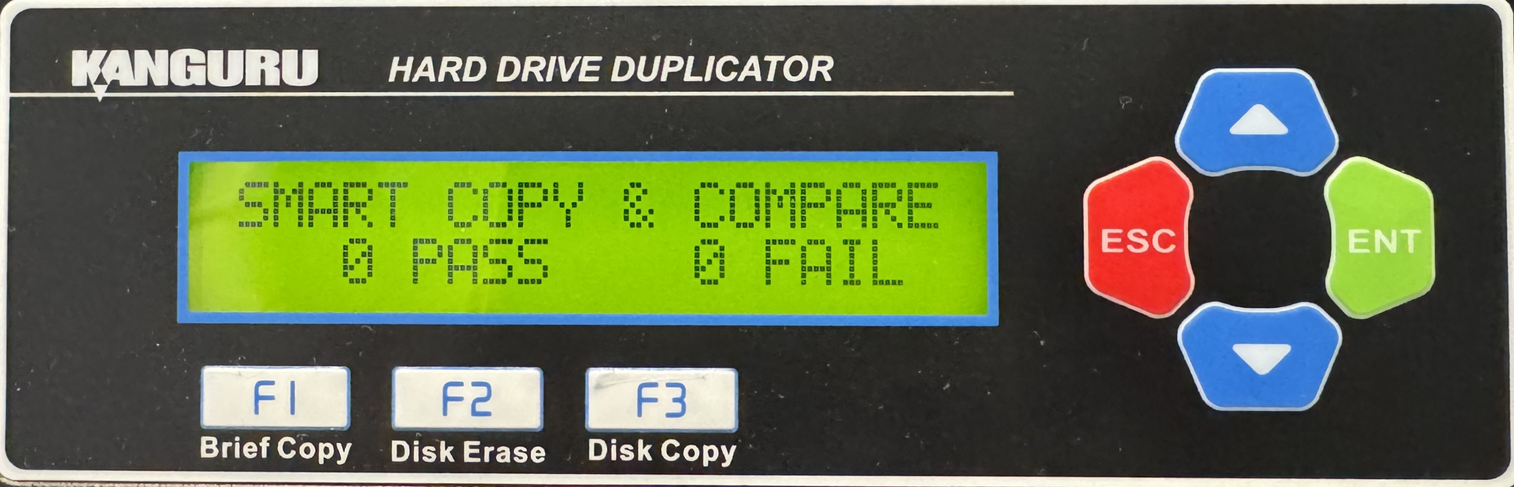
HD Pro Duplicator - Main Copy Menu - Duplication Modes - SMART

SMART mode checks the Source and Target drives and determines which copy mode is the most efficient and automatically operates in that mode.
- First the duplicator will try to detect the Source drive’s file system. If it does not recognize the file system then it will copy in Disk copy. The Duplicator recognizes the following file systems: FAT, FAT32, exFAT, NTFS, EXT2, EXT3, EXT4, XFS, RFS, HFS, HFS+
- If the duplicator is able to recognize the file system of the Source, it will compare the capacity between the Source and the Target.
- If the Source is formatted in a Windows file system and its capacity is smaller than the Target then the duplicator will copy in Resize
- If the Source’s capacity is equal to the Target, then it will copy in Brief
- If the Target drives are of mixed capacities, it will determine a suitable copy mode based on the capacity of the smallest Target drive.