
HD Pro Duplicator - Main Setup - HPA Check

The Host Protected Area (HPA), sometimes referred to as the Hidden Protected Area, is a partition on the hard drive that is not normally visible to an operating system. Tap the ENT button to change this option.
|
Disabled |
HPA Check is disabled. The system will not check for HPA partitions. Note: This is the Default setting. |
|
Enabled |
HPA Check is enabled. When HPA Check is enabled, the duplicator will support Host Protection Areas. When you duplicate a Source drive that contains HPA, the system will detect the HPA partition, unlock it, copy the area and then re-lock the area once duplication is complete. |
To alter the HPA Check setting:
- Power on the duplicator.
- From the Main Copy Menu press the ESC button to enter the Menu Select mode.
- Press the Up or Down buttons until you see Main Setup.
- When Main Setup is displaying for you, press the ENT button to enter this menu.
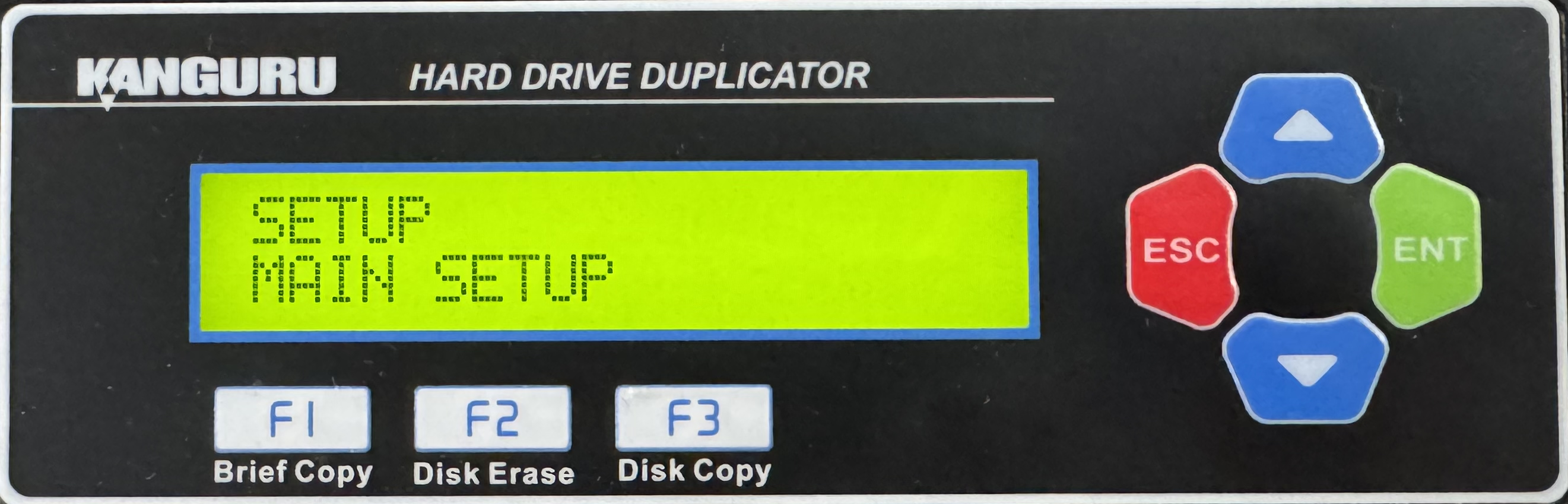
- Press the Up or Down buttons until you see HPA Check.
- When HPA Check is displaying for you, press the ENT button to alter the setting.
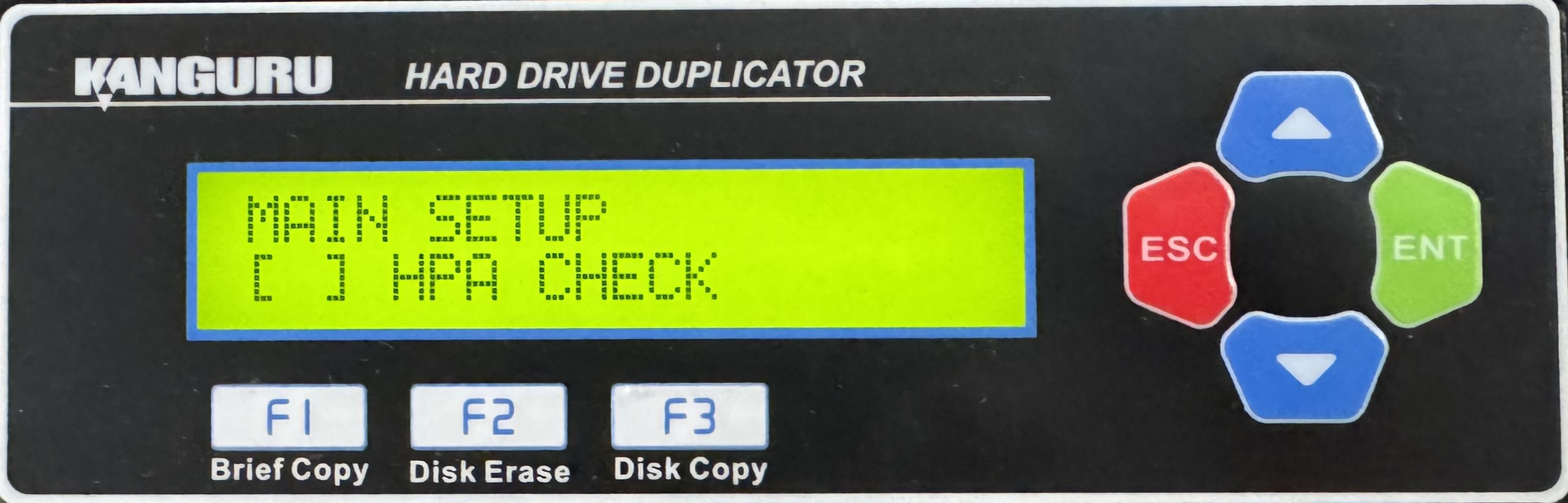
- Once you have altered the setting, you can press the ESC button to return to the Menu Select mode.


