
HD Pro Duplicator - Main Setup - Set Write Pattern

The Set Write Pattern setting is used to define the data that you want written to all sectors of your drives during a Disk Erase operation. The Write Pattern can be set to 00, RM (random), AA, A5, 5A, C9, FF, E5 or F6. The default setting is 00.
To alter the Set Write Pattern setting:
- Power on the duplicator.
- From the Main Copy Menu press the ESC button to enter the Menu Select mode.
- Press the Up or Down buttons until you see Main Setup.
- When Main Setup is displaying for you, press the ENT button to enter this menu.
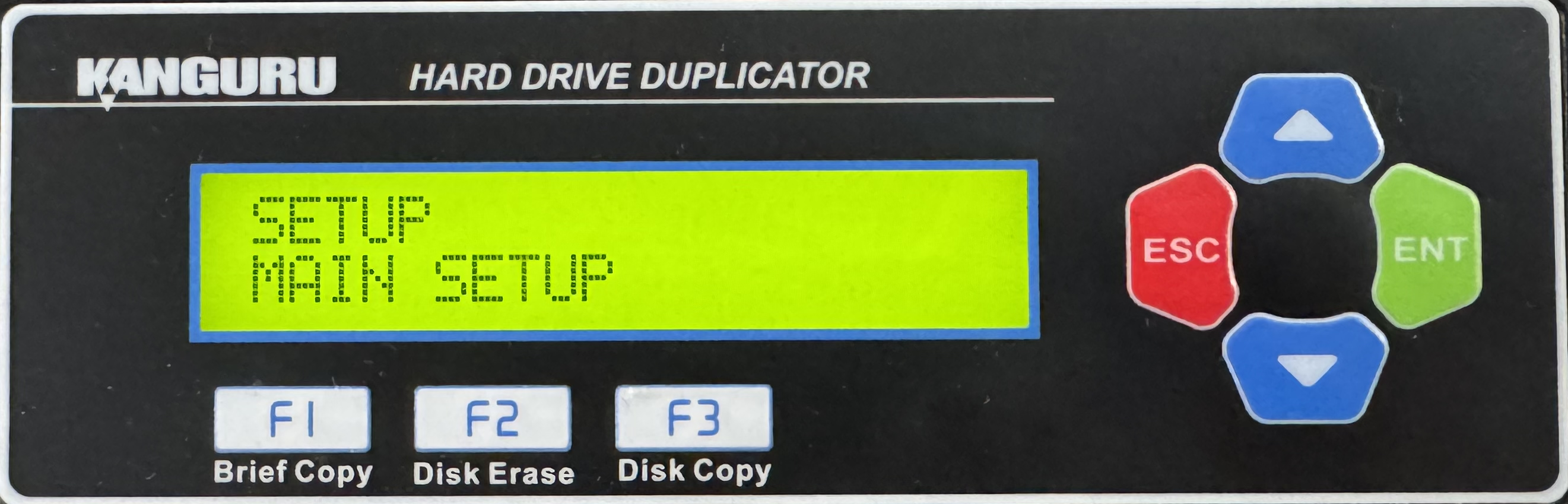
- Press the Up or Down buttons until you see Set Write PAT.
- When Set Write PAT. is displaying for you, press the ENT button to alter the setting.
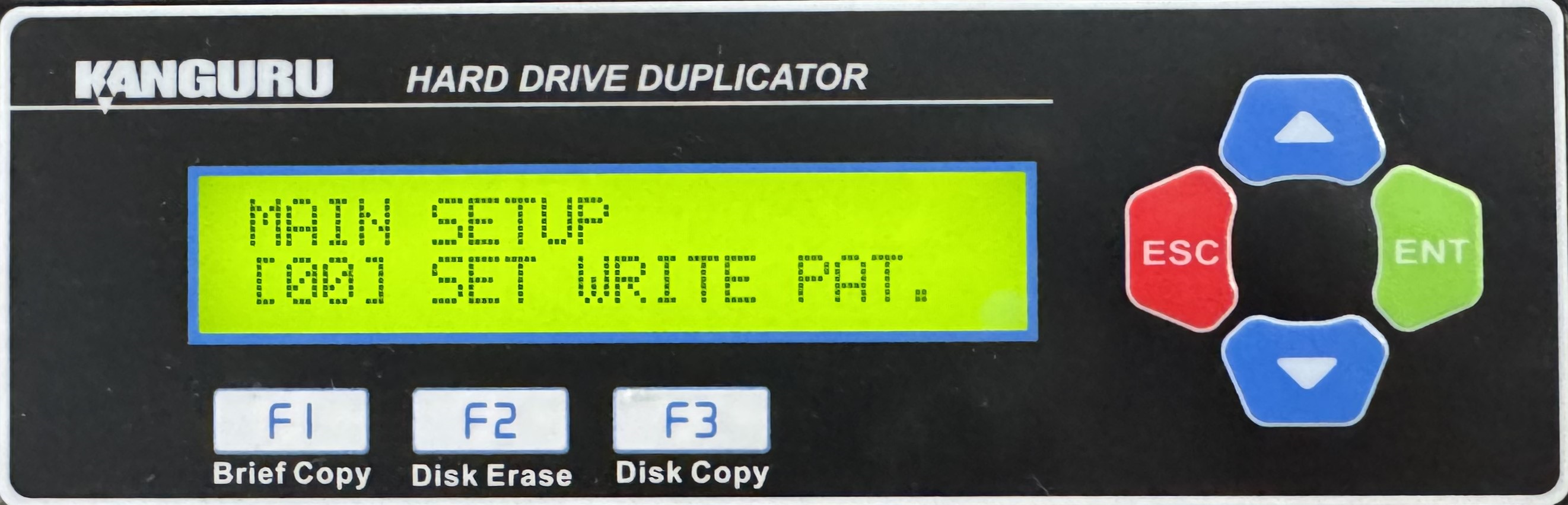
- Use the Up or Down buttons to alter the setting.
- Press the ENT button to save the setting.
- Press the ESC button to return to the Menu Select mode.


