
HD Pro Duplicator - Main Setup - SMART Warning

If Set SMART Check is enabled, you can configure what level of SMART check performed. Tap the ENT button to change this option.
There are 3 levels of SMART checking:
|
0 |
Level 0 |
Checks for critical, uncorrectable errors (e.g. read/write errors). Note: This is the Default setting. |
|
1 |
Level 1 |
Checks for any major errors that could force the drive to stop working. |
|
2 |
Level 2 |
Checks for any warning status errors that could force the drive to stop working. |
To alter the SMART Warning setting:
- Power on the duplicator.
- From the Main Copy Menu press the ESC button to enter the Menu Select mode.
- Press the Up or Down buttons until you see Main Setup.
- When Main Setup is displaying for you, press the ENT button to enter this menu.
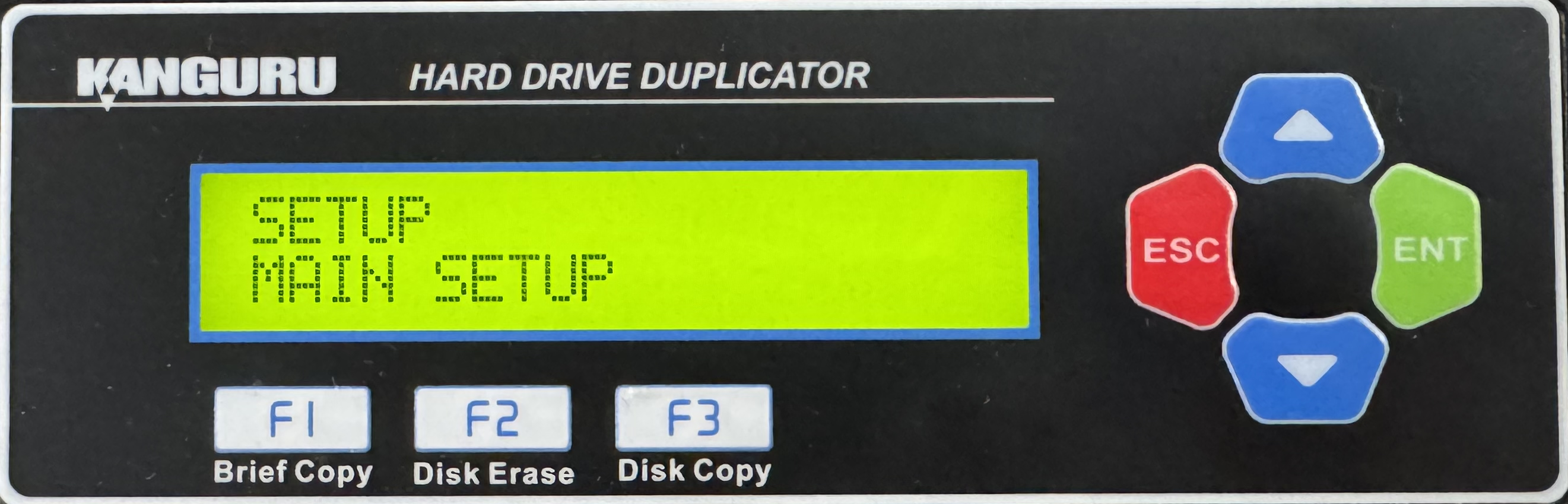
- Press the Up or Down buttons until you see SMART Warning.
- When SMART Warning is displaying for you, press the ENT button to alter the setting.
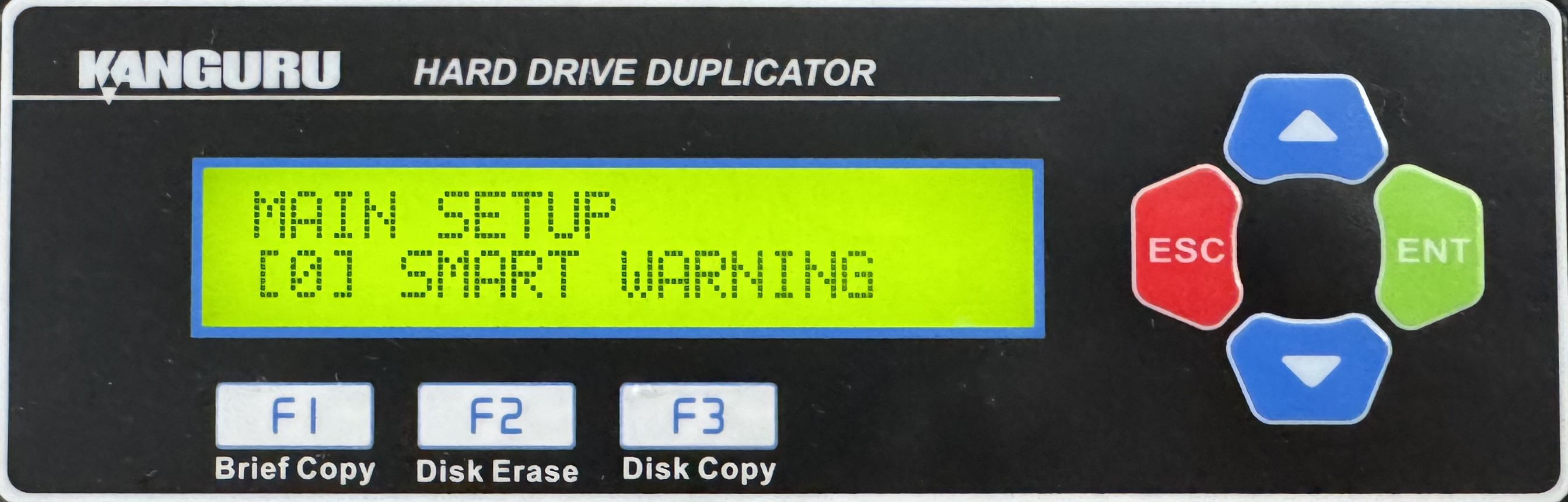
- Once you have altered the setting, you can press the ESC button to return to the Menu Select mode.


