
4-Target NVMe Duplicator - Connecting M.2 Drives

The KanguruClone 4 NVMe supports NVMe SSDs that have an M.2 M-keyed connector as well as SATA M.2 B+M-keyed connectors.
To connect an M.2 solid state drive to the KanguruClone 4 NVMe:
- Make sure all Drive Locking Pins are pushed all the way to the end of the duplicator
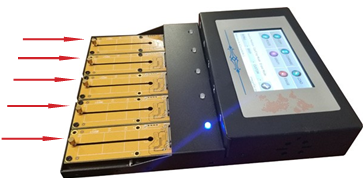
- Hold the drive with the M-key or B+M-key notch aligned to the right side.
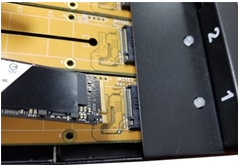
- Insert the drive into one of the duplicator’s M.2 ports at about a 30 degree angle. Note: you can identify the Source port location by the blue LED indicator.
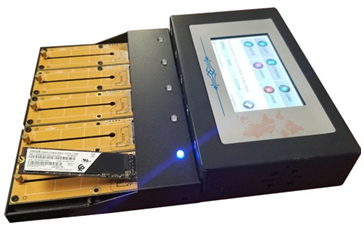
- Press down on the back of the drive so that it lies parallel with the duplicator. There should be a few mm space between the drive and the duplicator.
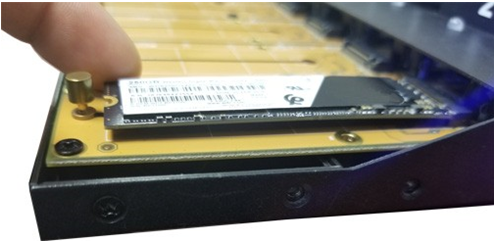
- Slide the Drive Locking Pin into the notch located at the rear of the M.2 drive.
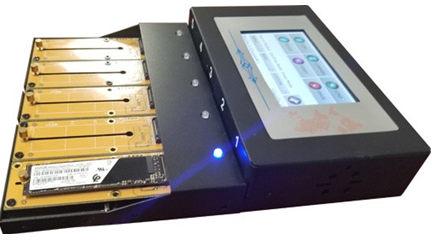
- Repeat for Target drives until all drives are connected.
It is OK to connect and disconnect Source or Target drives while the KanguruClone is powered on. However, do NOT connect or disconnect drives while any operation is running or is in progress. The green LED light will blink to indicate that the unit is cloning or operating.


