
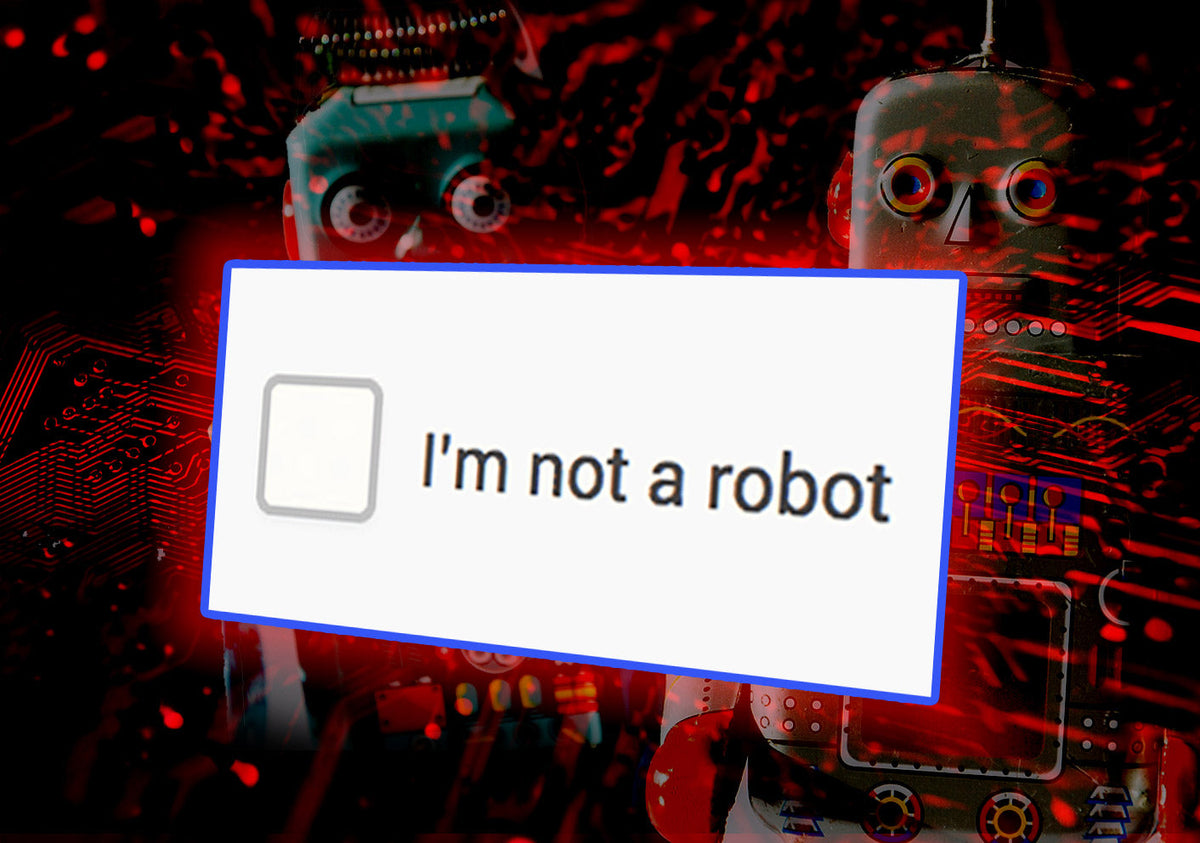
In today’s digital environment, even the most familiar security measures can be turned against us.
A recent report highlighted by cybersecurity experts and covered in the news reveals a new, dangerous, and growing threat: fake CAPTCHA scams. These attacks exploit something we all trust, the simple “I’m not a robot” checkbox, to trick users into installing malware and compromising sensitive data.
Yes, I know what you're thinking: “Oh great - now I have to protect myself from the very thing that's supposed to protect me.” But fear not, Kanguru has your back. Read on and we will show you how to spot fake CAPTCHA scams, and help you spot the deceptive tactics immediately.
When Security Becomes the Vulnerability

CAPTCHAs were designed to protect websites from bots, but cybercriminals have learned how to weaponize that trust. Instead of simply verifying identity, malicious versions of these prompts instruct users to take additional steps, like running commands or downloading files. Just a few months ago, attackers have even evolved their tactics to provide step-by-step tutorial videos to "guide" victims into unknowingly installing malware.
Understanding how to avoid fake CAPTCHAs is essential as these scams become more advanced. What appears to be a harmless verification process can quickly become a gateway for compromise. Your best defense is understanding how real CAPTCHAs function-and how fake ones don’t.
The Core Differences
Fake CAPTCHAs are designed to look nearly identical to real ones. The difference isn’t visual, it’s behavioral.
Legitimate tools like Google reCAPTCHA or hCaptcha:
- Keep all interaction within the browser
- Require only a simple click or image selection
- Will never ask you to run commands or download anything
Fake CAPTCHAs, on the other hand:
- Mimic legitimate verification tools almost perfectly
- Ask users to paste hidden commands into their system
- Attempt to install “information stealer” malware that captures passwords, browser data, and financial details
These attacks rely less on technical vulnerabilities and more on human behavior, making awareness just as critical as technology.
Where These Scams Are Showing Up
One of the reasons these attacks are so effective is that they appear in normal, everyday browsing situations, not just shady corners of the internet.
You might be watching a video, downloading a file, or accessing an article or gated content. You click a link and land on a page with a familiar prompt:
☐ I'm not a robot
But instead of just clicking the box, you see instructions like:
“Verification failed. Press Windows + R, then CTRL + V, then Enter to continue.”
This is the red flag.
If you follow those steps, you may have just pasted a hidden malicious command, executed it on your machine, and installed malware (often an information stealer).
These scams are also being distributed through:
- Compromised legitimate websites
- Malicious ads (malvertising)
- Pirated or streaming sites
- Search engine results
- Phishing emails and social media links
Because they look so real and appear in everyday scenarios, they catch users off guard.
The Real Cost of a Single Click
Once malware is installed, the consequences can be severe. Malware can begin stealing login credentials and passwords, getting unauthorized access to business systems, commit financial fraud or identity theft, and can enact long-term data exposure without detection.
Many modern threats operate silently in the background, collecting and transmitting data without obvious signs.
For businesses, this can mean regulatory risk, reputational damage, and compromised customer data. For individuals, it can mean losing control of personal and financial information, with irreparable harm.
Awareness Is Your First Line of Defense
The most important takeaway: legitimate CAPTCHAs will never ask you to:
- Run commands on your computer
- Download files to verify identity
- Enable suspicious permissions
If something feels unusual, it probably is. Closing the page immediately is often the safest action. But awareness alone isn’t enough.
Strengthening Your Data Security Strategy
As cyber threats evolve, organizations and individuals must think beyond prevention and focus on protection. Secure data storage solutions play a critical role here. Companies like iStorage / Kanguru provide hardware encrypted storage devices designed to protect sensitive data, even if a system is compromised.
These solutions offer:
- Military-grade AES/XTS 256-bit hardware encryption
- PIN-authenticated access
- Protection against brute-force attacks
- Secure offline storage isolated from network-based threats
When malware can silently extract data from connected systems, keeping critical information physically secured and encrypted adds a powerful layer of defense.
The Benefits of AES 256-Bit Hardware Encrypted Data Storage
Having backups of your systems, data, and credentials stored on secure, off-site, offline devices is one of the most effective ways to protect your information.
Localized storage enables rapid recovery, allowing you to restore systems and get back up and running quickly in the event of a compromise. At the same time, it protects your data from being accessed or compromised.
AES 256-bit hardware encryption, widely recognized as a gold standard, ensures protection at the device level. Unlike software-based encryption, hardware-encrypted solutions are built to resist tampering and unauthorized access.
Solutions from iStorage / Kanguru enhance this protection with:
- PIN-based authentication
- Built-in brute-force defense
- No reliance on host systems
- True air-gapped security when offline
In a situation where a single click can compromise an entire system, secure offline backups aren’t just a best practice, they’re essential.
Kanguru Provides Ideal Data Protection With:
- Kanguru Defender external hardware encrypted devices
- Kanguru Remote Management for secure devices
- Kanguru Defender internal self-encrypted SEDs
- iStorage PIN-Authenticated hardware encrypted devices
The Bigger Picture: Security Is a Mindset
Cybersecurity is no longer just an IT concern. It’s a business and personal responsibility. The rise of fake CAPTCHA scams highlights a critical truth:
Attackers don’t always break systems—they trick people.
To stay protected:
- Stay alert to unusual prompts or instructions
- Keep systems and security tools up-to-date
- Use strong, unique passwords (and change them regularly)
- Store sensitive data in encrypted, hardware-secured devices offline
Final Thoughts
The "I'm Not A Robot" checkbox that once symbolized security is now being used as a tool for deception by bad actors. That shift underscores how quickly the threat landscape is evolving. Protecting your data today requires awareness, vigilance, and the right tools. Because in cybersecurity, it’s not just about keeping threats out. It’s about ensuring your data remains secure, no matter what gets in.