
HD Pro Duplicator - Advanced Setup - Disk Verify Source

Disk Verify Source will allow the duplicator to create a Source CRC value (for the whole disk) and save it in the machine until the duplicator is turned off. After a Disk Copy is completed, the duplicator will check the source’s CRC is correct or not. This will verify whether the source data was transferred accurately during the copy process.
To perform a Disk Verify Source:
- Power on the duplicator.
- Connect your drive to the Source port of the duplicator.
- From the Main Copy Menu press the ESC button to enter the Menu Select mode.
- Press the Up or Down buttons until you see Advanced Setup.
- When Advanced Setup is displaying for you, press the ENT button to enter this menu.
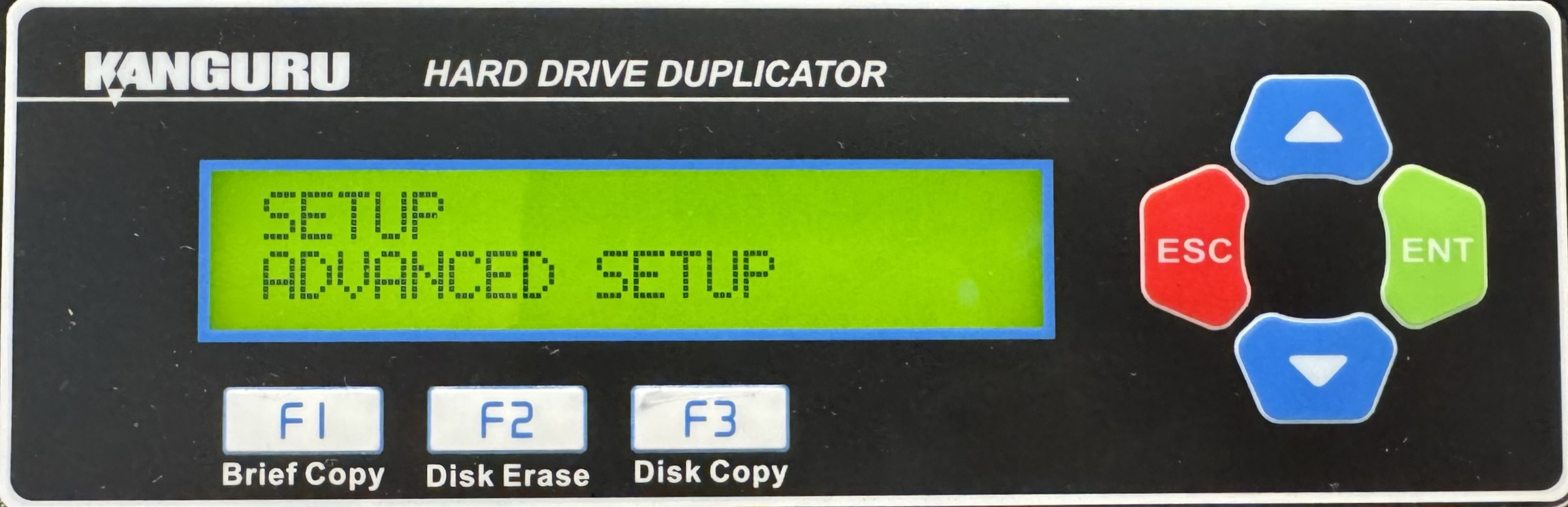
- Press the Up or Down buttons until you see Disk Verify Source.
- When Disk Verify Source is displaying for you, press the ENT button to start the process.
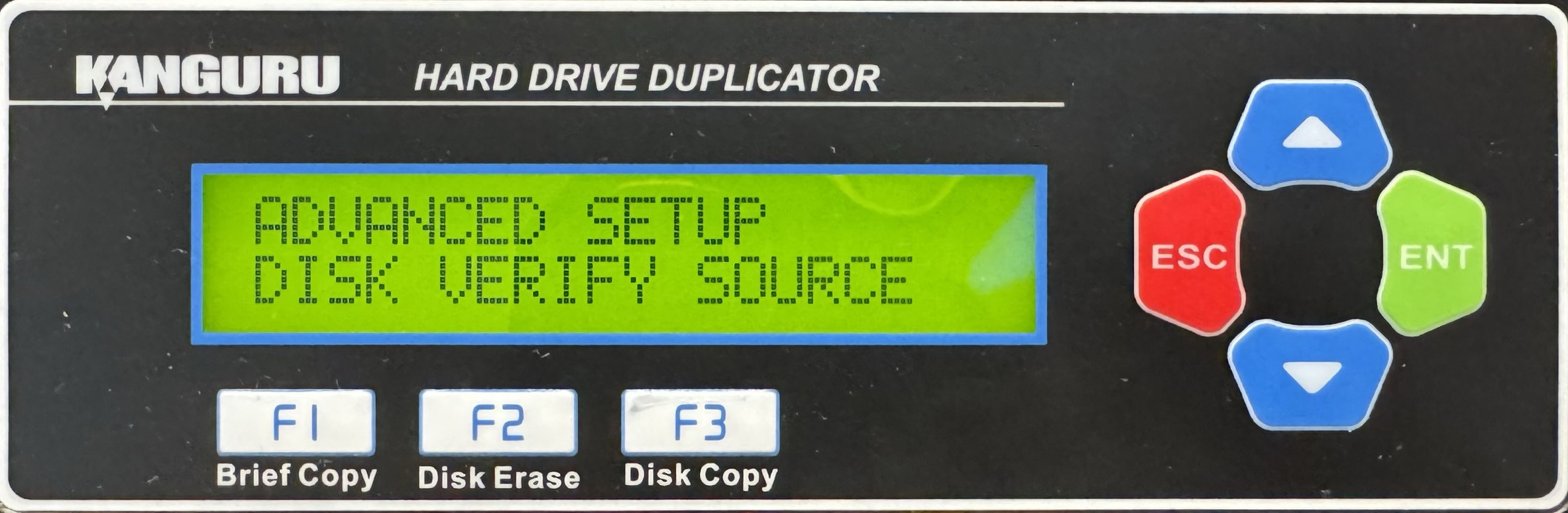
- Once the process completes, you can press the ESC button to return to the Menu Select mode.


