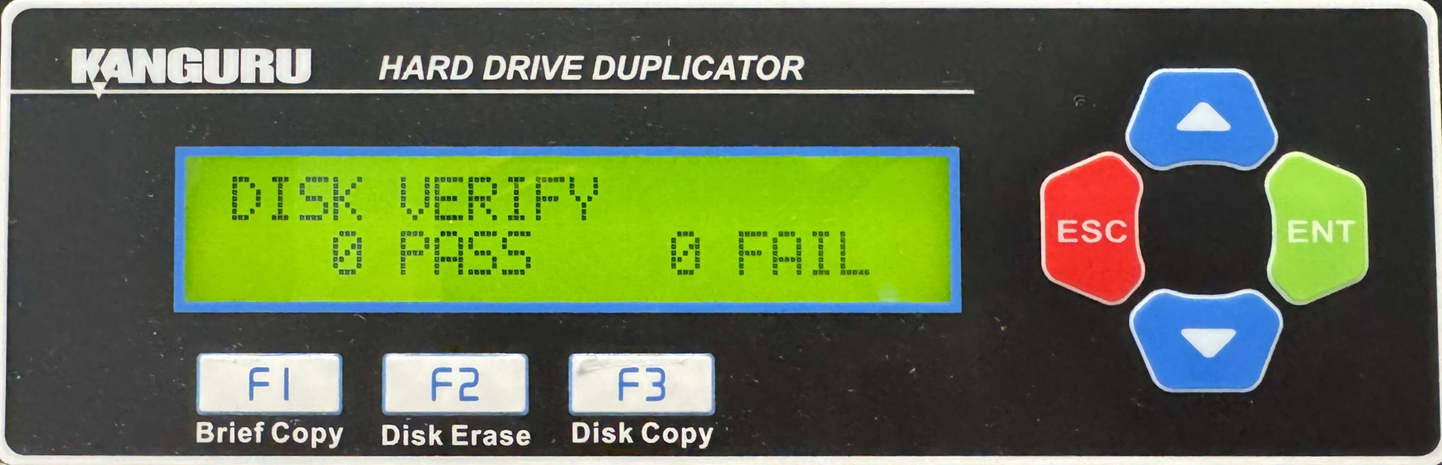
HD Pro Duplicator - Main Copy Menu - Disk Verify

Verify will check all connected drives and determine if they are readable. The verification operation will check any drive connected to a Target port and verifies that all sectors on the hard drive are readable.
To verify all drives connected to the duplicator:
- Power on the duplicator.
- Connect drives to the Target ports on the duplicator.
- From the Main Copy Menu press the Up or Down buttons until you see Disk Verify.
- When Disk Verify is displaying for you, press the ENT button to start this process.