
HD Pro Duplicator - Main Setup - Force Use PIODMA

Some legacy or poorly compatible hard drives may not support data transmission using the UDMA standard. In certain specific scenarios, the system can be configured to fall back to the older PIODMA protocol for data transfer. Tap the ENT button to change this option.
|
Disabled |
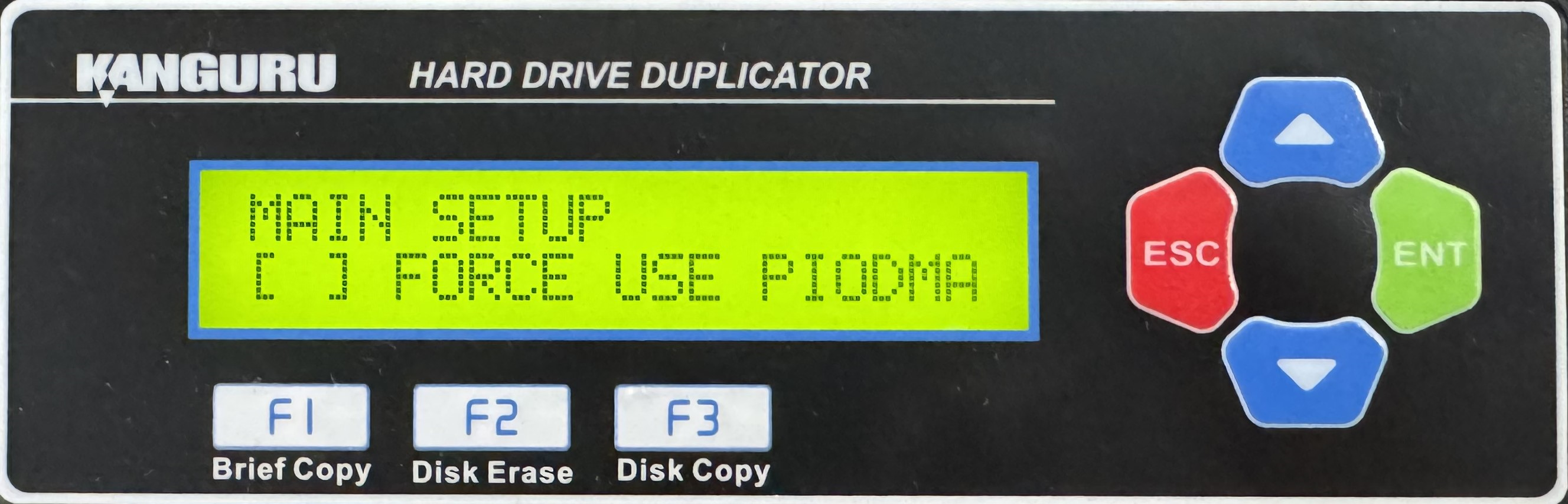
Force Use PIODMA is disabled. Some more legacy drives may not be able to communicate with the duplicator. Note: This is the Default setting. |
|
Enabled |
Force Use PIODMA is enabled. Some more legacy drives may be able to better communicate with the duplicator rather then just by using UDMA. |
To alter the Force Use PIODMA setting:
- Power on the duplicator.
- From the Main Copy Menu press the ESC button to enter the Menu Select mode.
- Press the Up or Down buttons until you see Main Setup.
- When Main Setup is displaying for you, press the ENT button to enter this menu.
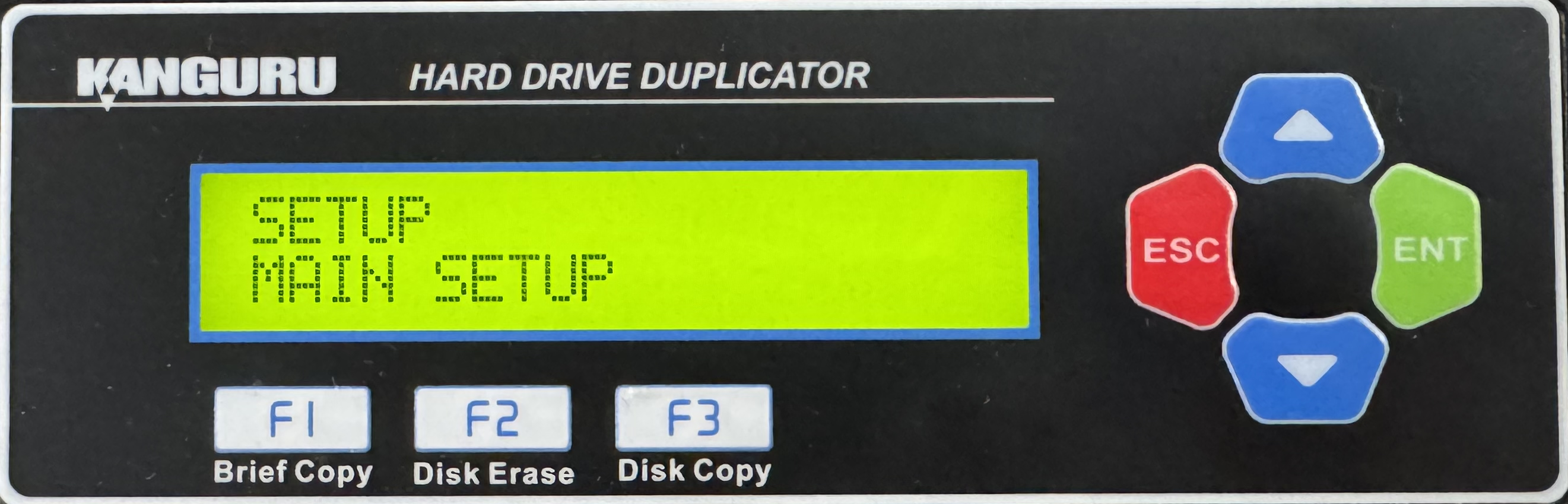
- Press the Up or Down buttons until you see Force Use PIODMA.
- When Force Use PIODMA is displaying for you, press the ENT button to alter the setting.
- Once you have altered the setting, you can press the ESC button to return to the Menu Select mode.


