
11-Target NVMe Duplicator - Connecting M.2 Drives

To connect an M.2 NVMe or M.2 SATA Drive:
- Slide all Locking Pins away from the M.2 Sockets.
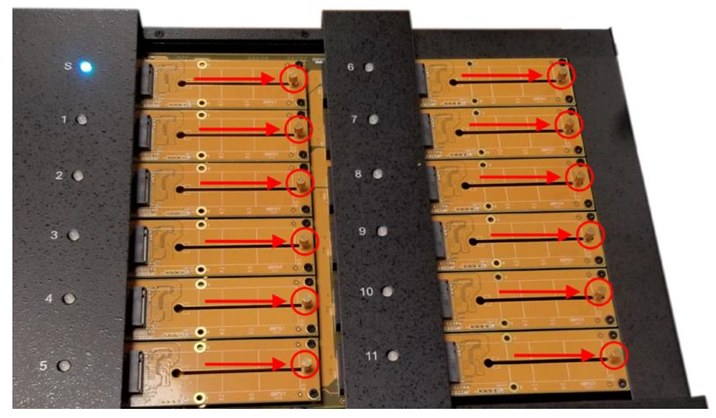
- Align the M.2 SSD to the Socket with the M-key notch positioned to the right.
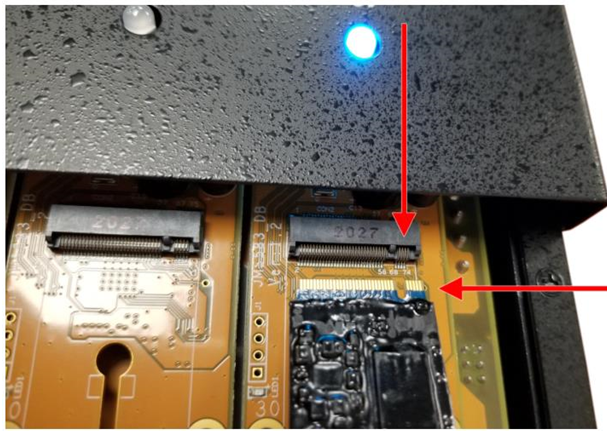
- Insert the SSD into the M.2 socket at about a 30 degree angle.
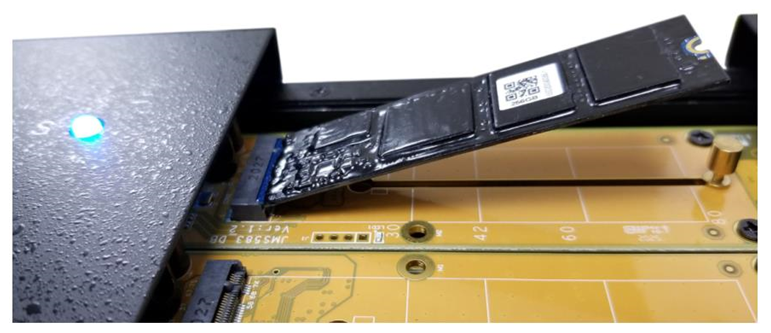
- Push the back of the SSD down so that the drive sits parallel with the duplicator. There should be a few mm space between the drive and the duplicator.
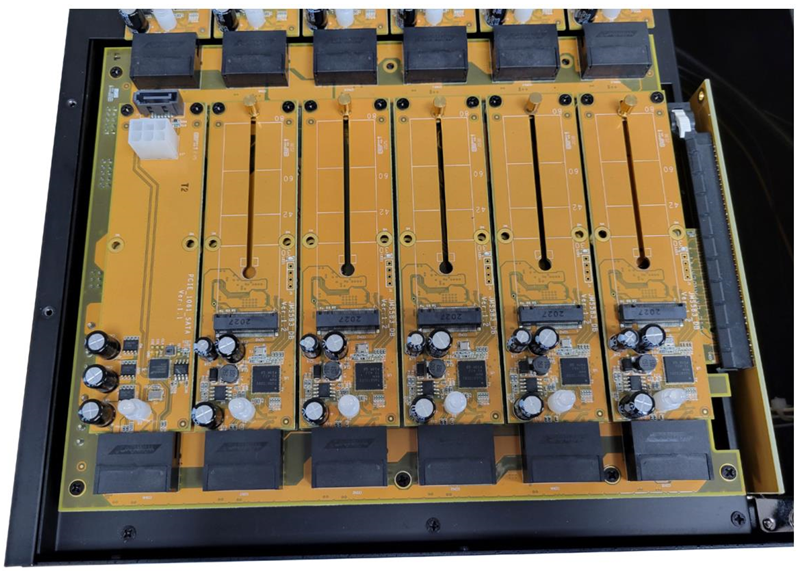
- Slide the Locking Pin into the notch at the back of the SSD.
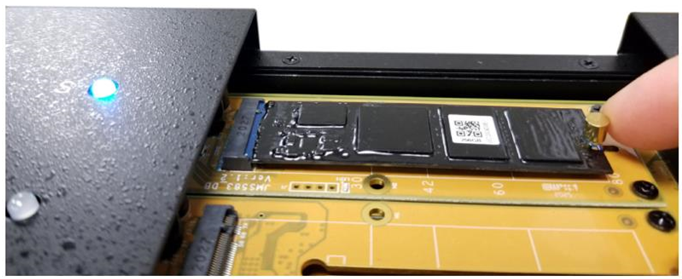
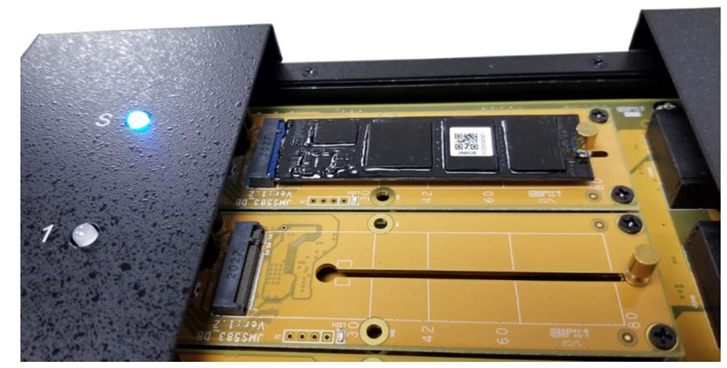
- Repeat this until all of your drives are connected.
WARNING! It is OK to connect and disconnect Source or Target drives while the KanguruClone is powered on. However, do NOT connect or disconnect drives while any operation is running or is in progress. The LED will next to the drive will blink to indicate that it is in use.


