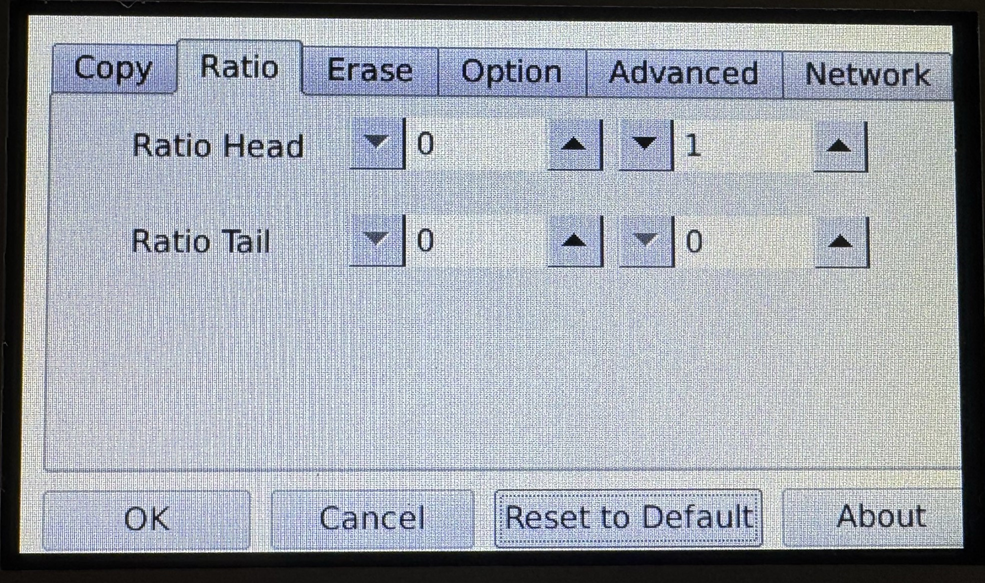
4-Target NVMe Duplicator - General Operation - Ratio Copy

The Ratio mode allows you to copy or compare a defined percentage of the Source drive.
The Source drive is divided in 1000 units. You must define the beginning and ending percentages before using this operation. To define the percentages:
- Tap the Settings icon to enter the Setup Menu
- Tap on the ‘Ratio’ tab at the top of the screen.
- Define the Ratio Head and Tail percentages by tapping the up and down buttons, or by tapping in the field and manually typing in the defined value.