
HD Pro Duplicator - Main Setup - Advanced Brief Mode

The Brief copy mode is usually the fastest duplication method available. However Brief mode only supports a handful of file systems. The ADV. BRIEF MODE operation allows you to execute a Brief copy of unsupported file systems.
The Advanced Brief copy mode requires loading a special Source drive image to a Storage Center drive. For information on formatting a hard drive as a Storage Center, see Make Storage Center.
The default setting is NO which means disabled
To use the Advanced Brief Copy, first you will need to prepare a new Source disk that will be supported by Advanced Brief Copy:
- Power on the duplicator.
- From the Main Copy Menu press the ESC button to enter the Menu Select mode.
- Press the Up or Down buttons until you see Main Setup.
- When Main Setup is displaying for you, press the ENT button to enter this menu.
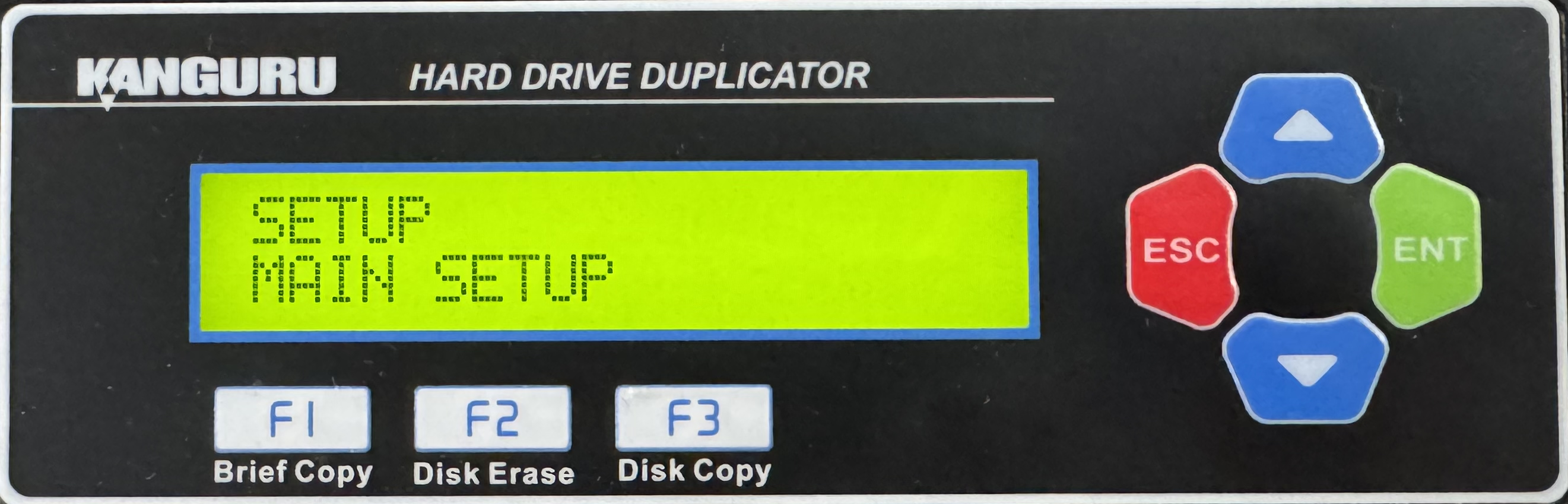
- Press the Up or Down buttons until you see Advanced Brief.
- When Advanced Brief is displaying for you, press the ENT button to alter the setting.
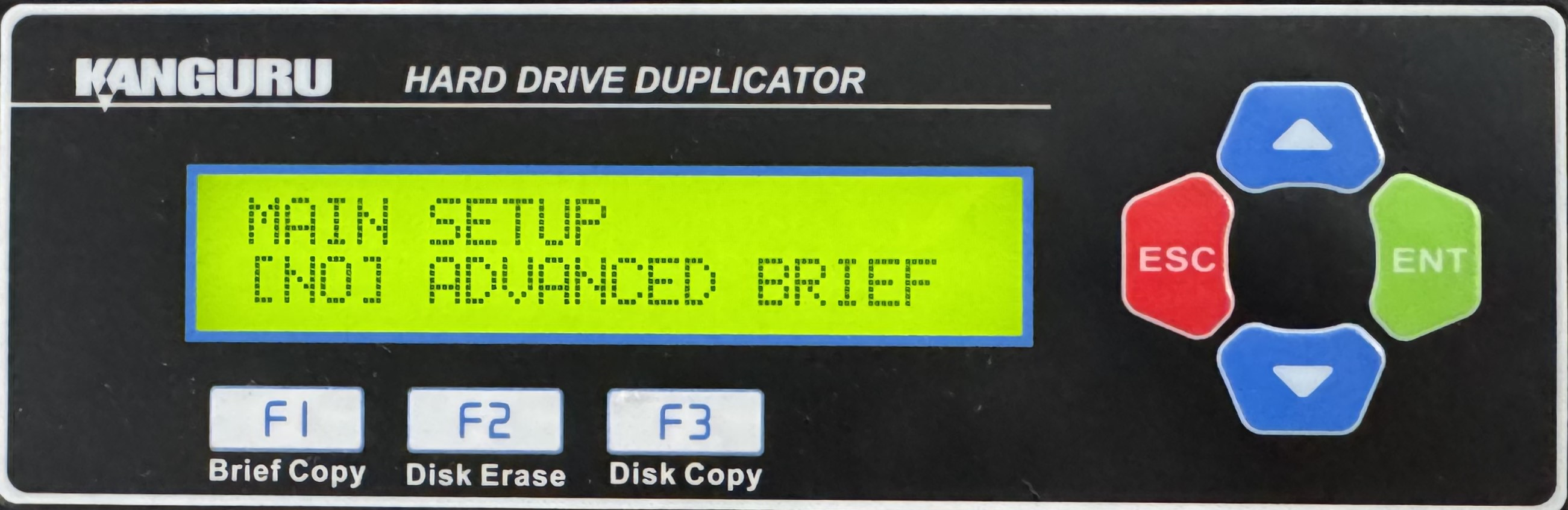
- Use the Up or Down buttons to alter the setting. This will define the write pattern. The write pattern can be set to 00, RM (random), AA, A5, 5A, C9, FF, E5 or F6. The default setting is 00. This will define the data that will be written to all sectors of your drives during the Disk Erase operation.
- Press the ENT button to save the setting.
- Press the ESC button to return to the Menu Select mode.
- Press the ESC button to return to the Main Copy Menu.
- Connecting a blank drive to any Target port on the duplicator and then execute a Disk Erase.
- When completed, you can use this newly erased hard drive to create your Source drive.
Now that you’ve created a Source drive we need to load an image of it to a Storage Center drive using the Load Image operation:
- Power on the duplicator.
- From the Main Copy Menu press the Up or Down buttons until you see Load Image.
- Connect a drive formatted as a Storage Center to the Source port.
- Connect the Source drive to the last Target port on the duplicator (either #7, #15 or #23 depending on model).
- When Load Image is displaying for you, press the ENT button to enter this process.
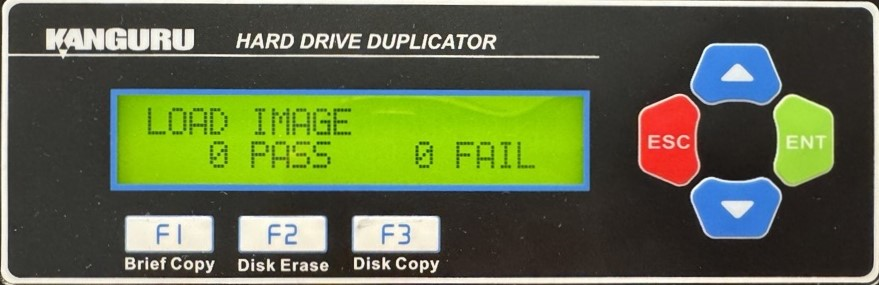
- Enter a name for the image file, then press and hold the ENT button to start the Load process. This will build a data map of the Source drive image onto the Storage Center. A data map image of the Source drive has now been saved to the Storage Center. You can now execute a Brief copy of this image file, regardless of the file system.


