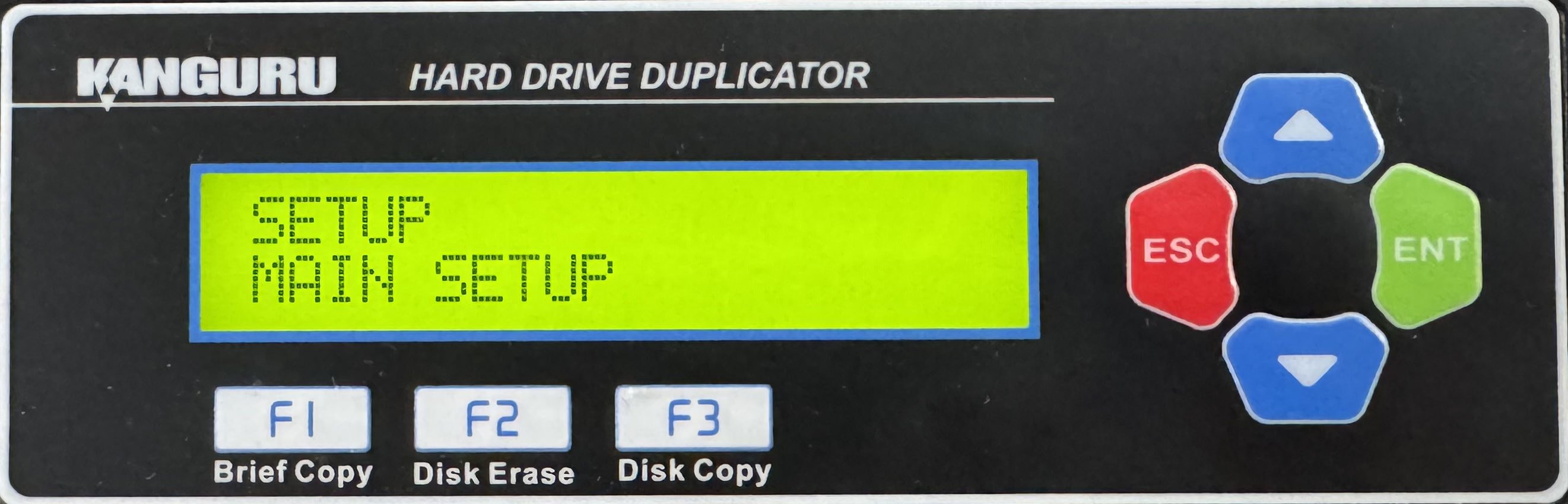
HD Pro Duplicator - Main Setup

The Main Setup menu provides access to general duplication options for compatibility and function. Items such as HPA and DCO check which make duplicating Windows Operating Systems, are located within Main Setup. Within Main Setup you will have access to the following:
|
Turbo Mode refers to the ability to write to multiple storage devices simultaneously, which can speed up the writing process. |
|
|
The Host Protected Area (HPA), sometimes referred to as the Hidden Protected Area, is a partition on the hard drive that is not normally visible to an operating system. |
|
|
A Device Configuration Overlay (DCO), is a partition on the hard drive that is not normally visible to an operating system. The DCO can report to the system that supported features are nonexistent or that the drive is smaller in capacity than it actually is. |
|
|
The Keep Capacity option allows you to lock the amount of free space on the Target drives so the total disk capacity appears the same as the Source drive. |
|
|
If your storage device has had its capacity locked—for example, a 160GB hard drive being restricted to 80GB—activating the Verify Unlock parameter will allow the machine to execute the VERIFY command. Once the process is complete, the target hard drive will be restored to its original 160GB storage capacity. |
|
|
The SATA Speed option allows you to Select the data transfer mode. |
|
|
Some legacy or poorly compatible hard drives may not support data transmission using the UDMA standard. In certain specific scenarios, the system can be configured to fall back to the older PIODMA protocol for data transfer. |
|
|
The Show Checksum option allows you to configure whether the disk checksum is displayed on the LCD screen when duplication is finished. |
|
|
The Verify Checksum option allows you to configure whether the duplicator will compare the checksum value of the Source against the Target drives when duplication is finished. |
|
|
The SHA256 Check option allows you to configure whether the system checks for a matching SHA256 hash between the Source and Target drives when duplication completes successfully. |
|
|
The Source Power Off option allows you to configure whether the system turns off power to the Source drive after a process is completed. |
|
|
The Erase Source port option allows you to configure whether the system erases the disk connected to the Source port when running any Erase process. |
|
|
The Verify Source Check option allows you to configure whether the system checks the Source’s CRC to ensure that the source data is healthy before starting a copy process. |
|
|
The Set SMART Check option allows you to configure whether the system runs a SMART check before starting a copy process. You can configure what level of SMART check is performed through the SMART Warning option. |
|
|
If Set SMART Check is enabled, you can configure what level of SMART check performed. |
|
|
The Show EXE Time option allows you to enable or disable whether the total execution time for an operation is displayed on the LCD screen. The total execution time will be displayed after an operation has completed. |
|
|
The Show EXE Speed option allows you to enable or disable whether the duplicator will display the current data transfer speed during operation on the LCD screen. |
|
|
The Show Binary Base option allows you to change whether capacities are displayed in decimal form (e.g. 1KB=1000 bytes) or in binary form (e.g. 1KB = 1024 bytes). |
|
|
The Transfer Size setting allows you define the data transfer block size for each ATA write command. Generally, larger transfer block sizes are better for duplication purposes than smaller sizes. However, there are some hard drives which can only accept 2MB data transfer size per ATA command. If your drives only support small data transfer block sizes, then you will need to change this setting. |
|
|
The Read Transfer Size setting allows you define the data transfer block size for each ATA read command. Generally, larger transfer block sizes are better for duplication purposes than smaller sizes. However, there are some hard drives which can only accept 2MB data transfer size per ATA command. If your drives only support small data transfer block sizes, then you will need to change this setting. |
|
|
The Set Write Pattern setting is used to define the data that you want written to all sectors of your drives during a Disk Erase operation. |
|
|
The duplicator has a built-in capacity check function which will check the capacity of the Source hard drive and the Target hard drive(s) during Disk or Brief copy processes and determine whether the drives’ capacities are the same. |
|
|
The duplicator has a built-in capacity check function which will check the model of the Source drive and the Target drive(s) during Disk or Brief copy processes and determine whether the drive models are the same. |
|
|
Enhance Erase+Copy allows you the ability to fully erase all Target drives prior to performing any copy process. |
|
|
The Brief+Ratio option allows you to enable Brief+Ratio copy. |
|
|
If you are experiencing issues when running Brief Copy, disabling the Brief Immediate function may improve the chance of a successful duplication. |
|
|
The Optimize Log Table option can be enabled to help improve Brief Copy performance when duplicating Linux drives by building a more extensive data map prior to copying. |
|
|
The Brief copy mode is usually the fastest duplication method available. However Brief mode only supports a handful of file systems. The ADV. BRIEF MODE operation allows you to execute a Brief copy of unsupported file systems. |
|
|
The Scan Size setting is used to define how the duplicator builds a data map of the Source drive image into flash memory. |
|
|
The Set HDD Wipe option allows you to configure the number of wipe cycles that are executed when you run the Disk Wipe operation. |
|
|
The Burn In option allows the you to enable a continuous Copy, Compare, Verify, Erase or Load function to stress test for endurance, reliability and stability of your drives. |
|
|
Total Copy Count keeps track of the total number of successful and unsuccessful duplications produced by the system. |
|
|
The Skip Read Error option allows you to enable or disable error skipping during Disk, SMART, Brief, and Resize modes. |
|
|
The No Button Sound option allows you to enable or disable the audible tone that sounds when you tap or hold a button. |
|
|
The Keep LED Result option allows you to configure whether the LED status lights remain on after a duplication completes. |
|
|
The Set UART Control option must be enabled in order to execute commands remotely via the Control Manager software. |
|
|
The Real Time Messaging option allows you to configure how the duplicator sends information about the duplication process to a connected PC used in Logging Using the Control Manager Software. |