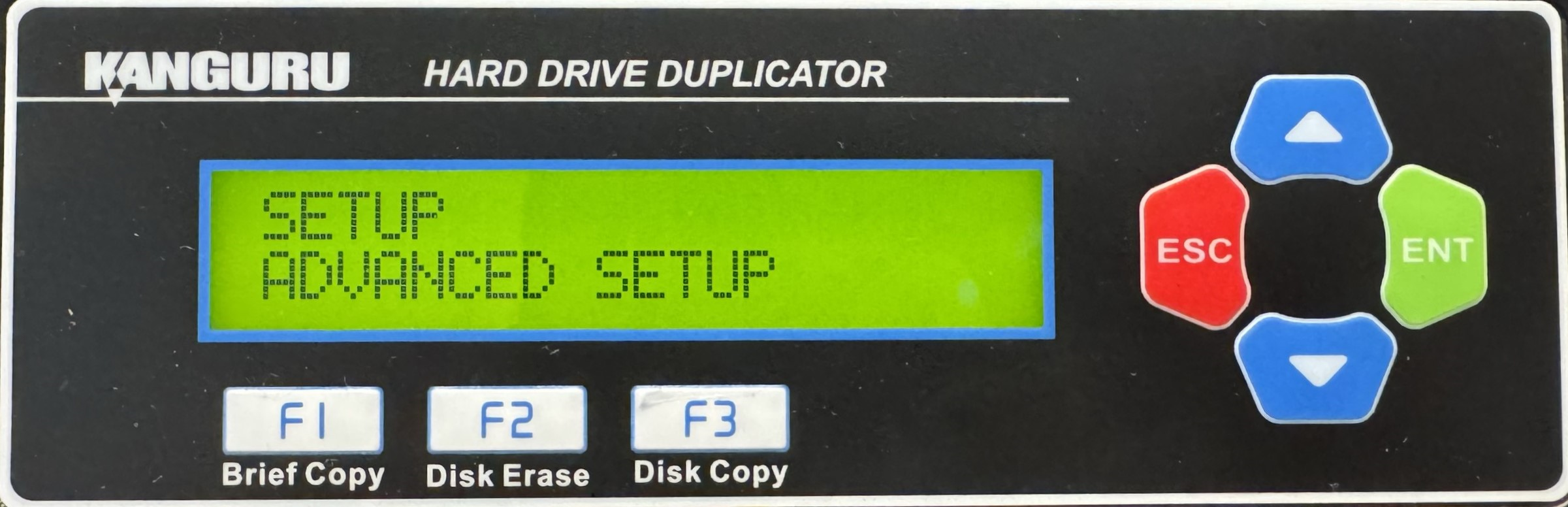
HD Pro Duplicator - Advanced Setup

Advanced Setup provides access to more specific settings that are more specialized. Commonly it is not recommended to alter these settings unless you are aware of the implications of the impact of several settings such as Set Password or Power On Wait. Within Advanced Setup you will have access to the following:
|
The Set Password option allows you to enable a 4-digit password for the Setup menus, protecting the system against unauthorized setting changes. |
|
|
The Set Error Retry Count option allows you to configure the number of times that the duplicator retries sending general error handling commands when it encounters an error before failing. |
|
|
The Set Command Retry Count option allows you to configure the number of times that the duplicator retries sending general ATA commands to the SATA port before failing. |
|
|
The Set Copy Retry Count option allows you to configure the number of times that the duplicator retries sending ATA write commands to the SATA port before failing. |
|
|
The Set Compare Retry Count option allows you to configure the number of times that the duplicator retries sending ATA read commands to the SATA port before failing. |
|
|
When the machine has major problem or a critical error, the Physical Retry Count is the number of times that the duplicator will reset the drives in an attempt to allow the duplication to progress. |
|
|
The Set SATA Physical Retry Count option is used when the duplicator recognizes a major problem with a drive or a critical error at the hardware level that is uncorrectable at the software level. |
|
|
Enabling Auto Kick Slow option allows the duplicator to detect any slow drives and automatically remove them from the operation. |
|
|
If Auto Kick Slow has been enabled, the Set Kick Time option will define the how long a drive can operate below the speed defined by Set Kick Speed before it is ejected from the operation. |
|
|
If Auto Kick Slow has been enabled, the Set Kick Time option will define the lowest speed that a drive can operate at. If a drive remains below this speed threshold for the amount of time defined by Set Kick Time, then it will be ejected from the operation. |
|
|
Ratio Copy duplicates only a defined percentage of the Source drive. The Set Ratio Start option allows you to define the starting point. The percentage of the disk duplicated from the start point is defined by the Set Ratio Length option. |
|
|
Ratio Copy duplicates only a defined percentage of the Source drive. The Set Ratio Length option allows you to define the percentage of length to be duplicated. The starting point is defined by the Set Ratio Start option. |
|
|
Ratio Erase erases only a defined percentage of the Source drive. The Set Ratio Erase Start option allows you to define the starting point. The percentage of the disk erased from the start point is defined by the Set Ratio Erase Length option. |
|
|
Ratio Erase duplicates only a defined percentage of the Source drive. The Set Ratio Erase Length option allows you to define the percentage of length to be erased. The starting point is defined by the Set Ratio Erase Start option. |
|
|
The Check Daisy Chain Connect option allows you to configure whether or not the duplicator checks for any other daisy chain connected duplicators during bootup. |
|
|
The more duplicators you have connected through daisy chain, the longer it will take to initialize during bootup. The Set Max Daisy Chain Count option allows you to configure the maximum number of duplicators the system checks for during bootup. |
|
|
The more duplicators you have connected through daisy chain, the longer it will take to initialize during bootup. The Set Daisy Chain Connect Time option allows you to configure the maximum amount of time that the system checks for daisy chain connected duplicators during bootup. |
|
|
Power On Wait is the amount of time the system waits between powering on the connected drives and executing a function. Setting this too low may cause some drives to be not recognized by the duplicator before a function begins. |
|
|
Power Off Wait is the amount of time the system waits between completed functions and the powering off of the connected drives. Setting this too low may cause some drives to be powered off incorrectly by the duplicator after performing a function. |
|
|
The Max UDMA Mode option allows you to configure the maximum transfer speed allowed. |
|
|
Some Linux file systems use a log-structure file system that allows for metadata to be written in between blocks of data. Normally this metadata isn’t critical and does not need to be copied. However, if you would like this information to be copied, you must define the gap size. |
|
|
The Partition Full Copy option allows you to run a hybrid Brief or Disk Copy. This type of copy is useful when duplicating a disk that contains hidden data or hidden partitions that would not be recognized by Brief Copy. |
|
|
The Partition Gap Copy option allows the duplicator to copy any gap data that resides between partitions when running Brief Copy. This is only required in rare circumstances. |
|
|
The Partition Unused Copy option allows the duplicator to copy any unused partitions. |
|
|
The No MBR Check option will allow the duplicator to start a copy process without checking the MBR table. This is because some drives do not have a standard MBR table, however the data residing within are correct and the duplicator is able to copy them. |
|
|
The MBR & HP check is specifically used when copying drives from certain HP computers which need to have this function enabled for it to be successful. |
|
|
The Keep Last Partition setting is used to configure how Resize Copy functions when the Source drive has multiple partitions. |
|
|
The Resize Last Partition setting is used to configure how Resize Copy functions when the Source drive has multiple partitions. |
|
|
The Need Resize option configures the way that the Smart Copy operates. When you execute a Smart Copy operation, the system checks the capacity between the Source drive and all connected Target drives. |
|
|
Enabling Brief Verify Source will allow the duplicator to create a Source CRC value (for data only) and save it in the machine until the duplicator is turned off. |
|
|
Enabling Brief Verify Source will allow the duplicator to create a Source CRC value (for the whole disk) and save it in the machine until the duplicator is turned off. |